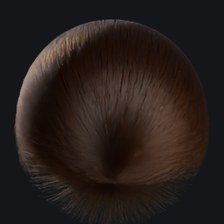
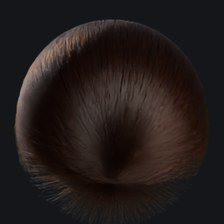
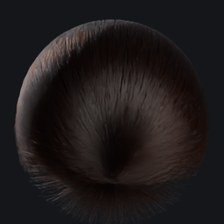
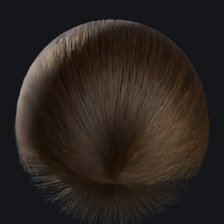
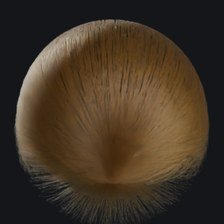
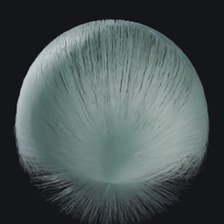
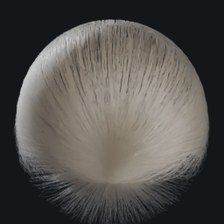
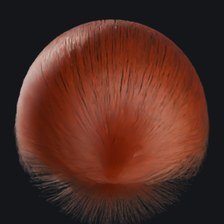
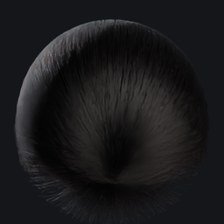
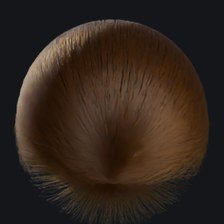
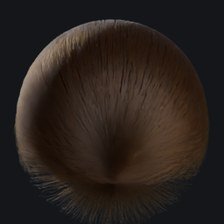
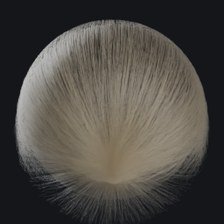
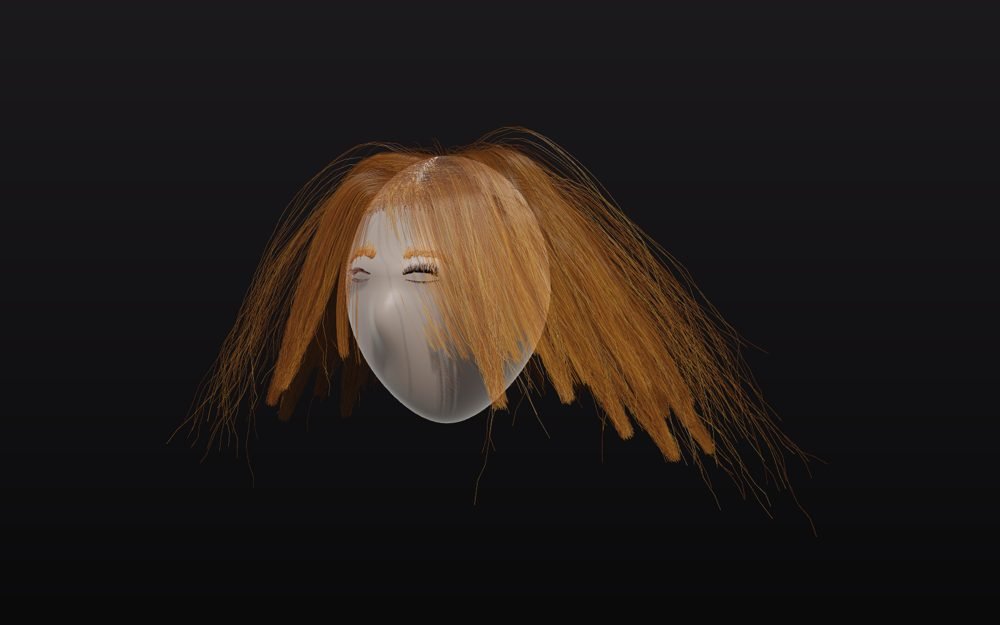
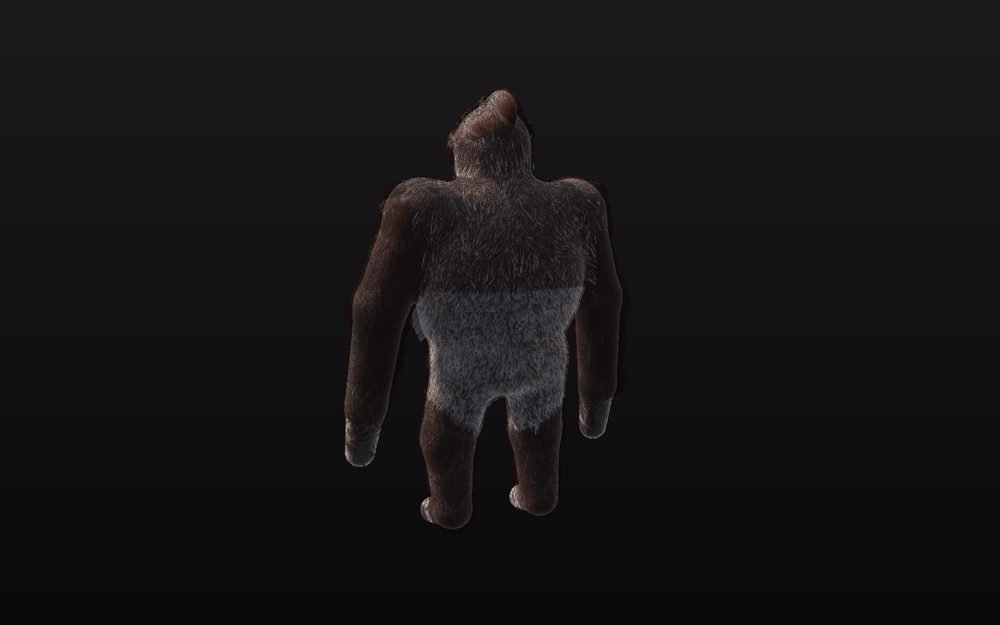
Strand Lab is a standalone desktop application for grooming hair, fur and feathers. You block in the
look with editable tubes, guide curves and brushes, a procedural node graph turns that into final strands, and
the result renders in Cycles inside the app or exports — with shaders attached — to Maya, Houdini (Solaris), Blender,
USD and Alembic pipelines.
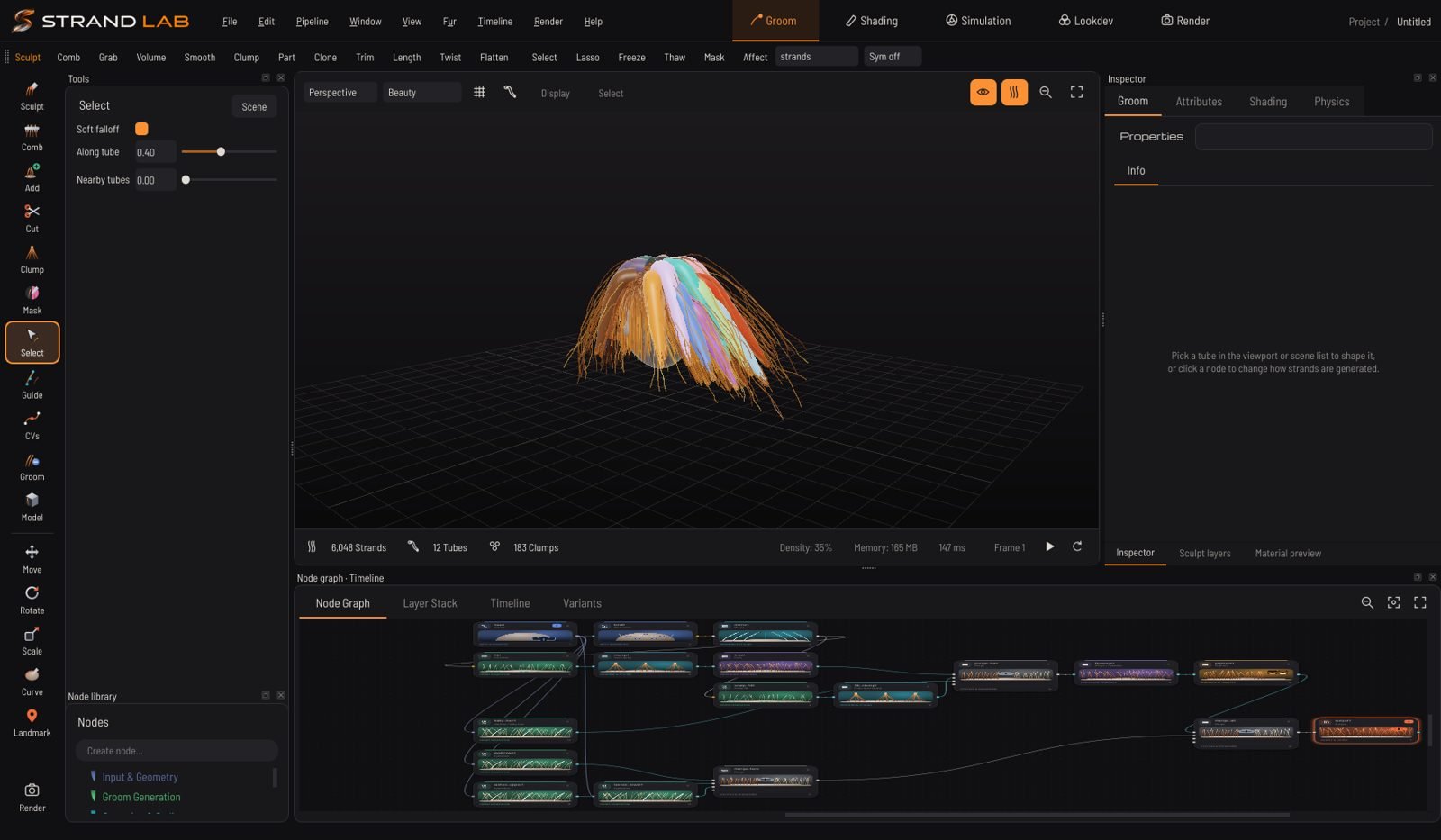
The main window: tool rail,
inspector, viewport and node graph.
251 nodes
Generation, styling, procedural modifiers, physics, masks, density, shading and export.
173 shaders
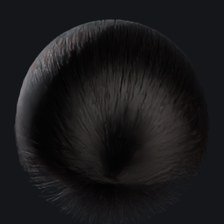
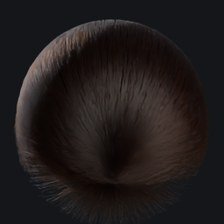
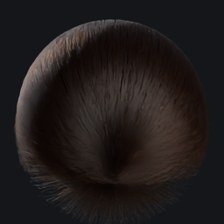
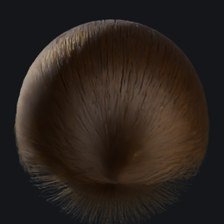
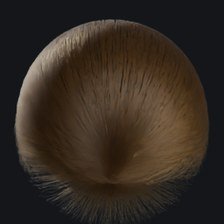
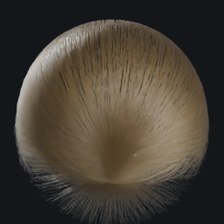
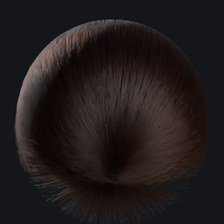
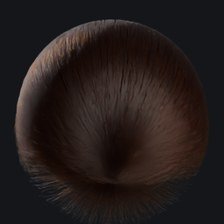
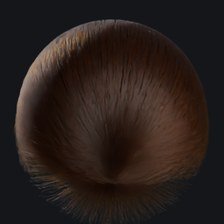
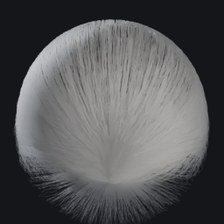
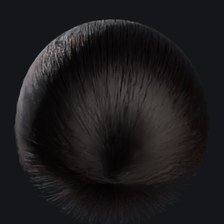
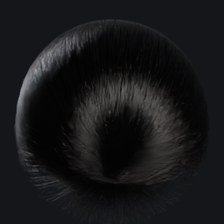
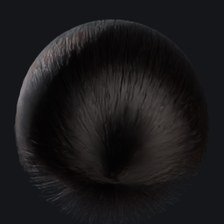
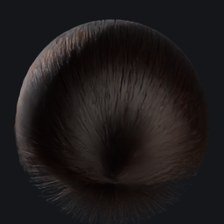
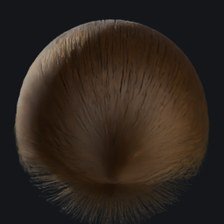
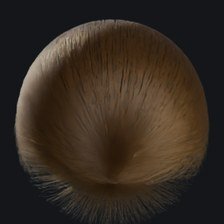
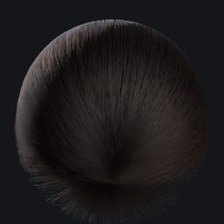
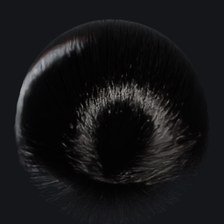
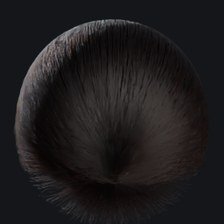
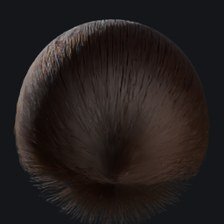
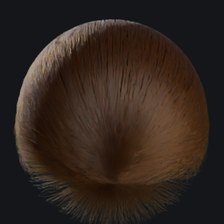
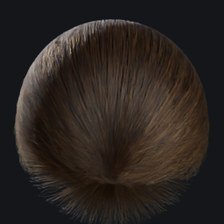
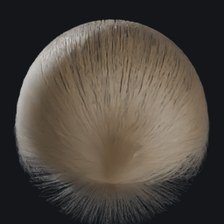
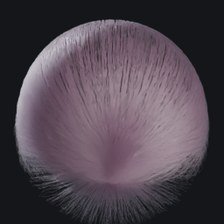
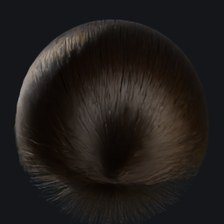
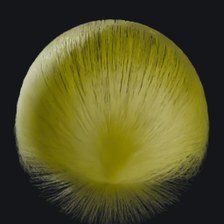
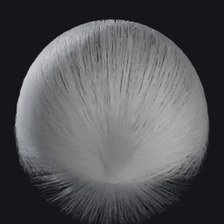
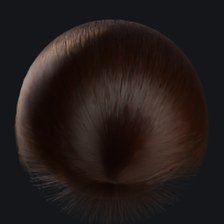
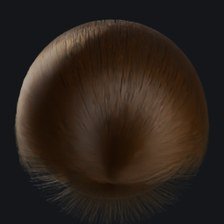
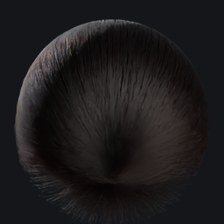
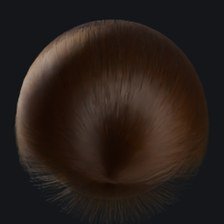
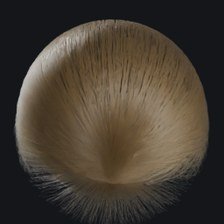
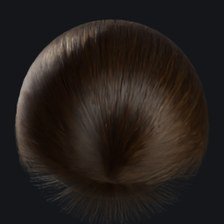
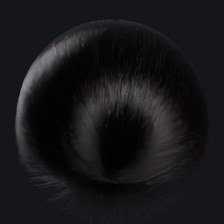
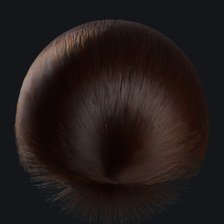
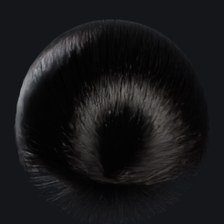
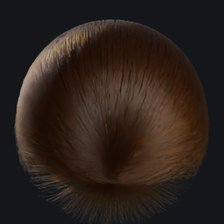
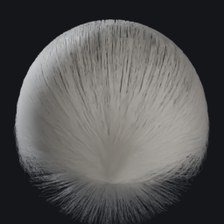
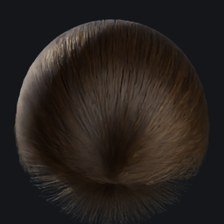
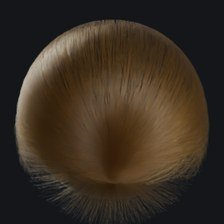
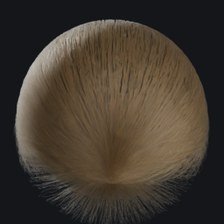
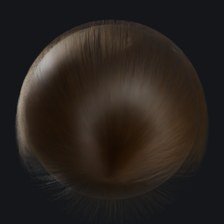
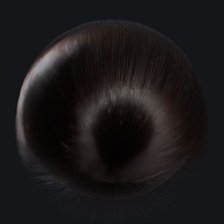
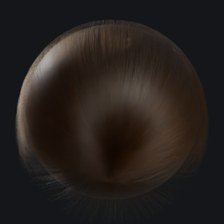
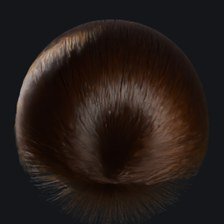
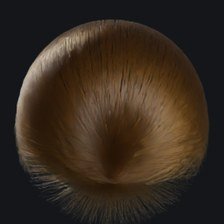
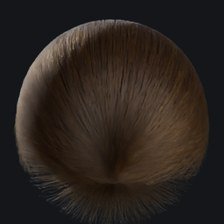
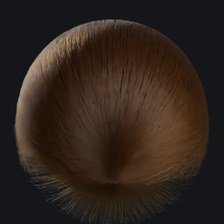
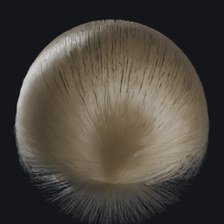
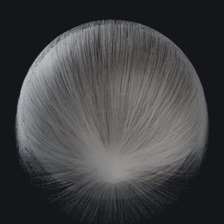
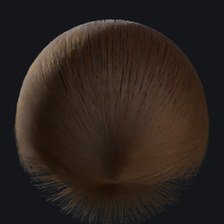
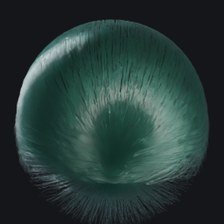
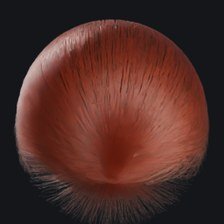
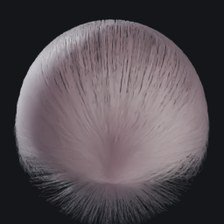
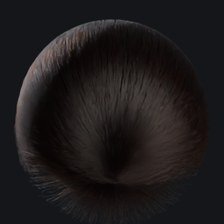
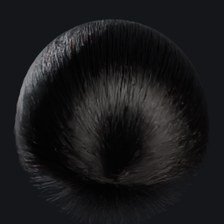
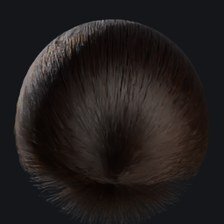
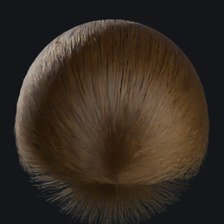
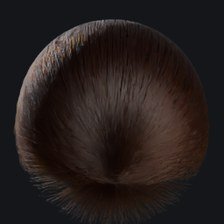
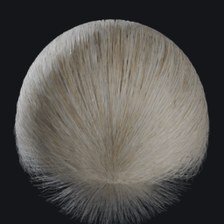
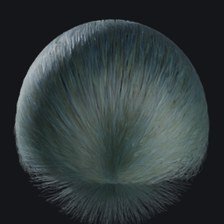
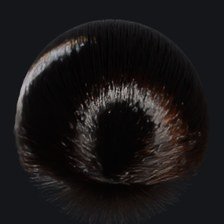
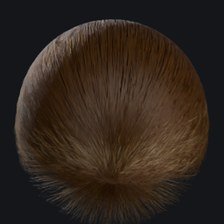
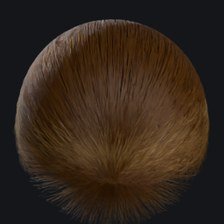
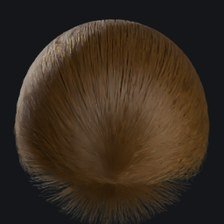
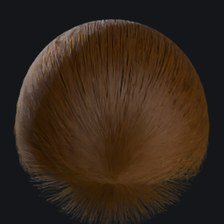
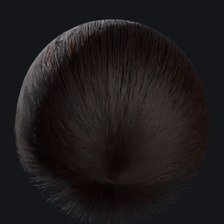
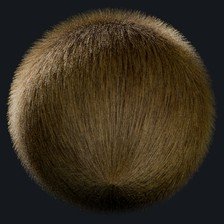
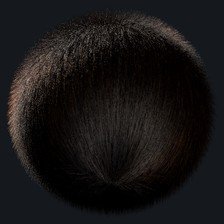
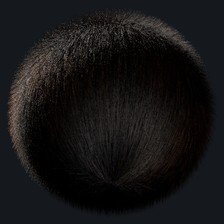
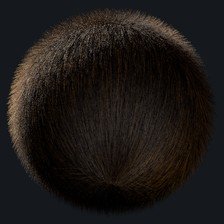
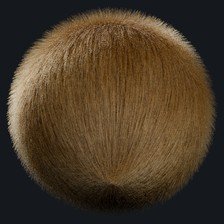
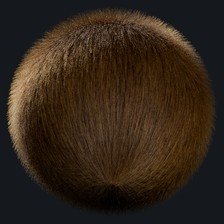
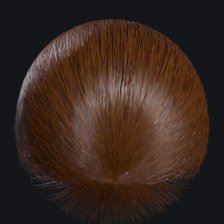
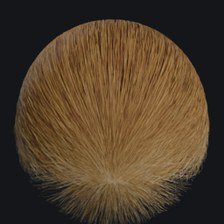
132 library shaders and 41 physically based Fiber Material presets, all in the Shader Library, each shown as a Cycles render.
One groom, every DCC
USD, Alembic, Maya ASCII, .blend and a complete Houdini Solaris package — geometry, guides and shaders together.
Key ideas
Tubes and guides describe the shape; nodes generate and modify the strands; nothing you do in the viewport is lost when you change a node upstream.
The display flag (D) on a node decides what the viewport and the render show. Normally it sits on the Output node.
Every modifier can be limited by a mask: painted map, body region, strand group or mask node.
Strands keep stable IDs, so sculpts, colour picks and simulation bindings survive density changes and re-cooks.
Installation & requirements
System requirements
OS
Windows 10 / 11 (64-bit). Source build also runs on macOS and Linux.
GPU
OpenGL 3.3 or newer (macOS: 4.1). Any dedicated GPU from the last decade; a modern GPU is recommended for 200k+ preview strands.
Memory
8 GB minimum, 16–32 GB recommended for full-density creature coats.
Disk
About 400 MB for the app; the Cycles renderer is bundled with the Cycles installer variant.
Installing
Run StrandLab-0.55.4-Setup.exe and follow the wizard.
Launch Strand Lab from the Start menu. The first launch shows the splash screen while fonts and shaders load.
Enter your licence key when asked (see Licensing).
Settings live in %USERPROFILE%\.strandlab (presets, favourites, autosave) — copy this folder to move your setup to another machine.
The interface
Every panel is a dock: drag its title to rearrange, float it, or move it to a second monitor. Window ▸ Reset to default layout (Ctrl+Shift+R) restores it. The layout scales to any screen resolution.
Area
What it does
Top bar
Menus, the workspace picker (one dropdown: Groom ▾) and the ◎ Tools button that opens the radial menu.
Tool rail (left)
Viewport tools — see Tools. View ▸ Show left tool rail toggles it.
Sculpt toolbar
Hidden by default — its brushes live in the radial menu. View ▸ Show sculpt toolbar brings it back.
Inspector / Tools
Settings of the active tool, tube or node.
Outliner
Meshes, tube groups, tubes and guides; search, multi-select, rename.
Viewport
OpenGL viewport with shaded strands, self-shadowing, gizmos and display modes.
Node graph
The procedural chain. Tab or right-click to add nodes. Double-click a Hair Shader node to open its shader graph here.
Node library
All nodes by category; drag into the graph.
Timeline
Frames for animated meshes and simulation caches.
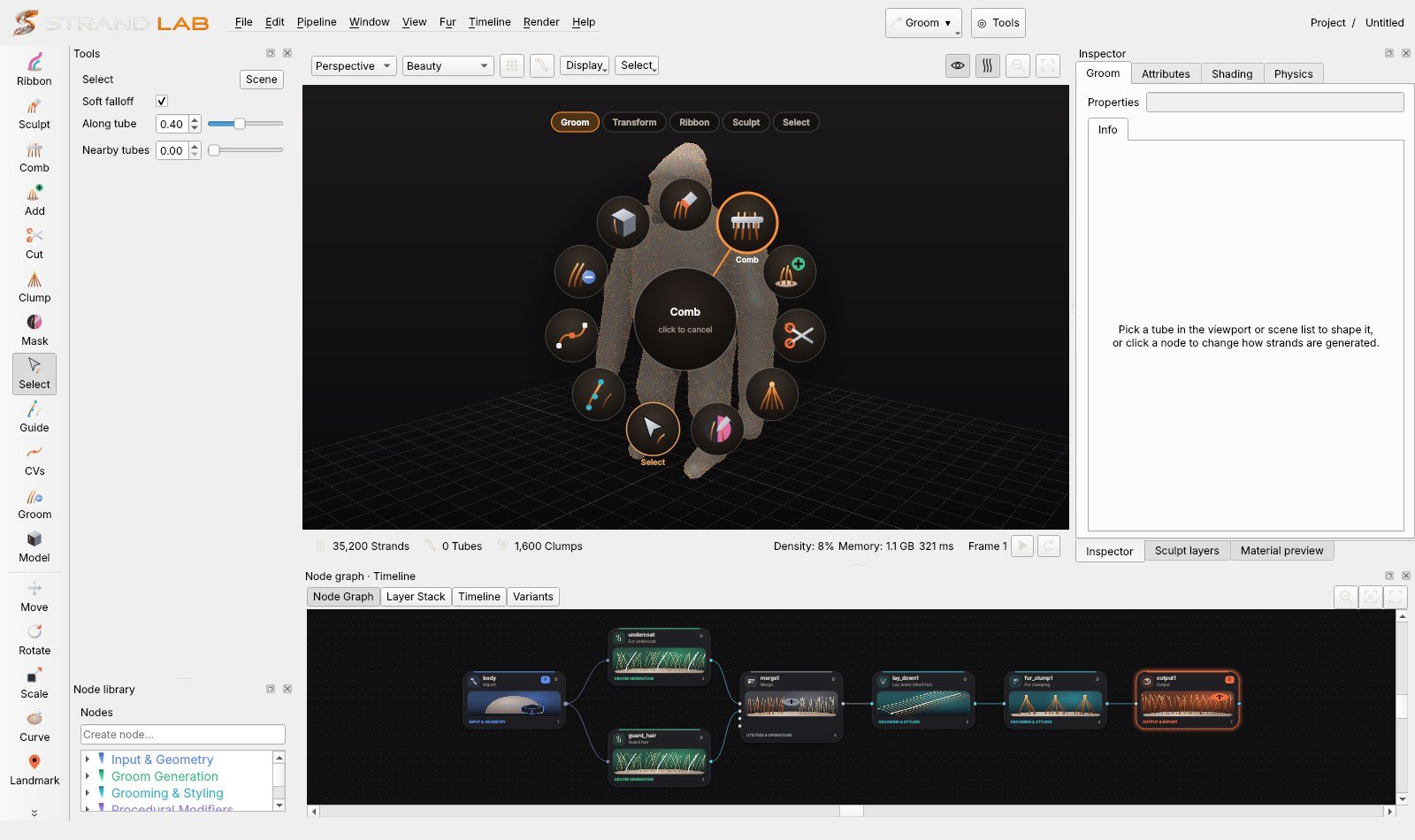
Radial menu
The radial menu (Space in the viewport): illustrated tools in rings, the hovered tool ringed in orange.
Open: press Space in the viewport, or click ◎ Tools in the top bar.
Pick: hold Space, flick toward a tool and release — or tap Space and click. Click the centre or press Esc to cancel.
Rings: Groom, Transform, Ribbon, Sculpt and Select (plus a Context ring in Guides, Model and Paint). Switch with the tabs above the ring, the mouse wheel, Tab / arrow keys or 1–5. It opens on the ring that matches the active tool.
Select ring: also holds the sculpt Affect and Symmetry options — click to cycle.
Viewport navigation
Alt+LMB or right-drag orbit · Alt+MMB or MMB pan · wheel or Alt+RMB zoom · F frame selected · A frame all · 1/2/3 tubes as surface / curves / hidden · 5 polygonal tubes · 6 clay look · H strands on/off · Space radial menu · Ctrl+Space maximise viewport. Display ▸ Input geometry colour changes the mesh colour.
Quick start: your first groom
Start from a template.File ▸ New from template or preset (Ctrl+Shift+N) → Hair — full head. You get a head, tubes and a complete graph.
Shape with tubes. Pick Select (Q), click a tube, drag its control points. Add (T) plants new tubes; Comb (C) and Sculpt (B) shape many at once.
Tune the look in the graph. Click a node (e.g. clump1) and change its parameters in the Inspector; the viewport updates live.
Add a node. Select a node and press Tab: the new node is inserted right after it, in the chain.
Colour it.Render ▸ Shader library (Ctrl+Shift+L) → pick a swatch → Apply shader. Or add a Fiber Material node.
Render.F10 opens the interactive Cycles view; F12 renders the final frame.
Export.Pipeline ▸ Export Groom: choose the target (Maya, Houdini, Blender, USD) and Strand Lab writes geometry, guides and shaders together.
Templates
Hair — tubes (basic)
Hair — full head
Hair — dreadlocks
Bird — plumage
Feather — flight primary
Creature — Gorilla — silverback
Creature — Gorilla — female / juvenile
Creature — Chimpanzee
Creature — Bonobo
Creature — Orangutan
Creature — Giant ape (fantasy)
Fur — Dog — short coat
Fur — Cat — soft plush
Fur — Tiger — striped
Fur — Otter — wet
Fur — Sheep — wool
Fur — Wolf — wild coat
Fur — Rodent — dense short
Save your own with File ▸ Save current as preset….
Working with the node graph
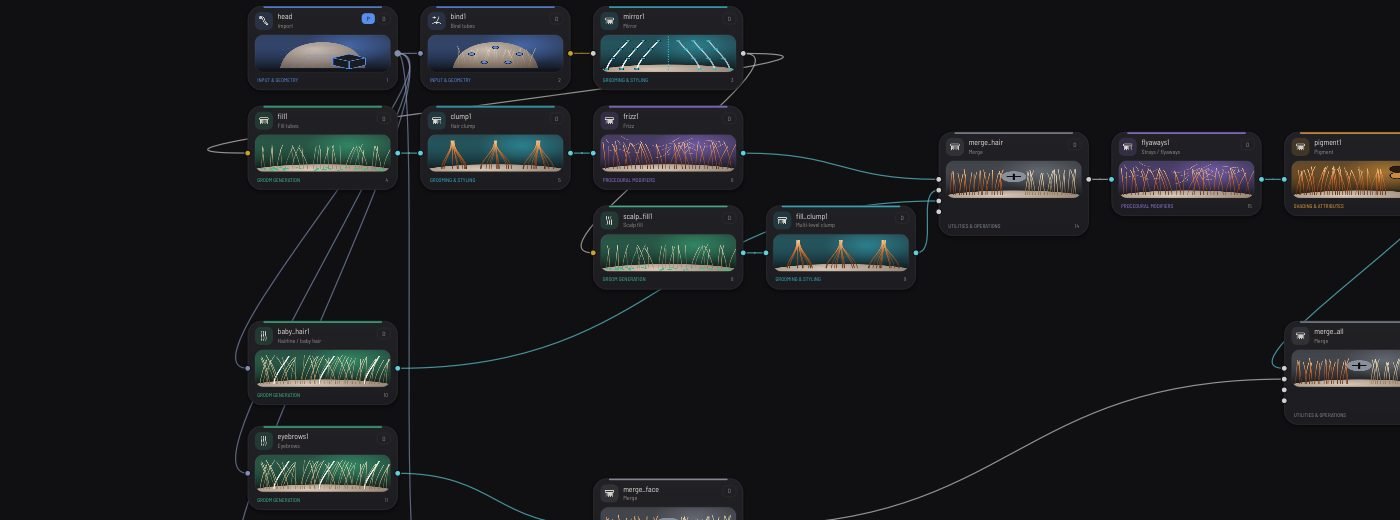
Illustrated node cards; the colour tab and footer show the category.
Add:Tab or right-click. With a node selected, the new node is spliced into the chain after it — downstream wires move to the new node.
Connect: drag from an output port (right) to an input port (left). While dragging, compatible inputs light up green, convertible ones orange, incompatible nodes dim.
Display flag D: click it to choose what the viewport and render show. Nodes after the displayed one are ignored.
Bypass: a bypassed node passes its input through unchanged (shown faded).
Delete: removing a node reconnects its input to its outputs, so the chain stays intact and the hair returns to normal.
Sockets:mesh, curves, tubes, mask and others. Converters run automatically where safe.
Masks: every Maskable node has a Mask tab — painted map (mask_map), body region (mask_region), strand group (mask_group) or attribute (mask_attr), with invert, falloff and mix. These shared parameters are not repeated in the node reference.
Style controls on every styling node
Every maskable styling node (Curl, Wave, Frizz, Clump, Bend, Root lift, Comb / flow, Part and the rest) shares the same controls, below its own parameters:
Control
What it does
Strength
How much of the effect applies (was Mix).
Start / End along strand
Where the effect acts: 0 = root, 1 = tip. Edge softness and Falloff (smooth, linear, sharp) shape the transition.
Strength randomness
Per-strand variation of the strength, stable across re-cooks (hashed from the strand id) with its own seed.
Mask: painted maps
Up to three painted maps per node, combined by multiply, add, subtract, max or min.
Mask: procedural noise
Breaks the mask up with smooth 3D noise over the skin (size in cm).
Shows the node's influence on the hair in the viewport: grey = untouched, purple = full effect.
New parameters default to "no change": scenes saved with earlier versions reopen exactly as they were.
Curl Hair
Curl type (helix, spiral opening toward the tip, corkscrew closing, flat S-curls), Curl radius (cm — larger is looser), Curl tightness (the curl compresses the strand like a spring), Turns, Curl starts at / ends at (after the end the strand continues straight), fade-in length and shape, and per-strand radius / turns variation. Wave gained direction, phase offset, irregularity and amplitude variation; Frizz gained direction (any, lateral, outward), coherence, noise size, root frizz and amplitude variation; Clump gained breakup and amount variation; Bend gained an end point, direction and angle variation.
Twist / Locks and the dreadlocks template
The Twist / Locks node (Procedural Modifiers) gathers the groom into matted, rope-like locks. Every fibre keeps its root; the centre path of each lock follows the incoming groom, so tubes, comb and gravity upstream still shape the locks.
Sections:Number of locks divides the scalp into lock sections; fibres converge from their section into the lock over Root gathering.
Rope:Lock radius and thickness variation, Twist (turns per 10 cm, left or right per lock), Felting (fibres weaving in and out), a rounded tip and length variation.
Fuzz: a share of fibres loops and kinks out of the surface (Fuzz / loops, Fuzz size).
Curled ends on a share of locks, and gold cuffs (bands and wire coils) rendered as geometry.
Density:Fibre multiplier adds fibres rooted inside each section (1 keeps the strand count); Detail resamples the fibres so felting and fuzz resolve.
Presets (top of the node), thinnest to thickest: Micro locks / sisterlocks, Thin locks, Two-strand twists, Starter locks (frizzy), Classic dreadlocks, Adorned (many cuffs), Thick freeform, Congo / matted. A preset sets every control; adjust from there.
Writes lock_id and lock_rand per strand — use them in a shader graph to colour whole locks.
File ▸ New from template ▸ Hair — dreadlocks builds a complete dyed set: felted locks with fuzz, curled ends and cuffs, and a shader graph with black natural regrowth at the roots, undyed dark fibres woven through the locks, purple lengths and a share of teal locks.
Cuffs render in Strand Lab and in the Blender scene export; the DCC scatter export does not carry them yet.
Working faster (0.41)
F5 — Refresh (View menu) clears every cache and recooks the whole scene, reloading meshes and texture files from disk.
While you drag a slider or a brush the viewport cooks a lighter preview and finishes the full preview when you let go; a cook that is no longer needed is cancelled instead of finishing.
Shader-only edits (colour, melanin, roughness, shader graph) update the hair colours in place without rebuilding the strand geometry.
Each node shows how long it took to cook: amber above 0.5 s, red above 1.5 s.
Right-click a node
Every node has the same menu: Recook this node, Freeze (keeps its current result until unfrozen, ❄), Info (inputs, cook time, output size), Copy settings / Paste settings (Ctrl+Shift+C / V), Paste settings… to choose what goes across, Reset to defaults, Save / load node preset, Duplicate (Ctrl+D), Colour tag, Note (✎), Select upstream / downstream, Insert node before and Help.
Copying settings between nodes. Paste settings copies the regular controls only. Masks, curves / guides and seeds stay as they are on the target, so you can reuse a look on another part of the character with that region's own maps. Paste settings… adds them when you want them: masks, curves / guides (same node type only) and seeds. Between different node types, only parameters with the same name and kind are pasted, and the status bar reports what was skipped. File paths and actions are never pasted.
Skin Material
Add Skin Material (Shading) right after the Import node: Import → Skin Material → Bind …. The viewport and the Cycles render then show realistic skin on the character, using the Import node's colour, roughness, normal and bump maps underneath.
Subsurface: random-walk skin scattering. Scatter distance is physical, in cm, because Strand Lab and Blender share units. The R/G/B radius sets how far each colour travels; red travels furthest.
Roughness with variation, an oily sheen (coat), sheen (peach fuzz), and IOR / anisotropy.
Pores (size in cm) and micro-wrinkles are procedural bumps. They are chained after the normal and bump maps, so they add to the maps instead of replacing them.
Pigment variation: blotchy melanin, with a flush of redness.
Use colour map blends between the mesh's colour map and the node's skin colour.
Presets: human types I–VI, macaque pink face, macaque blue-grey eye skin, chimpanzee dark, chimpanzee pale face, and reptilian creature.
The viewport approximates the skin with a red light-bleed past the terminator and the pigment variation. Pores, wrinkles and true subsurface scattering appear in the render.
Paint Colour / Project
The Paint Colour / Project node (Shading) paints colour onto the character. Put it after Skin Material: Import → Skin Material → Paint Colour → Bind. Press Paint colour in the viewport, choose a Brush colour and paint: Shift erases, Ctrl smooths, and Esc finishes. Size, strength, hardness, symmetry and fill / flood are the usual mask-brush settings.
Paint goes into a texture through the mesh UVs (1K–8K). A mesh without UVs is unwrapped automatically.
Project image from current view: line up the camera, pick an image, and project it. Opacity, soft edges and fit / fill / stretch are adjustable. Only what the camera sees stops the image from going through to the back of the head.
Paint over controls what shows where nothing is painted:
colour map: the incoming colour map, or the Skin Material colour when there is no map;
base colour: the node's own base colour;
transparent.
When you finish a stroke, the paint is baked to a PNG in ~/.strandlab/paint. That PNG becomes the mesh's colour map, so the viewport, Cycles, the Blender scene and the exports all use it. Painting is undoable and is saved with the scene.
Fur colour from the skin
In Fiber Material, set Colour from skin above 0 and the strands take the colour of the skin under their roots: the painted colour, the colour map, or the Skin Material colour. That colour is converted into melanin, redness and a tint, so the fibres stay physically shaded.
Skin colour extent: 1 colours the whole strand; lower values colour only the roots and fade out toward the tips.
Brightness scales the skin colour.
In the shader graph, the Root Surface ▸ Skin Color output reads the same colour. The paint and skin nodes have to sit between the Import node and Bind, so the strands see the coloured mesh.
Paint workspace — painting the fur (0.42)
Choose Paint in the workspace menu (or press Open in the Paint workspace on a Fur Paint node). Strand Lab adds a Fur Paint node just before the output if there isn't one. Paint and projection go onto the strands themselves; the skin and its textures are never touched. Only colour changes: strand count, shape and density stay exactly as they are, and so do melanin, roughness, specular and transmission. The colour is shown live in the viewport and rendered exactly in Cycles. The exports carry it too, as per-point colour, alpha, and root / tip colour attributes.
Left: tools and brush.
Tools: Paint (B), Erase (E), Fill (F), Blur, Smudge (S), Gradient (G), Clone (Ctrl+click sets the source), Eyedropper (I, or Ctrl+click while painting) and Projection (P).
Brush settings: size ([ ]), opacity, flow, hardness, spacing, jitter and falloff. Pen pressure can drive size and flow. X swaps the two colours.
Brush modes: Surface (the visible fur under the brush, down to the Depth you set), Full strand, Root only, Tip only, Gradient root → tip (colour → second colour), and Length mask (from / to / soft).
Paint on: the whole groom, the selected strands, or one groom group.
Mirror X paints the matching strands on the other side.
Right: colour and layers.
Colour picker with HSV, RGB, HEX and alpha (alpha is the brush opacity).
Palettes: Fur naturals, Big cats, Primates, Dyed hair and Greys, plus your own (New / + / right-click a swatch to remove it), and recent colours.
Paint tools on the left rail (0.43)
In the Paint workspace, the left rail switches to the paint tools:
View (arrow, Esc): orbit and look around without painting or showing the projector.
Paint, Erase, Fill, Blur, Smudge, Gradient, Clone and Pick.
Projection:
Project, Rotate and Scale place the projector with the gizmo (drag elsewhere to orbit).
Paint img brushes the projected image onto the fur, and Erase img takes it off (Shift does the opposite).
Profile opens the Strand profile.
The full rail comes back when you leave the workspace.
Strand strip (0.44)
Click Profile on the rail. A slim vertical strand appears at the right edge of the viewport, with the tip at the top and the root and follicle at the bottom.
Drag an orange handle to move a band edge; the exact % is shown.
Click a band or its colour chip to open the colour picker.
Double-click to add a band, and right-click a handle to remove it.
Brush paints colour straight onto the strand.
Below the strand: Apply to and the presets. ⤢ opens the full editor, and × hides the strip.
The strip shows up by itself when a Profile layer is selected.
Lighter fur while painting: the Paint workspace shows at most Paint preview strands (40,000 by default, set in the left panel) and skips full-density refining, so brushing stays fast. Paint follows the roots, so the full groom and the render get it too.
Strand profile — paint by % of length
For the full-size editor, click ⤢ on the strip. The Strand profile tab opens under the viewport: a follicle view with the skin and follicle on the left, and one strand running from root (0%) to tip (100%).
Bands:
Drag the orange handles to set exact percentages (Shift snaps to 5%).
Double-click the strand to add a band edge in the brush colour.
Click a band to recolour it, or right-click a handle to remove it.
Or type the % values in the list.
Brush: paint the brush colour straight onto the strand. Width, softness and flow are set in % of length, and Shift erases.
Curve: the opacity along the strand.
Blend width softens band edges. Variation ± shifts each strand's bands slightly so the edges aren't a hard ring.
Apply to: brushed area, whole groom, groom group, mesh map or length range.
With Brushed area, use Paint / Erase / Fill on the fur in the viewport to choose which strands get the profile. Percentages follow every strand, short or long.
Paint layers
Layers stack bottom → top:
Paint: brush strokes.
Projection: an image.
Fill: one colour.
Procedural: spots, rosettes, stripes, noise or root → tip, anchored at the roots or in 3D.
Mask: painting on it hides everything below.
Adjustment: hue, saturation, brightness, contrast and gamma of everything below.
Group.
Every layer has a name (double-click to rename), visibility, lock, enable, opacity, a blend mode (normal, multiply, add, screen, overlay, soft light, darken, lighten, hue, saturation, colour, value), a root → tip range and a mask. The mask can be painted (tick Paint the layer mask), a mesh map, a groom group or a length range, and can be inverted. Duplicate, delete, reorder and group layers with the buttons above the list. Ctrl+Z / Ctrl+Shift+Z undo and redo strokes and layer edits.
When the groom changes, paint stays with the roots. Combing, curling, trimming or lengthening keep each strand's colours, re-mapped from root to tip. New or regenerated strands (more density, a new seed) take the paint of the nearest painted root, so patterns stay in place.
Projecting images onto the fur
Pick Projection (P), or add a Projection layer, and choose a PNG, JPG, TIFF or EXR image.
The projector is placed facing the camera, and the image shows as a semi-transparent overlay.
Move, rotate and scale it with the gizmo: W / E / R switch between them. You can also type the position, rotation, scale X / Y and uniform scale. The fur updates while you drag.
Adjust depth, opacity, edge falloff, depth falloff, front-facing only, occlusion (only the fur nearest the projector), tiling, mirroring, image alpha, blend mode, mask and root → tip range.
Projection types:
Planar.
Camera (Use current view).
Cylindrical.
Triplanar.
Surface-aligned (through the root UVs).
Mapping:
Surface-anchored takes the colour at each root. Markings like leopard spots and tiger stripes stay on the anatomy whatever the length or direction of the fur.
Strand-space takes the colour at every point of the strand. It paints the visible fur volume: tips, the outer surface, highlights.
Painting with the projection (stencil). With Brush reveals projection on (left panel), a new projection starts hidden. Brush on the fur, away from the gizmo, and the image is applied only where you paint. Shift+paint removes it, and Alt+drag orbits. Reveal all / Hide all / No brush mask are in the layer settings. You can still move the projector afterwards: the painted area stays, and the image slides inside it.
Mirror.Mirror brush X / Y / Z repeats every stroke on the matching strands on the other side. A projection's Mirror projection option also paints the image mirrored across X, Y or Z, so one projector covers both sides of the face.
Brush styles:
soft round, hard round, airbrush;
scatter (individual strands);
clumps;
streaks (random lengths);
blotchy noise;
dry brush (tips only).
Style density and scale control how much each style hits.
The projection stays live and editable. Apply to a paint layer copies its colours into a new paint layer when you want to paint over them.
For graph users, Fur Paint and Fur Projection are ordinary nodes. Recommended order: generator → modifiers → Fiber Material → Fur Paint / Fur Projection → output.
Dense Coat Builder and Coat Volume
Coat on the left rail adds a Dense Coat Builder after the selected node. The groom coming in becomes the primary guides: keep them sparse and groom them as usual. The node grows four fibre layers from the skin, each with its own controls:
Undercoat: dense, fine, short and soft (wavy).
Intermediate: follows the flow with a little variation.
Guard hairs: long, sparse and tapered; they define the silhouette.
Flyaways: rare, irregular fibres that break the outline.
Per layer: density per cm², length × the guides (with variation), width and taper, softness, direction variation, subtle clumping, root lift, and painted density and length maps for regional detail (cheeks, neck and chest fuller than the muzzle).
Every fibre inherits the shape of its three nearest guides, then its layer's variation. Viewport density (default 20%) draws the first part of the same seeded set of fibres the render uses, so silhouette, flow, clumping and colours match between preview and final.
Dense dye sets colour per layer:
Root and tip colours.
Melanin (darkness) and pheomelanin (warmth), with per-fibre variation.
Spots / rosettes, with size and colour.
A painted markings map with its own colour.
Colours are written as the exact per-point colour, so the viewport, Cycles and exports all agree.
Coat Volume lifts any groom off the skin without changing its flow: root lift, mid-strand expansion, tip lift and fullness, with a painted mask so anatomy stays where it should.
Shave Sculpt — the clipper
The Shave tool on the left rail (or the Shave tab) works like an electric clipper. It adds a Shave Sculpt node before the output if there isn't one. Unlike Cut, which trims strands one by one, it keeps a target length per strand and trims every strand to it. Roots, strand IDs and the original curves are kept, so every change can be undone, edited or restored later.
Guard levels: Blade 0.5 mm, #10 1.5 mm, 3, 6, 9, 12, 19, 25 mm (keys 1–8) or a custom length. These are UI presets: real attachments vary by blade and maker.
Modes:
Clipper (B): shaves to the guard and never lengthens hair that is already shorter (length lock).
Length map (L): paints the target length itself, e.g. 2 mm round the eyes and 30 mm on the neck, and can raise a shaved area again.
Fade (G): drag a line; the length goes from the start to the end value with a smooth, linear or eased curve.
Restore (R): brushes the original length back.
Protect (P, Shift unprotects): masks areas the clipper must not touch.
Clipper:
Blade width ([ ]): a footprint that follows the skin and only touches the side of the body facing you.
Stroke pressure and edge blending.
Brush spacing.
Blade angle.
Symmetry across X.
Cut measurement:
surface: coat height above the skin.
strand: length along the strand, which keeps curls.
blade: height along the stroke's blade direction, which sculpts the silhouette.
Natural cut: length jitter, ragged edges, residual long fibres the clipper misses, and root preservation.
Layer shaving cuts all hairs, only the long guard hairs, or only the undercoat. Growth preview blends shaved areas back toward full length.
Display: final, length map (blue = short, red = long), shaved area, and before.
The Dermal tab of the Inspector adds and edits Dermal Projector nodes. Each node is one affected region with its own stack of effect layers. Stack several nodes for several conditions. The node sits before the output, ahead of any Fur Paint node.
Click a preset thumbnail. If there is no node yet, one is added.
Click the animal (Place). The effect lands there, oriented to the surface, and sticks to it when the mesh moves or deforms.
Adjust it with the gizmo (W move · E rotate · R scale) or with the Placement sliders: size, edge falloff, edge irregularity and seed.
Refine the area with Paint area and Erase area (B / X, Shift does the opposite, [ ] changes the size). For scars and scratches, use Scar path (S): click along the path, then press Enter.
Projections: sphere, box, cylinder, planar (front-facing surfaces only), spline (scar path) and stamp (painted area only). Shift+click with Place, Dup or Mirror X add more projectors to the same region.
Presets come in four groups: fur loss & damage (7), skin conditions (8), physical damage & wear (7) and environmental (5). A preset only fills the layer stack, so every value stays editable. Save preset…, Import… and Export… share presets as .json files.
Layers each have intensity, opacity, blend, a target (whole region, core or edge), breakup noise, invert and a seed:
Fur: density loss, stubble, length, broken hair, thickness, clumping, matting, direction irregularity, root-to-tip damage, dirt / mud colour and wetness.
Regrowth: short new hairs (density, length, thickness, stand up).
Hair is never deleted. Lost strands keep their index, guide binding and attributes; they get width 0 and strand_hidden = 1, so the viewport and Cycles skip them. Exports carry strand_hidden and dermal_fur (the fur effect mask).
Fur detail in area (default 3×) interpolates extra strands inside the affected area, so stubble, regrowth, broken hair and scar edges have fine detail; the original strands, their IDs and guides are kept first and unchanged (new ones carry dermal_interp = 1). Part on Fur layers combs the surrounding hair away from the area, each strand toward its own side, so bald spots and scars show instead of being covered by long neighbouring fur.
Layers: drag to reorder, tick to show / hide, double-click to rename, Solo to hear one layer alone. Brush into → Active layer's mask paints or erases just the selected layer (e.g. keep redness only along one edge); Clear layer mask resets it. The list shows each layer's strength and whether it is masked.
Scar paths are live and editable. With Scar path (S) on:
Each click adds a point, and the scar updates immediately.
Drag a point to move it.
Click a line to insert a point there.
Del deletes the selected point.
Shift+Del deletes the segment after it, which splits the path in two.
Ctrl+Del deletes the whole path.
Enter, double-click or New path starts another path.
The same actions are buttons under the tools. Any preset applies along the path (e.g. Scar Tissue), and Placement ▸ Scar width sets its width.
Display switches between final, projection area, fur mask, skin mask and before. The skin effect shows in the viewport and in Cycles (tint, roughness, bump, wetness). Export skin masks (PNG)… bakes the region and every skin field to UV-space images for Maya, Houdini, Blender, Arnold, V-Ray or Karma. Ctrl+Z undoes Dermal edits while the Dermal tool is active.
Hydro Projector — water on fur and skin
The Hydro tab works like the Dermal tab and uses the same tools: pick a preset, click the animal, then adjust with the gizmo, Placement sliders and Paint / Erase area. Presets: Rain Patch, Beading Only, Splash, Condensation, Light Mist (rain & droplets); Wet Fur, Soaked (wet coat); Rivulets, Dripping Fur, Heavy Rain (flow). All stay editable.
Layers:
Droplets: density, min / max radius, small-drop bias, clustering, how many land on fur vs skin, bias toward tips, adhesion, hydrophobicity (beading), slip threshold and detachment threshold.
Fur saturation: wetness, saturation, clumping, clump radius, volume compression, strand weight, wet stiffness, tip attraction, root preservation, random breakup, optical darkening and gloss. Only wet strands deform; segment lengths and roots are kept.
Surface / skin: skin wetness, gloss, water film and rivulets (strength, width, length, flow direction). Rivulets follow gravity over the skin.
Mode: art-directed is static and instant. simulation runs with the timeline from the start frame. Gravity pulls droplets along strand tangents; small droplets stay pinned and large ones slide. Droplets travel to the tips and drip, jump to neighbouring fibres, slide and drip on skin, fall, and get caught again by skin or fur. They merge (volume conserved), and rain can keep emitting new ones. Wetness persists after droplets leave and dries over time. An animated mesh's acceleration shakes water off. Contain to mask keeps everything inside the region.
Display: final, droplets only, wetness heatmap, flow vectors, saturation mask, clumping preview, simulation particles (coloured by state) and before. Strands carry water_wetness, water_saturation, water_mass, water_clumping, water_darkening, water_stiffness and water_flow. Droplets and rivulets render as water in Cycles and export as meshes with the groom (USD / OBJ). Save cache… writes every simulated frame (droplet ids, positions, velocities, radii, states, strand attachment, wetness) to .npz.
Strand Lab FX and the Sim Cache node
Strand Lab FX is the simulation app installed with Strand Lab (installer component, ticked by default). Pipeline ▸ Simulate in Strand Lab FX (Ctrl+Alt+S) saves the groom and opens it there.
Strand Lab FX It opens your .sgroom, runs fur dynamics, water and force fields, and bakes a cache folder. In Strand Lab, add a Sim Cache (Strand Sim) node before the output and point it at the cache's manifest.json. The strands follow the baked frames, and the water attributes and droplets come along. Outside the baked range the first / last frame holds. The cache must come from the same groom at the same density (bake at density 1 for final).
Rendering with Cycles: Blender required
Strand Lab renders Cycles through your own Blender, which is free and open source. Install Blender 4.2 LTS or newer from blender.org and Strand Lab finds it automatically. If it's somewhere unusual, set it in Render settings ▸ Engine (Detect, …, Get Blender).
Blender runs as a separate background program, so the Strand Lab window stays responsive. Strand Lab does not include any Blender code. The small scripts that run inside Blender are open source (GNU GPL) and sit in strandlab/gpl. Help ▸ Third-party licences lists every component.
Without Blender, everything except Cycles rendering works: grooming, the viewport, Strand Lab FX and every export (USD, Alembic, Maya, Houdini, Unreal).
Animated characters (Alembic / USD)
Use File ▸ Import animated character (Alembic / USD)… (Ctrl+Shift+I) to pick an animated .abc or .usd/.usdc/.usda file exported from Maya, Houdini, Blender, 3ds Max or Cinema 4D.
The first frame is the rest pose the groom is built on.
The timeline range is set to the animation, and a Follow animation node is added so the strands ride on the body. Press Play.
Characters made of several objects, and objects animated by transforms (parented rigs), are supported. The point count must stay the same through the animation.
Alembic files must be Ogawa, which is the default in current software. Older HDF5 files are reported as such.
On the Import node, Use the file's own animation plays the animation straight from the model file. Animation frame offset shifts it in time, for example −1000 makes a cache that starts at 1001 start at 1. Animation cache still accepts a separate .abc or .usd cache.
Timeline
The teal band shows the imported animation, with its first frame marked and labelled. The text next to Fit to animation shows the start, end and length.
Scroll the wheel over the ruler to zoom, middle-drag to pan, and double-click to frame the range.
Drag the orange handles at the ends of the range to change the start and end.
Right-click the ruler for Go to frame, Set start/end here, Fit range to animation, Go to animation start and markers.
Playback: loop, once or ping-pong; every frame or real time, which drops frames to keep the speed.
Markers: ◆ or Ctrl+M adds one; ◆◀ / ▶◆ (Shift+, / Shift+.) jump between them.
Keys: Shift+Home goes to the animation start; Shift+F fits the range to the animation.
Strand Lab FX:File ▸ Open groom also opens Alembic curve grooms. File ▸ Import animated character… (Ctrl+I) swaps the body under any groom for an animated .abc or .usd character, and the choice is saved in the sim scene.
Live simulation (real-time GPU)
Press ● Live on the Timeline (Strand Lab) or next to the play controls (Strand Lab FX, shortcut L), then play. The fur reacts in real time to the animated body, gravity and the scene's Wind fields. It is simulated on the graphics card with OpenGL 4.3 compute shaders, one GPU thread per strand.
Settings: taken from the first Fur dynamics node (stiffness root/tip, damping, gravity, collision, friction, max speed) and every enabled Wind field.
Collision: uses a distance field of the posed body, rebuilt every 2 frames.
Jumps in time: scrubbing backwards or jumping more than 4 frames restarts the strands from the groomed pose.
Without compute shaders: on a GPU that can't run them, the same solver runs on the CPU (slower).
Final quality:Simulate range / Bake still use the full solver (hair-hair friction, volume, guides) for final renders.
Smart Anatomy
Add Smart Anatomy (Masks category) right after the character geometry. It finds the body parts from the mesh shape alone and writes soft-edged body regions that every region-aware node can use: crown, face, muzzle, ear, neck, shoulders, saddle (back), chest, belly, front leg, hind leg, paw and tail. With the node selected, the regions show in colour on the skin.
Body type: long meshes are treated as four-legged; tall meshes (apes, humans) use the landmark skeleton.
Head end: set it if the head is detected at the wrong end of the body.
Head size and Border softness adjust the head and the blend width between regions.
The regions also appear in every Region list (scatter, masks and each modifier's Mask tab).
Coat Pattern (breed colours)
Places breed colours by anatomy. A points colour (head, ears, legs…) and a body colour are each graded from root to tip, with silky shading and per-strand variation. Presets: Yorkshire Terrier, Yorkshire puppy (black & tan), Doberman / black & tan, German Shepherd saddle, Siamese points and Custom. Choose a breed, then click Load breed colours. It needs a Smart Anatomy node upstream.
Grooming modifiers
Drape / fall: long coats hang toward the floor and lie on it instead of passing through.
Parting line: a clean part, such as the centre part down the back.
Topknot / tie: gathers the head hair to a tie, with a fountain of hair falling from it.
Face furnishings: beard, moustache and eyebrow falls.
Scissor trim: a hem at floor height, and/or trimming to a set distance from the skin, with a ragged edge.
Length by region: a length multiplier for each body part, in one node.
Blow-dry / wind-swept: styles the coat along an airflow direction.
Strand Designer
Window ▸ Strand Designer… (Ctrl+Alt+D) lets you draw your own strand and apply it to the groom.
Draw. Use the Pen to sketch the strand from the root (bottom) to the tip. Use Pts to drag points; click on the line to insert a point, and press Del to remove the selected one. Smth relaxes the strand under the cursor. Mir mirrors it, 3D turns the drawing into a spiral (check it in the Side view, where you can also draw the depth), and Root straightens the base. Ctrl+Z undoes.
Width. Drag the handles of the width curve to set thickness from root to tip.
Library.My Strands holds the built-in designs plus your own. Save stores one in ~/.strandlab/strands; Import curve… reads a .json design or a .txt/.csv list of xyz points.
Apply.Shape mode runs from Pattern, where the drawn shape is laid along each groomed strand so flow and combing survive, to Literal, where hairs grow exactly as drawn. Variation (scale jitter, twist around the strand, phase, amplitude) keeps copies from looking cloned. Blend gives a share of the strands a second design. Strength from attribute uses a painted mask. Add Custom Strand node inserts the node after the selected one; with a Custom Strand node selected, the button updates that node instead.
The drawn width sets each strand's root and tip width multipliers.
Comb brush: speed and precision
Fast strokes are split into short sub-steps along the mouse path, so a quick flick combs as evenly as a slow stroke. The brush measures distance to the segments of each tube or strand, not just its points, so it catches strands that pass between samples. Several mouse moves per frame now cause a single refresh. In Shot sculpt, the strands are cooked and projected once per stroke; each later mouse move only updates the strands under the brush.
Viewport display: speed and shading
The viewport adapts to how much of the screen the groom covers. Zoomed out, it draws only as many strands as the screen can show and widens them so the coat looks equally full. Zoom in and full detail comes back straight away. To turn this off, untick Display ▸ Screen-space strand level of detail.
Meshes are shaded with smooth, consistently oriented normals, so badly wound models no longer show dark patches. Soft cavity occlusion also darkens creases, eye sockets and folds where fur meets skin.
Display ▸ Matcap grey geometry (7) gives a clean studio-grey read of the form that doesn't depend on the scene lights, which is useful for judging sculpted shapes under the fur. Clay studio look (6) stays available as the lit grey alternative.
Display ▸ Soft hair transparency (OIT) is an optional mode. Opaque fibre cores are drawn crisply, and the translucent tips and fine fibres are blended without sorting. It gives softer edges on long, wispy hair but costs extra GPU time and can look hazy on very dense coats, so it is off by default.
Skin Material maps
The Skin Material node takes the standard texture maps directly:
albedo;
roughness;
specular;
normal (with strength);
bump (with strength);
displacement (height in cm and midlevel: true displacement in the render);
subsurface weight;
subsurface colour (tints the scatter radius);
ambient occlusion / cavity (with strength);
oil / coat.
Maps set here override the Import node's maps; UDIM sets work by picking any tile. Maps need UVs: on a mesh without them, the procedural skin still works.
Draw curves on the surface: hairline, parts, brows (K)
Landmark
Body landmarks (L)
Ribbon drawing and clump extrusion
Polygon drawing: Patch and Draw accept click-by-click polygons — click points on the surface, Enter or click the first point to close.
Click & pull extrusion: a new tube shows a green centre handle; drag it to extrude the clump. Segments are added as it grows (adaptive), and the readout shows length and segment count.
Sculpting on the generated hair
Sculpt directly on the generated, full-density hair. Strand count and IDs never change; nothing is regenerated.
Start: pick a brush on the Sculpt toolbar (top). A Groom Sculpt node is added before the Output if none
exists, selected, and the Groom brush tool is activated.
Brush
Does
Comb
redirect strands along the stroke
Grab
pull a region with the mouse
Volume
lift / inflate (Ctrl = compress)
Smooth
relax kinks
Clump
gather into bundles (Ctrl = spread)
Part
separate along the stroke
Clone
Alt-click source, paint the copy
Trim / Length
shorten / drag to lengthen or shorten
Twist
rotate strands around their centre line
Flatten
press against the skin
Select / Lasso / Freeze / Thaw
selection and pinning
Mask
paint the active layer's mask
Shortcuts (viewport): F radius, Shift+F strength (move mouse, click to finish), Ctrl+wheel or [ ] radius,
{ } strength, 1–0 brushes, M affect mode, Alt+S symmetry, \ before/after, Ctrl+Z / Ctrl+Shift+Z undo/redo.
Affect: strands · control points · clumps · regions · selection only · guides (edits tubes/guides) ·
full density.
Sculpts are matched by root position, so a sculpt made at preview density carries to the full-density render.
Shading & colour
Shader Library
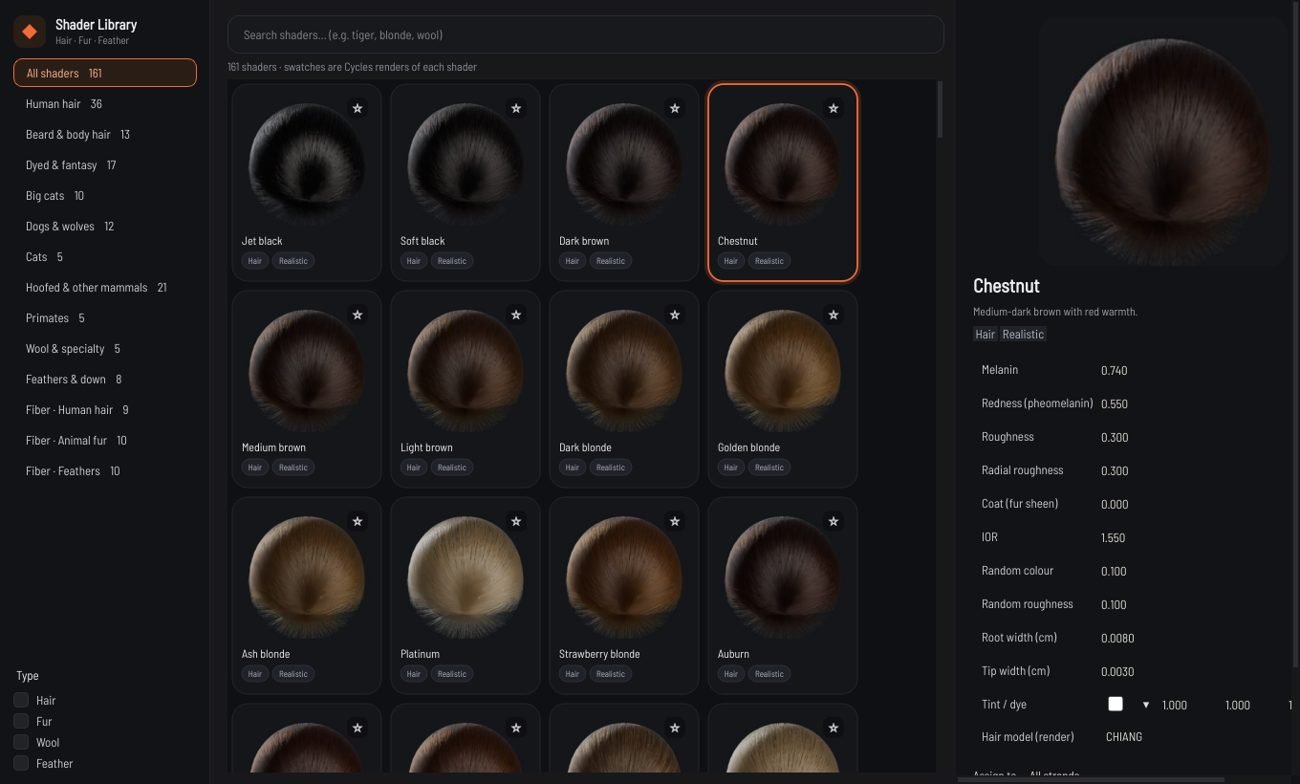
Shader Library: categories, type filters, Cycles swatches and the parameter panel.
Open with Render ▸ Shader library (Ctrl+Shift+L). Pick a swatch, adjust melanin, redness, roughness, coat, IOR, variation and tint, choose Assign to (all strands or a group) and press Apply shader. Edited shaders are saved under My shaders. Shaders apply to the render, the viewport and every export.
Fiber Material and the Material Browser
Material Browser with physically based Fiber Material presets.
Node:Fiber Material (hair / fur / feather) — Shading category. Assign to all strands, a coat layer
(strand group names, comma separated: undercoat, guard), and/or a painted mask, with layer opacity.
Stack several nodes = material layers (each blends over the previous by opacity × mask; bypass to disable;
reorder in the graph). Only attributes change — never the strands.
Presets (28, editable graphs of parameters): human hair ×9, fur ×10, feathers ×9 — Pipeline ▸ Material browser
(thumbnails, search, tags, favourites, save your own). Material preview panel: approximate swatch (CPU
reference BSDF) with A/B compare, exposure, backlight. Cycles render = physically based reference.
Physics (core/fiber_shading.py): d'Eon melanin absorption, Chiang path length, Gaussian longitudinal lobes
shifted by cuticle tilt, logistic azimuthal lobes, Fresnel attenuation averaged over fiber offset, medulla
double-cylinder approximation, dual-scattering-style multiple scattering; structural colour by spectral
transfer-matrix interference + CIE 1931 → linear sRGB. Tested: energy ≤ 1, white > red > black, red R>G>B,
roughness widens lobes, backlit TT, medulla, iridescence hue shift with angle and thickness.
Renderers: Cycles (one material, per-strand attributes: Principled Hair + medulla lobe + Principled thin-film
feather), USD/MaterialX (chiang_hair_bsdf; feathers: dielectric_bsdf with thinfilm over translucent/diffuse),
Arnold (standard_hair; feathers: standard_surface thin film), Maya .ma (aiStandardHair), V-Ray / Karma / Arnold
adapter notes list what cannot be reproduced (medulla, multilayer film).
Houdini export creates <asset>_solaris.usda: groom + character with bound materials, dome + key/fill/rim
lights, render camera, UsdRender settings/product → Sublayer LOP and render, or render_karma.bat (husk).
Exact colour nodes: Root-to-tip colour and Random strand colour (%)
Both nodes set an exact final colour per point and blend it over whatever comes in. Colours are picked in sRGB and processed in linear space, so what you pick is what renders. They work anywhere in the chain — before or after Fiber Material, shaders or Scatter — and the same colours reach the viewport, Cycles and every export.
Root-to-tip colour: 3-colour mode (root / mid / tip, mid position, start, end, smooth) or a full colour ramp (linear, smooth, constant). Positions follow each strand's true length.
Random strand colour (%): up to 4 groups, each an exact percentage of strands (12% of 1,000 = 120), disjoint and stable while you edit; optional hue / saturation / value jitter.
Common: blend mode, opacity, affect from / to along the strand with edge softness.
Blend mode
Result
replace
The picked colour, exactly (opacity mixes toward it).
mix
Linear mix between the current colour and the picked colour.
multiply
Darkens: current × colour.
screen
Lightens: 1 − (1 − current)(1 − colour).
add
Current + colour (clipped).
overlay
Multiply in darks, screen in lights.
soft light
Gentle contrast toward the colour.
lighten
Per-channel maximum.
darken
Per-channel minimum.
difference
|current − colour|.
hue
Takes only the hue of the colour.
saturation
Takes only the saturation of the colour.
colour
Takes hue and saturation, keeps the current brightness.
value
Takes only the brightness of the colour.
Library swatches
Human hair
Jet blackVery high eumelanin, glossy East-Asian black.Soft blackNatural black with slight warmth.Dark brownMost common hair colour worldwide.ChestnutMedium-dark brown with red warmth.Medium brownNeutral mid brown.Light brownLight ash-neutral brown.Dark blondeDishwater / dark blonde.Golden blondeWarm golden blonde.Ash blondeCool, greyish blonde.PlatinumVery light, almost white blonde.Strawberry blondeLight with strong pheomelanin.AuburnDeep red-brown.Copper redBright natural red.GingerLight orange red.Salt & pepperMixed grey: strong colour randomness.Silver greyFully grey, low melanin.WhiteNo pigment.Coily black (4C)Matte, high radial roughness for tightly coiled hair.Baby fineThin, soft and slightly translucent.Eyebrows / lashesCoarse, darker and stiffer short hair.Blue-blackBlack with a cool blue sheen.EspressoDeep cool brown, almost black.MochaWarm mid-dark brown.CaramelGolden light brown.Honey blondeWarm golden blonde.Sandy blondeNeutral, slightly dull blonde.Beige blondeSoft neutral beige blonde.Icy platinumToned, almost white blonde.Titian redBrown-red, between auburn and copper.Burgundy redDyed wine red on a dark base.MahoganyDark red-brown.Pepper greyMostly grey with dark strands.Snow white (aged)Fully white, slightly yellowed aged hair.Curly dark brown (3C)Coarser, matte curly brown.Wet blackBlack hair wet: darker and glossier.Wet blondeBlonde hair wet: darker and glossier.
Beard & body hair
Beard darkCoarse, slightly redder than scalp hair.Beard brownMedium brown beard with ginger warmth.Beard gingerRed beard, often redder than the scalp.Beard blondeLight, fine beard.Beard salt & pepperMixed dark and white beard.Beard whiteWhite, coarse beard.StubbleShort, dark, matte stubble.Brow natural darkEyebrows: dark, slightly matte.Brow blondeEyebrows: light, a touch darker than blonde scalp hair.Brow tintedEyebrows coloured with brow tint.Lashes mascaraVery black, glossy lashes.Vellus peach fuzzFine, nearly transparent body hair.Body hair darkArm / chest hair, dark.
Dyed & fantasy
Pastel pinkBleached base with pink dye.Hot pinkSaturated pink dye.Electric blueBleached base with blue dye.TealBlue-green dye.VioletPurple dye.Silver tonedBleached and toned silver.Sunset ombré tipsUse with Root-to-tip colour for ombré.LavenderPastel purple on a bleached base.MintPastel green on a bleached base.PeachSoft pastel orange.Rose goldPink-blonde metallic tone.Fire redVivid dyed red.EmeraldDeep dyed green.Midnight blueDark dyed blue on black.Neon yellowBright yellow dye.UltravioletDeep saturated violet with strong strand-to-strand variation.Granny greyDyed silver-grey fashion colour.
Big cats
Tiger orangeRich orange coat — pair with Coat pattern stripes.Lion tawnySandy tawny body fur.Lion mane darkDark, coarse mane hair.Leopard goldGolden base for rosettes.Snow leopardSmoky grey-white.Black pantherMelanistic, glossy black.Cheetah tanPale tan coat.Jaguar goldRich golden coat.Lynx grey-brownGrizzled grey-brown.Puma tawnyUniform tawny brown.
Dogs & wolves
Wolf grey (agouti)Banded agouti look via colour randomness.Arctic wolfWhite thick coat.Golden retrieverGolden, wavy and glossy.Black labShort glossy black.Chocolate labBrown liver coat.HuskyGrey-and-white two-tone (assign per group).Fox redBright fox orange.Dobermann blackGlossy short black coat.Tan pointsRust tan markings.Samoyed whiteBright white fluffy coat.Terrier wheatenPale wheat colour, wiry.Merle greyBlue-grey merle base.
Cats
Ginger tabbyOrange tabby.Black catGlossy black.Blue / Russian greyDilute black = blue-grey.CreamDilute ginger.Siamese pointsPale body (darker points per group).
Hoofed & other mammals
Horse bayReddish-brown sleek coat.Horse mane blackLong coarse mane / tail.Brown bearCoarse dark brown.Polar bearTranslucent hollow white hair.Gorilla blackMatte black-grey.Silverback saddleSilver back patch (assign per group).Rabbit / chinchillaUltra-soft dense grey.Mink / otterVery glossy dense brown.Wet otterDark, wet and shiny.MouseAgouti grey-brown, very fine.Horse chestnutRed-brown horse coat.Horse palominoGolden coat.Horse greyGrey / white horse.Cow black & whiteBlack base (pair with patches).Deer brownGrey-brown hollow hair.Red pandaDeep rusty red.Raccoon greyGrizzled grey.Squirrel redRed squirrel.Seal wet greyWet, glossy grey.Hedgehog spinesBanded cream-brown spines.Pig bristlePale pink-white bristles.
Sheep woolCrimped, matte, slightly yellow wool.Alpaca fawnSoft fawn fleece.MohairLustrous goat hair.YakLong coarse dark hair.Synthetic doll hairPlastic-like: very low roughness.
Feathers & down
Down (white)Fluffy white down barbs.Raven barbsBlack iridescent-ish barbs.Owl buffWarm buff barbs.Peacock blueIridescent blue barbs.Macaw redSaturated red feathers.Flamingo pinkSoft pink.Eagle brownDark brown flight feathers.Pigeon greyBlue-grey with sheen.
Fiber Material presets
These physical presets appear in the Shader Library under Fiber · … and in the Material Browser. Applying one adds or updates a Fiber Material node.
A Hair Shader graph converted from the Rhesus Macaque preset, with a Dust layer added.
Strand Lab has a Blender-style shader editor for grooms.
Opening it
Add a Hair Shader (node graph) node from Shading & Attributes, or right-click a Fiber Material
node and choose Open as shader graph (it is converted, presets included).
Double-click the Hair Shader node. The bottom panel switches to its graph; ◂ Node Graph returns.
Editing
Add nodes: Shift+A, Tab or right-click (searchable). Drop a wire on empty space to add a node already
connected.
Wires: drag from an output to an input. Drag from a connected input to pick the wire up.
Values: drag a number sideways to scrub it (Shift = fine), click it to type. Click a swatch for a
colour; click a ramp to edit its stops.
Groups: Ctrl+G groups the selection. Double-click a group to enter it; + socket on Group
Input/Output adds sockets.
Other keys: Ctrl+D duplicate, X / Delete remove, F frame, Ctrl+Z undo.
Presets ▾: save and load your graphs, or start from any Fiber Material preset (Primate fur, etc.).
Melanin picker: click hair in a photo. Its colour is solved into melanin and redness and written into
the selected node, or into new Value nodes.
View dropdown:Debug input shows the Hair Output's Debug socket on the hair. Solo R / TT / TRT
isolates one highlight lobe in the viewport.
The graph is evaluated per point, in chunks, into the same fibre attributes the Fiber Material writes
(melanin, redness, tint, roughness, cuticle, medulla …). Cycles' Principled Hair and the viewport's GPU
Marschner both read those attributes. Anything that varies over the groom (pigment, ramps, noise, masks,
layers) therefore looks the same in the viewport and in the render, and the Blender export carries it as
attributes.
Nodes marked ≈ describe optics Cycles' hair BSDF has no input for:
Node
Render
Viewport
Principled Hair (Huang)
rendered with the Chiang model
Marschner
Strand Lab Fiber: lobe weights, TRT width
Cycles derives them itself
exact
Mix Shader
mixes the fibre parameters, not two BSDFs (differs only where the two roughnesses differ strongly)
same
Elliptical Fiber
mapped to radial roughness and a wider TRT
same
Dual Scattering
path-traced physically (the setting doesn't change it)
multiple-scattering term
Dust / Dirt
lighter, rougher, desaturated fibre (no separate diffuse layer)
same
Solo / Debug view
viewport look-dev only
exact
Not yet supported: skin / mesh materials in this editor.
Primate fur
Short, dense, photographic primate fur, built on Strand Lab's existing fibre system: the Fiber Material
node (shading), two geometry nodes (Fur Micro Detail, Skin Transition), the Cycles render and the
real-time viewport. Presets: Material browser ▸ Primate fur.
Use more Fiber Material nodes with Coat layer or Painted mask for regional shading (face, crown, chest).
Masks blend every shading attribute, so regions fade into each other.
Shading model (one parameter set for viewport and render)
Parameter
Meaning
Cycles (offline)
Viewport (GPU)
Melanin / redness
eumelanin amount / pheomelanin share
Principled Hair (Chiang), melanin parametrisation
same pigment → absorption formula, per point
Root / mid / tip pigment
melanin and redness along the fibre
per-point melanin_pt, redness_pt
per-point colour ratio (same attributes)
Correlated noise
3D value noise over the skin, size in cm
baked into the attributes
same attributes
Golden / grey fibres
agouti-ticked and low-pigment fibre populations, clustered by noise
baked into the attributes
same attributes
Longitudinal roughness
R lobe width
Roughness × per-point breakup
Marschner R width, per point
Azimuthal roughness
Radial Roughness
fixed lobe shape (see below)
Secondary (TRT) roughness ×
width of the coloured secondary highlight
approximation: Chiang ties TRT to R
TRT lobe width × this
Highlight breakup
per-point roughness modulation (cuticle wear)
per-point rough_pt multiplies roughness
same
Transmission / absorption
TT weight, pigment density ×
absorption via melanin × scale; TT is physical
TT lobe from the same absorption
Medulla (fur)
scattering core
diffuse+translucent mix by medulla attributes
multiple-scattering term
Contact occlusion
shadowing near the skin in dense coats
traced (real geometry)
contact_ao from Skin Transition, else a root falloff
Where exact parity is not possible
Secondary roughness: Cycles' Chiang model derives TRT from R, so this control only changes the
viewport. Use Highlight breakup and Roughness for render-side changes.
Azimuthal roughness: the viewport Marschner uses a fixed azimuthal lobe (Karis 2016). The render uses
the exact value.
Occlusion and multiple scattering: Cycles path-traces them. The viewport uses contact_ao and an
energy-preserving multiple-scattering term, so it is slightly brighter inside very dense coats.
Sub-pixel fibres: the viewport draws each fibre's true coverage as opacity, so very distant fur
fades. Use close-ups or a higher Min pixel width for review.
Geometry
Fur Micro Detail keeps the strand count and the roots. It adds length and thickness spread, slight
curvature, orientation jitter and sub-visible micro-clumping (cell size in cm).
Skin Transition treats landmarks whose names contain eye, nose, mouth, lip, ear (Landmark tool),
and/or a painted fur map, as bare-skin centres. Towards them, density falls first (density curve), then
length and thickness. A small share of fine, short sparse hairs stays on the skin. It writes per-point
contact_ao. The skin's own textures show through wherever the density drops.
Animation note: both nodes change strand shapes without updating the guide binding's rest shapes, so a
simulated groom may lose part of the micro detail when it deforms.
Human: eyebrows, eyelashes & beard
Find these under Grooming Generation ▸ Human (Tab menu or node library). A new Human node connects to the Import mesh and is merged into the Output automatically, so its hair appears as soon as it has a shape.
Add the node — Eyebrows, Eyelashes or Beard. Each node gets its own curve and paint region (e.g. eyebrows8_brow_L, eyebrows8_region).
✎ Draw next to the curve field: click points on the mesh — brows from the nose outward, lids from the inner to the outer corner, a closed loop around the beard — then Enter.
🖌 Paint next to the region field: paint the area (Shift erases, Mirror X in the tool bar). Painting switches Shape from to use the region.
Shape from:curve (hair along the line), painted region (no curve needed — the line is derived from the paint), or curve inside region (curve sets direction, paint trims the shape).
Pick a preset and fine-tune. You draw or paint the left side; the other side is mirrored.
Eyebrow presets
Male: natural, straight thick, bushy unruly, groomed, aged · Female: natural, soft arch, high arch thin, straight (K-brow), bold full, feathered / soap brow · plus child and the original natural, thin, bushy, laminated and aged styles.
Beard
Area from a boundary loop, a painted map or both; zones (full, goatee, goatee + moustache, moustache, chin strap, beard without moustache); presets from 1-day stubble to long beards, chevron and handlebar moustaches. Growth follows the face: down the jaw and chin, outward over the upper lip. The face must look along +Z with +Y up, centred on x = 0.
Groom groups & the Multi-Group Randomizer
Vary each body area by its own amount (face 12%, back 65%, belly 35%…) without touching the groom itself.
Groom Group (Masks & Selections): name a group and pick its members — the Mask tab (painted map, body region, strand group, attribute), all strands, an existing group or an attribute threshold. Groups can overlap, keep a permanent id when renamed and show in their own colour in the viewport (put the D flag on the node).
Group Combine: connect several Groom Group branches of the same groom (up to 8 per node; chain more). Strands are matched by id; geometry, strand count and every attribute of the first input stay exactly as they were.
Multi-Group Randomizer (Procedural): press + Add group for each group. Selection % is the share of that group's strands that vary (raising it only adds strands); Strength % is how much they change. Expand ▸ an entry for seed, randomness type (uniform, gaussian, spatial noise, per strand / guide / clump) and the amounts: length, density, width, direction, clump, noise and mask influence. S solos an entry, the checkbox mutes it, ↑↓ reorder, ⧉ duplicates (Shift+⧉ copies settings for Paste), ✕ removes. Each entry shows how many strands it affects, or ⚠ missing.
Distribution:independent (every entry its own %, with an overlap policy: additive, maximum influence, priority, exclusive) or exclusive weighted (each strand goes to at most one entry, weighted by the %).
All randomness is a hash of the strand id, group id and seed, so results are identical in the viewport, after reopening and in the final render. Roots, strand ids and counts never change; density only switches strands off — they are removed at the Output. Group memberships export as group_<name> attributes.
Rendering
Viewport render image (F9): fast OpenGL render at HD/4K/custom size with 8× multisampling, optional transparent PNG.
Cycles render view (F10): interactive path-traced view with Principled Hair (Chiang or Huang), fiber medulla, exact colour overrides and render passes in the frame buffer.
Cycles final render (F12): full density, final samples. Real-time render mode (Shift+F10) shades the viewport progressively.
The viewport draws every strand at least one pixel wide. Very thin, sparse strands therefore look stronger in the viewport than in a physically based render; raise density or width for close-ups.
Simulation & pipeline
Strand Lab owns the groom. The DCC simulates guides. The renderer receives the final deformed strands.
Bind — add Guide Bind (Pipeline ▸ Add Guide Bind + Guide Deform). Guides come from its second input
or are reduced from the groom. Each strand stores up to 8 guide ids + weights (root distance, shape
similarity, clump membership) and its rest shape. Painted simulation influence map optional.
Deform — Guide Deform moves the same strands (count, order, ids never change) from: connected
guides, a guide cache file (.usd/.npz from Houdini/Maya/Blender) or a test wind motion. Root-to-tip falloff,
painted influence, shape-preserving relax.
.slgb: SLGB | version | JSON header | raw arrays (guide_ids, weights, guide_refs, rest_groom, rest_guides,
strand_id, attr_*). Validated on load; newer versions are rejected with a clear message.
Export & DCC bridges
The Export window
Pipeline ▸ Export Groom opens the Export window. Pick a target preset — Maya, Houdini, Blender, Unreal, USD, Game · hair cards or Files only — and tick what to include (groom, guides, shaders, debris…). Each export goes into its own versioned folder.
Density: export at a fraction of the final density. The fraction is applied when the strands are generated, so a 25% export also needs about a quarter of the memory.
Memory estimate: the window shows the expected size on disk and the strand count, and can run a 2% trial cook to measure the real numbers before you commit.
Errors: if a node fails, the window names it and says why, rather than exporting an empty groom.
Extension
Format
.usda
USD (ASCII)
.usdc
USD (binary)
.usd
USD
.abc
Alembic
.ma
Maya ASCII
.obj
Wavefront OBJ (polylines)
.blend
Blender scene with hair curves and materials (via the Blender bridge)
DCC bridges
The installer detects which versions of Maya, Houdini, Blender and Unreal you have and installs a Strand Lab bridge into each (component DCC bridges). Manage them later in Pipeline ▸ DCC bridges, or from the command line with --install-bridges / --uninstall-bridges.
Application
What the bridge does
Houdini
Strand Lab HDAs, built inside Houdini on first use: strandlab::groom::2.0 (SOP) loads the groom, and strandlab::look::2.0 (LOP) adds a MaterialX chiang_hair_bsdf reading the render-exact absorption primvar, so Karma matches Strand Lab's render.
Blender
Appends the exact Cycles render scene Strand Lab used (<asset>_render.blend): same curves, same hair material. Verified within 0.3% of Strand Lab's own render.
Maya
A Strand Lab menu that imports an export package with its Arnold hair shader (as a stand-in or as curves), can set up nHair from the guides, and rebuilds debris with MASH.
Unreal
An editor plugin that imports the groom and rebuilds debris as hierarchical instanced meshes.
Debris as native scatter
Debris, snow and similar items export as a scatter setup (debris.json, debris/*.obj, debris.usd PointInstancer) that each bridge rebuilds natively: Houdini Copy to Points, Blender Geometry Nodes, Maya MASH and Unreal hierarchical instanced meshes.
Game engines: hair cards
The Hair Cards (game) node turns the groom into textured polygon strips:
Cards: strands are grouped into clumps (never across a parting). Each clump becomes a card that follows its centre curve, lies along the scalp and tapers like the clump; crossed X cards are optional.
Atlas bake: the biggest clumps are drawn from the groom's own strands into the strips of one texture atlas — alpha, albedo, albedo+alpha, root→tip, strand ID, depth, flow, normal, AO and a packed RGBA mask.
Preview: display the node to see the cards in the viewport with alpha cutout.
Export: the Game · hair cards preset writes a .glb and an .obj per LOD, the PNG maps, an Unreal setup script (run it with Tools ▸ Execute Python Script: it builds a Hair-shading-model material and the LODs) and a Unity editor script (Strand Lab ▸ Set Up Hair Cards: HDRP Hair, URP Lit or Standard, with a LOD Group prefab).
The .glb files carry a double-sided alpha-mask material and open directly in Blender, Godot and other engines.
Where to use what
Target
Recommended
Notes
Maya
Maya preset (.abc / .ma)
Curves per group; .ma includes Arnold hair shaders. For very dense grooms prefer USD.
Houdini
Houdini preset
Use the Strand Lab HDAs; Karma matches the Strand Lab look.
Blender
Blender preset
Exact Cycles scene: hair curves with the same material.
Katana / RenderMan / Arnold
.usd
BasisCurves with widths, displayColor and bound materials.
Tangent-space normal map (OpenGL / +Y). Cycles render.
Normal strength
normal_strength
float
1
0 – 4
Bump / height map
tex_bump
image
—
Greyscale height for fine detail. Cycles render.
Bump strength
bump_strength
float
0.3
0 – 2
Colour tint
tex_tint
vec3
[1.0, 1.0, 1.0]
Multiplies the base colour map
Show textures in viewport
tex_viewport
bool
True
Pose-aware groom pose_awareMaskable
Re-apply gravity in world space after the body poses, so hair hangs naturally in any pose.
Inputsgeocurves · Outputcurves
9 parameters
Parameter
Type
Default
Range / options
Notes
Gravity response
strength
float
0.4
0 – 2
Root stiffness
stiff_roots
float
1.5
0.1 – 5
Collision margin
margin
float
0.15
0 – 3
Start along strand
infl_start
float
0
0 – 1
0 = root, 1 = tip
End along strand
infl_end
float
1
0 – 1
Edge softness
infl_soft
float
0.1
0 – 1
Falloff
infl_falloff
enum
smooth
smooth, linear, sharp
Strength randomness
infl_random
float
0
0 – 1
Per-strand variation of the strength (stable: hashed from the strand id)
Randomness seed
infl_seed
int
0
0 – 99999
Reference match reference_matchMaskable
Match a reference groom (e.g. one from another tool, or an earlier version): shape and/or length.
Inputsgeocurves, referencecurves · Outputcurves
2 parameters
Parameter
Type
Default
Range / options
Notes
Amount
amount
float
1
0 – 1
Match length
match_length
bool
True
Groom Generation 26 nodes
Beard beard
Facial hair from boundary curves and/or a painted map: stubble to long beards, goatee, chin strap, chevron and handlebar moustaches. Hair follows facial growth: down the jaw and chin, outward over the lip.
Inputsmeshmesh · Outputcurves
26 parameters
Parameter
Type
Default
Range / options
Notes
Preset
preset
preset
short boxed
stubble — 1 day, stubble — 3 days, stubble — 7 days, short boxed, full beard, long beard, goatee, chin strap, moustache — chevron, moustache — handlebar, beard without moustache, salt & pepper full
Area from
area
enum
curve + map
curve, painted map, curve + map, curve × map
curve: inside the drawn boundary loop · painted map: where the map is painted · curve + map: either · curve × map: both
Boundary curve (closed loop)
curve
curve
beard_L
Draw a closed loop with the Curve tool around the beard area (one side if 'Mirror' is on)
Mirror curve to the other side
mirror
bool
True
Beard region (paint)
map
map
beard
Press Paint and paint the beard area on the face
Soft edge (cm)
edge
float
0.4
0 – 3
Density fades over this distance inside the boundary
Builds a three-strand braid from tube centrelines: crossings, tightness and bundle size.
Inputstubestubes · Outputcurves
8 parameters
Parameter
Type
Default
Range / options
Notes
Strands per bundle
strands
int
60
1 – 5000
Crossings
crossings
float
6
0.5 – 60
Width
tightness
float
0.55
0.05 – 2
Bundle thickness
bundle
float
0.4
0.05 – 1
Only tubes named
name_filter
str
—
Part of a tube name, empty = all tubes
Points per strand
samples
int
48
8 – 128
Group
group
str
braids
Seed
seed
int
0
0 – 99999
Creature coat coat
Creature coat generator: a guard or undercoat layer scattered over the body with per-region density, length, droop and pigment from a table.
Inputsmeshmesh · Outputcurves
13 parameters
Parameter
Type
Default
Range / options
Notes
Layer
layer
enum
guard
guard, undercoat
Strands
count
int
60000
0 – 5e+06
Base length (cm)
base_length
float
4
0.05 – 100
Length random
length_random
float
0.25
0 – 1
Lay down along flow
droop
float
0.75
0 – 2
Per-region settings
table
table
—
Density map
density_map
map
density
Length map
length_map
map
length
Points per strand
samples
int
14
4 – 64
Seed
seed
int
0
0 – 99999
Use inherited mask
inherit_mask
bool
True
Grow only where the Paint / Smart Mask node upstream allows (shown below when connected)
Invert inherited mask
invert_mask
bool
False
Strand count means
count_mode
enum
target count
target count, base density
target count: the strand count is placed inside the masked area · base density: the count is for the whole body, so a small painted area gets fewer strands
Description description
Names a groom description and limits it to a mask. Soft border: strands thin out (and optionally get shorter) across the border so neighbouring descriptions blend without a seam.
Inputsstrandscurves · Outputcurves
12 parameters
Parameter
Type
Default
Range / options
Notes
Name
desc_name
str
Description
Display colour
color
vec3
[0.95, 0.55, 0.25]
Visible
visible
bool
True
Solo
solo
bool
False
Locked
locked
bool
False
Area (mask)
mask
map
—
Border position
threshold
float
0.5
0 – 1
Border softness
border
float
0.25
0 – 1
Width of the blend zone: strands thin out across it so the next description can take over
Shorter at the border
border_length
float
0.5
0 – 1
Density ×
density
float
1
0 – 1
Shader (library name)
shader
str
—
Seed
seed
int
0
0 – 99999
Down feathers down_feather
Fluffy down feathers (no stiff vane) scattered over a body.
Inputsmeshmesh · Outputcurves
9 parameters
Parameter
Type
Default
Range / options
Notes
Feathers
count
int
600
0 – 100000
Size
size
float
0.6
0.05 – 10
Size random
size_random
float
0.3
0 – 1
Fluff
fluff
float
0.8
0 – 2
Barbs per side
barbs
int
24
4 – 120
Lift (deg)
lift
float
30
-10 – 90
Density map
density_map
map
density
Region
region
region
all
Seed
seed
int
0
0 – 99999
Eyebrows eyebrows
Generates eyebrows along a drawn curve: head, body and tail lengths and angles, crossing layers, grey hairs, strays and presets. Mirror for the other side.
Inputsmeshmesh · Outputcurves
22 parameters
Parameter
Type
Default
Range / options
Notes
Preset
preset
preset
natural
natural, thin, bushy, laminated, aged, male, female, male — natural, male — straight thick, male — bushy unruly, male — groomed, male — aged … (+7)
Shape from
area
enum
curve
curve, painted region, curve inside region
curve: hairs along the drawn line · painted region: hairs fill the painted brow shape · curve inside region: the line sets direction, the paint trims the shape
Brow curve (left)
curve
curve
brow_L
Press Draw, click along the brow from the nose outward, Enter
Brow region (paint)
map
map
brow_region
Press Paint and paint the brow shape on the face
Both sides
mirror
bool
True
Hairs per brow
count
int
420
0 – 5000
Brow height (cm)
band
float
0.55
0.05 – 3
Length head
len_head
float
0.45
0.05 – 5
Length body
len_body
float
0.85
0.05 – 5
Length tail
len_tail
float
0.7
0.05 – 5
Angle head
ang_head
float
78
-90 – 120
Angle body
ang_body
float
28
-90 – 120
Angle tail
ang_tail
float
-12
-90 – 120
Layer crossing
cross
float
16
0 – 45
Lift (deg)
lift
float
12
0 – 60
Lie down
curl
float
0.35
0 – 1
Grey hairs
grey
float
0
0 – 1
Strays
strays
float
0.03
0 – 0.5
Seed
seed
int
0
0 – 99999
Use inherited mask
inherit_mask
bool
True
Grow only where the Paint / Smart Mask node upstream allows (shown below when connected)
Invert inherited mask
invert_mask
bool
False
Strand count means
count_mode
enum
target count
target count, base density
target count: the strand count is placed inside the masked area · base density: the count is for the whole body, so a small painted area gets fewer strands
Eyelashes eyelashes
Generates upper or lower eyelashes along the lid curve: rows, length profile, curl, splay, crossing and mascara clumps.
curve: lashes along the drawn lid line · painted region: lid line from the painted strip · curve inside region: the paint trims where lashes grow
Lid edge curve (left)
curve
curve
lash_upper_L
Press Draw, click along the lid edge inner -> outer corner, Enter
Lash region (paint)
map
map
lash_region
Lid
lid
enum
upper
upper, lower
Both eyes
mirror
bool
True
Lashes per eye
count
int
110
0 – 1000
Rows
rows
int
2
1 – 4
Length (cm)
length
float
0.95
0.05 – 5
Length inner -> outer corner
length_profile
profile
<strandlab.core.profile.Profile object at 0x7f7151d0d310>
Curl (deg)
curl
float
70
0 – 180
Splay at corners
splay
float
25
0 – 80
Crossing
cross
float
8
0 – 40
Mascara clumps
clumps
int
0
0 – 60
Clump strength
clump_amount
float
0
0 – 1
Root thickness
thickness
float
2.4
0.5 – 8
Seed
seed
int
0
0 – 99999
Use inherited mask
inherit_mask
bool
True
Grow only where the Paint / Smart Mask node upstream allows (shown below when connected)
Invert inherited mask
invert_mask
bool
False
Strand count means
count_mode
enum
target count
target count, base density
target count: the strand count is placed inside the masked area · base density: the count is for the whole body, so a small painted area gets fewer strands
Feather feather
Builds a single feather: shaft, barbs, vane shape, gaps, downy base, asymmetry and bend. Presets for common feather types.
Inputs — · Outputcurves
13 parameters
Parameter
Type
Default
Range / options
Notes
Preset
preset
preset
contour
contour, flight primary, flight secondary, tail, down
Length (cm)
length
float
6
0.2 – 100
Vane width
width
float
1.4
0.05 – 20
Vane shape
shape
profile
<strandlab.core.profile.Profile object at 0x7f7151d502b0>
Barbs per side
barbs
int
60
4 – 600
Barb angle
barb_angle
float
50
5 – 85
Barb curve
barb_curve
float
0.25
0 – 1.5
Splits
gaps
int
2
0 – 20
Downy base
down
float
0.25
0 – 1
Inner vane ratio
asym
float
1
0.1 – 1.5
Shaft bend
bend
float
10
-60 – 60
Points per barb
samples
int
8
3 – 32
Seed
seed
int
0
0 – 99999
Feather builder feather_builder
Build a feather template part by part: bare quill (calamus), shaft thickness, two vanes, downy base.
Inputs — · Outputcurves
12 parameters
Parameter
Type
Default
Range / options
Notes
Length (cm)
length
float
8
0.2 – 100
Bare quill
calamus
float
0.12
0 – 0.6
Shaft thickness
shaft_width
float
6
0.5 – 30
Outer vane width
outer_width
float
1.2
0.05 – 20
Inner vane width
inner_width
float
1.8
0.05 – 20
Barbs per side
barbs
int
70
4 – 600
Barb angle
barb_angle
float
45
5 – 85
Barb curve
barb_curve
float
0.2
0 – 1.5
Downy base
down
float
0.2
0 – 1
Shaft bend
bend
float
12
-60 – 60
Points per barb
samples
int
8
3 – 32
Seed
seed
int
0
0 – 99999
Fill tubes fill
Fills each tube with strands following its shape — the basic generator for tube grooms.
Inputstubestubes · Outputcurves
3 parameters
Parameter
Type
Default
Range / options
Notes
Points per strand
samples
int
24
4 – 128
Density multiplier
density
float
1
0 – 50
Seed
seed
int
0
0 – 99999
Fur type (coat library) fur_type
A complete animal coat in one node — pick one of 20 reference coat types, then tweak any property.
Choosing a type fills every parameter below; edit any of them afterwards
Density — strands
count
int
150000
0 – 3e+06
Density map
density_map
map
density
Region
region
region
all
Exposed skin (sparse patches)
skin_exposure
float
0
0 – 1
Thins the coat in soft patches so skin shows through (primates, wet animals)
Length (cm)
length
float
2
0.05 – 200
Length variation
length_random
float
0.25
0 – 1
Root width (cm)
width_root
float
0.008
0.0005 – 0.5
Tip width (cm)
width_tip
float
0.002
0 – 0.5
Lift from skin (deg)
lift
float
20
0 – 90
Lay along flow
droop
float
0.8
0 – 2
Gravity
gravity
float
0
0 – 1
Stiffness
stiffness
float
0.5
0 – 1
Stiff fibres stay straight (quills, coarse hair); soft ones bend and sag
Undercoat share
under_share
float
0
0 – 0.95
Undercoat length (× length)
under_length
float
0.5
0.05 – 1
Undercoat crimp
under_crimp
float
0.1
0 – 1
Guard hair share
guard_share
float
0
0 – 0.9
Guard length (× length)
guard_length
float
1.6
1 – 3
Guard thickness (×)
guard_thick
float
1.6
1 – 4
Flyaways
flyaways
float
0.01
0 – 0.3
Clump size (cm)
clump_size
float
0.6
0.05 – 20
Clumping
clump
float
0.3
0 – 1
Sub-clumping
sub_clump
float
0
0 – 1
Curl type
curl
enum
none
none, wave, curl, coil, crimp, ringlet
Curl radius (cm)
curl_radius
float
0.1
0 – 5
Curl frequency (turns / cm)
curl_freq
float
4
0.05 – 20
Frizz
frizz
float
0
0 – 1
Melanin
melanin
float
0.55
0 – 1
Redness
redness
float
0.3
0 – 1
Pigment variation
melanin_var
float
0.06
0 – 0.5
Banding (light / dark rings)
banding
float
0
0 – 1
Roughness
roughness
float
0.3
0 – 1
Radial roughness
radial
float
0.3
0 – 1
Coat pattern
pattern
enum
none
none
Condition
condition
enum
none
none
Condition amount
condition_amount
float
0.5
0 – 1
Points per strand
samples
int
14
4 – 64
Seed
seed
int
0
0 – 99999
Use inherited mask
inherit_mask
bool
True
Grow only where the Paint / Smart Mask node upstream allows (shown below when connected)
Invert inherited mask
invert_mask
bool
False
Strand count means
count_mode
enum
target count
target count, base density
target count: the strand count is placed inside the masked area · base density: the count is for the whole body, so a small painted area gets fewer strands
Fur undercoat fur_undercoat
Dense, short, wavy insulating fur under the guard hairs.
Inputsmeshmesh · Outputcurves
9 parameters
Parameter
Type
Default
Range / options
Notes
Strands
count
int
60000
0 – 3e+06
Length
length
float
1
0.01 – 50
Length random
length_random
float
0.25
0 – 1
Crimp
crimp
float
0.12
0 – 1
Lift (deg)
lift
float
35
0 – 90
Density map
density_map
map
density
Region
region
region
all
Group
group
str
undercoat
Seed
seed
int
0
0 – 99999
Guard hair guard_hair
Sparse, long, straight, thick guard hairs that sit over the undercoat.
Inputsmeshmesh · Outputcurves
11 parameters
Parameter
Type
Default
Range / options
Notes
Strands
count
int
8000
0 – 1e+06
Length
length
float
3
0.01 – 100
Length random
length_random
float
0.3
0 – 1
Lift (deg)
lift
float
18
0 – 90
Lay along flow
droop
float
0.9
0 – 2
Thickness
thickness
float
1.8
0.2 – 6
Density map
density_map
map
density
Length map
length_map
map
length
Region
region
region
all
Group
group
str
guard
Seed
seed
int
0
0 – 99999
Guide interpolate interpolate
Interpolates final strands from guide curves, with density map, neighbours, length ratio and hairline fade.
Inputsguidestubes · Outputcurves
9 parameters
Parameter
Type
Default
Range / options
Notes
Strands
count
int
8000
0 – 2e+06
Density map
density_map
map
density
Guides blended
neighbours
int
4
1 – 12
Length vs guides
length_ratio
float
0.9
0.05 – 2
Follow guides
follow
float
1
0 – 1
Fade far from guides (cm)
hairline_fade
float
0
0 – 20
Points per strand
samples
int
24
4 – 64
Group
group
str
hair
Seed
seed
int
0
0 – 99999
Guide interpolate (guides) guide_interp
Grow dense hair from Guides: nearest, blended or barycentric, with part lines that strands never blend across, per-guide influence radius, and a 'guide_owner' attribute for display and clumping.
Inputsscalpmesh, guidescurves · Outputcurves
14 parameters
Parameter
Type
Default
Range / options
Notes
Strands
count
int
60000
0 – 5e+06
Interpolation
mode
enum
blend
blend, barycentric, nearest
Guides blended
neighbours
int
4
1 – 16
Blend sharpness
power
float
2
0.5 – 8
Influence radius (0 = any)
radius
float
0
0 – 200
Part lines (surface curves, comma-separated)
parts
str
—
Part reach (cm)
part_reach
float
3
0.1 – 50
Clump to owner guide
clump_to_guide
float
0
0 – 1
Length vs guides
length_ratio
float
1
0.05 – 3
Density map
density_map
map
density
Region
region
region
all
Points per strand
samples
int
24
4 – 128
Group
group
str
hair
Seed
seed
int
0
0 – 99999
Guides guides
Hand-editable guide curves on the surface (like XGen guides). Use the Guide tools in the left strip to place, sculpt and edit their control points; connect to Guide interpolate to grow hair from them.
Inputsscalpmesh, sourcecurves · Outputcurves
19 parameters
Parameter
Type
Default
Range / options
Notes
New guide length
new_length
float
10
0.1 – 500
New guide points (CVs)
new_cvs
int
6
2 – 64
New guide lift
new_lift
float
0.35
0 – 2
Fill spacing (cm)
fill_spacing
float
2
0.1 – 50
Fill distribution
fill_mode
enum
even
even, random, vertices, faces
Fill only where painted (map)
fill_map
map
—
Length from map
fill_length_map
map
—
Surface curve for 'Along curve'
along_curve
str
hairline
Comb row to side (−1…1)
along_side
float
0
-1 – 1
Guides added between
interp_between
int
2
1 – 20
Guides from strands
from_strands
int
150
1 – 20000
Output points per guide
samples
int
16
2 – 128
Fill
fill
action
Fill surface with guides
Along
along
action
Plant a row along the curve
From tubes
from_tubes
action
Make guides from tubes
From model
from_model
action
Make guides from poly model
Extract
extract
action
Make guides from input strands
Import curves
import_curves
action
Import curves…
Clear
clear
action
Delete all guides
Hairline / baby hair hairline
Generates fine baby hair along the hairline curve: band width, length range, lift, wave and frizz.
Inputsmeshmesh · Outputcurves
16 parameters
Parameter
Type
Default
Range / options
Notes
Hairline curve
curve
curve
hairline
Hairs
count
int
1500
0 – 50000
Band width (cm)
band
float
1.2
0.05 – 10
Flip scalp side
flip_side
bool
False
Fade toward face
falloff
float
2
0.2 – 6
Shortest
length_min
float
0.4
0.02 – 10
Longest
length_max
float
2.5
0.02 – 20
Direction
direction
enum
forward
forward, curve, flow
Lift (deg)
lift
float
35
0 – 90
Wave
wave
float
0.15
0 – 2
Frizz
frizz
float
0.08
0 – 1
Group
group
str
baby_hair
Seed
seed
int
0
0 – 99999
Use inherited mask
inherit_mask
bool
True
Grow only where the Paint / Smart Mask node upstream allows (shown below when connected)
Invert inherited mask
invert_mask
bool
False
Strand count means
count_mode
enum
target count
target count, base density
target count: the strand count is placed inside the masked area · base density: the count is for the whole body, so a small painted area gets fewer strands
Mesh to hair mesh_to_hair
Fill modelled strips / cards with strands along them, and tubes with strands inside them.
Inputsscalpmesh, modelmesh · Outputcurves
8 parameters
Parameter
Type
Default
Range / options
Notes
Strands per cm² (cross-section)
density
float
300
1 – 20000
Fill
mode
enum
auto
auto, surface, volume
auto: tubes are filled inside, open strips along their surface
Card thickness (cm)
thickness
float
0.3
0 – 5
Jitter
jitter
float
0.5
0 – 5
Points per strand
samples
int
24
4 – 128
Snap roots to scalp within (cm)
snap
float
5
0 – 100
Roots this close to the scalp are pulled onto it; 0 = never (floating pieces)
Group
group
str
hair
Seed
seed
int
0
0 – 99999
Peach fuzz peach_fuzz
Groom Generation node.
Inputsmeshmesh · Outputcurves
17 parameters
Parameter
Type
Default
Range / options
Notes
Hairs per cm²
density
float
60
0 – 2000
Real vellus is about 20–100 per cm² on the face
Max strands
count
int
400000
0 – 5e+06
Upper limit: big meshes at high density are capped here
Length (cm)
length
float
0.12
0.01 – 2
Length random
length_random
float
0.5
0 – 1
Lay flat on skin
lay
float
1.6
0 – 2
How close to the skin the hairs lie along the flow
Root lift (°)
lift
float
12
0 – 60
Direction random
direction_random
float
0.35
0 – 1
Vellus is less ordered than terminal hair: swirl it off the groom flow
Curve
curve
float
0.25
0 – 1
Gentle single bend toward the tip
Thickness
thickness
float
0.25
0.02 – 1
Relative to the groom's normal strand width
Melanin (darkness)
melanin
float
0.18
0 – 1
Peach fuzz is usually much lighter than the terminal hair
Keep clear (regions)
exclude
str
eye,lips,nose_tip,nostril
Anatomy regions without fuzz (needs a Smart anatomy / region map; ignored otherwise)
Density map
density_map
map
density
Points per strand
samples
int
4
3 – 12
Seed
seed
int
0
0 – 99999
Use inherited mask
inherit_mask
bool
True
Grow only where the Paint / Smart Mask node upstream allows (shown below when connected)
Invert inherited mask
invert_mask
bool
False
Strand count means
count_mode
enum
target count
target count, base density
target count: the strand count is placed inside the masked area · base density: the count is for the whole body, so a small painted area gets fewer strands
Physical fur (species profiles) physical_fur
Physically informed fur: area-weighted roots at a real density (strands / cm²), log-normal lengths and radii, anatomical growth (θ above the skin along the flow field), parallel-transport curl, hierarchical clumping that keeps member offsets, and gravity sag from rod mechanics (stiffness ∝ radius⁴). Species profiles are artistic, uncalibrated starting points; every value stays editable.
Fills the layers below. Values are artistic defaults (uncalibrated), not measured data
Root distribution
distribution
enum
poisson
poisson, blue, clustered
poisson: independent roots · blue: even coverage, no clusters · clustered: patchy follicle groups
Density map
density_map
map
density
Density ×
density
float
1
0.01 – 20
Length ×
length
float
1
0.05 – 10
Curl exaggeration ×
curl
float
1
0 – 5
Clump attraction ×
clump
float
1
0 – 3
Gravity ×
gravity
float
1
0 – 10
Stiffness × (Young's modulus)
stiffness
float
1
0.05 – 20
Exposed skin
skin_exposure
float
0
0 – 1
Coat pattern
pattern
enum
none
none
Strand budget (0 = density decides)
count
int
0
0 – 4e+06
Caps the total strands; the density still decides where they go
Seed
seed
int
0
0 – 99999
Layer 1 · name
l1_name
str
—
Layer 1 · density (strands / cm²)
l1_density_cm2
float
0
0 – 3000
Layer 1 · length median (cm)
l1_length_cm
float
0
0.02 – 200
Layer 1 · length spread (log-normal σ)
l1_length_sigma
float
0
0 – 1.5
Layer 1 · root radius (µm)
l1_radius_um
float
0
1 – 2000
Layer 1 · tip / root radius
l1_tip_ratio
float
0
0 – 1
Layer 1 · elevation above skin (deg)
l1_elevation_deg
float
0
0.5 – 89
Layer 1 · lay along flow
l1_lay
float
0
0 – 2
Layer 1 · curl radius (cm)
l1_curl_radius_cm
float
0
0 – 5
Layer 1 · curl rate (turns / cm)
l1_curl_turns_cm
float
0
0 – 10
Layer 1 · clump size (cm)
l1_clump_size_cm
float
0
0 – 20
Layer 1 · clumping
l1_clump
float
0
0 – 1
Layer 1 · melanin
l1_melanin
float
0
0 – 1
Layer 1 · redness (pheomelanin)
l1_redness
float
0
0 – 1
Layer 1 · roughness
l1_roughness
float
0
0 – 1
Layer 2 · name
l2_name
str
—
Layer 2 · density (strands / cm²)
l2_density_cm2
float
0
0 – 3000
Layer 2 · length median (cm)
l2_length_cm
float
0
0.02 – 200
Layer 2 · length spread (log-normal σ)
l2_length_sigma
float
0
0 – 1.5
Layer 2 · root radius (µm)
l2_radius_um
float
0
1 – 2000
Layer 2 · tip / root radius
l2_tip_ratio
float
0
0 – 1
Layer 2 · elevation above skin (deg)
l2_elevation_deg
float
0
0.5 – 89
Layer 2 · lay along flow
l2_lay
float
0
0 – 2
Layer 2 · curl radius (cm)
l2_curl_radius_cm
float
0
0 – 5
Layer 2 · curl rate (turns / cm)
l2_curl_turns_cm
float
0
0 – 10
Layer 2 · clump size (cm)
l2_clump_size_cm
float
0
0 – 20
Layer 2 · clumping
l2_clump
float
0
0 – 1
Layer 2 · melanin
l2_melanin
float
0
0 – 1
Layer 2 · redness (pheomelanin)
l2_redness
float
0
0 – 1
Layer 2 · roughness
l2_roughness
float
0
0 – 1
Layer 3 · name
l3_name
str
—
Layer 3 · density (strands / cm²)
l3_density_cm2
float
0
0 – 3000
Layer 3 · length median (cm)
l3_length_cm
float
0
0.02 – 200
Layer 3 · length spread (log-normal σ)
l3_length_sigma
float
0
0 – 1.5
Layer 3 · root radius (µm)
l3_radius_um
float
0
1 – 2000
Layer 3 · tip / root radius
l3_tip_ratio
float
0
0 – 1
Layer 3 · elevation above skin (deg)
l3_elevation_deg
float
0
0.5 – 89
Layer 3 · lay along flow
l3_lay
float
0
0 – 2
Layer 3 · curl radius (cm)
l3_curl_radius_cm
float
0
0 – 5
Layer 3 · curl rate (turns / cm)
l3_curl_turns_cm
float
0
0 – 10
Layer 3 · clump size (cm)
l3_clump_size_cm
float
0
0 – 20
Layer 3 · clumping
l3_clump
float
0
0 – 1
Layer 3 · melanin
l3_melanin
float
0
0 – 1
Layer 3 · redness (pheomelanin)
l3_redness
float
0
0 – 1
Layer 3 · roughness
l3_roughness
float
0
0 – 1
Use inherited mask
inherit_mask
bool
True
Grow only where the Paint / Smart Mask node upstream allows (shown below when connected)
Invert inherited mask
invert_mask
bool
False
Strand count means
count_mode
enum
target count
target count, base density
target count: the strand count is placed inside the masked area · base density: the count is for the whole body, so a small painted area gets fewer strands
Plumage plumage
Scatters feathers over the body by density map and region, as strands or flat cards with UVs.
Inputsmeshmesh, feathercurves · Outputany
9 parameters
Parameter
Type
Default
Range / options
Notes
Feathers
count
int
400
0 – 100000
Size
size
float
1
0.05 – 20
Size random
size_random
float
0.2
0 – 1
Lift (deg)
lift
float
12
-10 – 90
Density map
density_map
map
density
Size map
size_map
map
length
Region
region
region
all
Output
output
enum
strands
strands, cards
Seed
seed
int
0
0 – 99999
Poly model poly_model
Polygon model built with the Model tool (strips, cards, tubes…). Feed it to 'Mesh to hair' to fill it with strands, or make guides from it.
Inputs — · Outputmesh
1 parameters
Parameter
Type
Default
Range / options
Notes
Show in viewport
show
bool
True
Quills / spines quills
Thick, rigid, tapered spines with light / dark banding (porcupine, hedgehog, echidna).
Inputsmeshmesh · Outputcurves
18 parameters
Parameter
Type
Default
Range / options
Notes
Quills
count
int
6000
0 – 500000
Length (cm)
length
float
5
0.1 – 60
Length variation
length_random
float
0.35
0 – 1
Root width (cm)
width_root
float
0.12
0.005 – 1
Tip width (cm)
width_tip
float
0.004
0 – 0.2
Lift from skin (deg)
lift
float
14
0 – 90
Raised (defensive)
raise
float
0
0 – 1
0 = lying along the body, 1 = standing up
Bend
bend
float
0.05
0 – 1
Melanin (fibre)
melanin
float
0.12
0 – 1
Dark banding
banding
float
0.85
0 – 1
Bands per quill
bands
int
2
1 – 6
Density map
density_map
map
density
Region
region
region
all
Points per quill
samples
int
8
4 – 32
Seed
seed
int
0
0 – 99999
Use inherited mask
inherit_mask
bool
True
Grow only where the Paint / Smart Mask node upstream allows (shown below when connected)
Invert inherited mask
invert_mask
bool
False
Strand count means
count_mode
enum
target count
target count, base density
target count: the strand count is placed inside the masked area · base density: the count is for the whole body, so a small painted area gets fewer strands
Scalp fill scalp_fill
Fills the scalp with strands interpolated from the tubes: density map, neighbours, length ratio and hairline fade.
Inputsguidestubes · Outputcurves
9 parameters
Parameter
Type
Default
Range / options
Notes
Strands
count
int
12000
0 – 2e+06
Density map
density_map
map
density
Guides blended
neighbours
int
5
1 – 12
Length vs guides
length_ratio
float
0.75
0.05 – 2
Follow guides
follow
float
0.9
0 – 1
Fade far from guides (cm)
hairline_fade
float
3
0 – 20
Points per strand
samples
int
20
4 – 64
Group
group
str
scalp_fill
Seed
seed
int
0
0 – 99999
Scatter strands scatter
Scatters fur strands over the mesh: count, length, lift, droop, density and length maps, region.
Inputsmeshmesh · Outputcurves
14 parameters
Parameter
Type
Default
Range / options
Notes
Strands
count
int
30000
0 – 3e+06
Length
length
float
2
0.01 – 200
Length random
length_random
float
0.3
0 – 1
Lift (deg)
lift
float
25
0 – 90
Lay down along flow
droop
float
0.7
0 – 2
Density map
density_map
map
density
Length map
length_map
map
length
Region
region
region
all
Points per strand
samples
int
12
3 – 64
Group
group
str
fur
Seed
seed
int
0
0 – 99999
Use inherited mask
inherit_mask
bool
True
Grow only where the Paint / Smart Mask node upstream allows (shown below when connected)
Invert inherited mask
invert_mask
bool
False
Strand count means
count_mode
enum
target count
target count, base density
target count: the strand count is placed inside the masked area · base density: the count is for the whole body, so a small painted area gets fewer strands
Strand multiplier multiplierMaskable
Duplicates each strand into several copies around it, spread toward the tips.
Inputsgeocurves · Outputcurves
10 parameters
Parameter
Type
Default
Range / options
Notes
Copies
copies
int
2
0 – 50
Spread at root
radius
float
0.15
0 – 10
Extra spread at tip
tip_spread
float
1
0 – 10
Seed
seed
int
0
0 – 99999
Start along strand
infl_start
float
0
0 – 1
0 = root, 1 = tip
End along strand
infl_end
float
1
0 – 1
Edge softness
infl_soft
float
0.1
0 – 1
Falloff
infl_falloff
enum
smooth
smooth, linear, sharp
Strength randomness
infl_random
float
0
0 – 1
Per-strand variation of the strength (stable: hashed from the strand id)
Randomness seed
infl_seed
int
0
0 – 99999
Grooming & Styling 49 nodes
Adaptive clumping adaptive_clumpMaskable
Clumps whose size adapts to strand length: long hair forms bigger, fewer clumps.
Inputsgeocurves · Outputcurves
12 parameters
Parameter
Type
Default
Range / options
Notes
Clump size (cm)
base_size
float
0.6
0.02 – 20
Size per cm of length
length_scale
float
0.15
0 – 2
Amount
amount
float
0.75
0 – 1
Tip tightening
tip_tighten
float
1.5
0.2 – 5
Write clump ID to
write_attr
str
clump_id
Seed
seed
int
0
0 – 99999
Start along strand
infl_start
float
0
0 – 1
0 = root, 1 = tip
End along strand
infl_end
float
1
0 – 1
Edge softness
infl_soft
float
0.1
0 – 1
Falloff
infl_falloff
enum
smooth
smooth, linear, sharp
Strength randomness
infl_random
float
0
0 – 1
Per-strand variation of the strength (stable: hashed from the strand id)
Randomness seed
infl_seed
int
0
0 – 99999
Attract to curve attractMaskable
Pulls strands toward a curve drawn on the surface within a radius — for swoops, partings and directed flow.
Inputsgeocurves · Outputcurves
9 parameters
Parameter
Type
Default
Range / options
Notes
Guide curve
curve
curve
swoop
Reach (cm)
radius
float
3
0.05 – 50
Amount
amount
float
1
0 – 1
Start along strand
infl_start
float
0
0 – 1
0 = root, 1 = tip
End along strand
infl_end
float
1
0 – 1
Edge softness
infl_soft
float
0.1
0 – 1
Falloff
infl_falloff
enum
smooth
smooth, linear, sharp
Strength randomness
infl_random
float
0
0 – 1
Per-strand variation of the strength (stable: hashed from the strand id)
Randomness seed
infl_seed
int
0
0 – 99999
Clone Groom clone_groom
Copy the groom shape of one region onto another (strand count unchanged). Set the source and target points in the viewport: with this node selected and the Groom brush, Alt-click = source, click = target.
Inputsstrandscurves · Outputcurves
5 parameters
Parameter
Type
Default
Range / options
Notes
Source point
source
vec3
[0.0, 0.0, 0.0]
Target point
target
vec3
[0.0, 0.0, 0.0]
Region radius (cm)
radius
float
3
0.01 – 200
Amount
amount
float
1
0 – 1
Keep target strand lengths
match_length
bool
True
Clump variation clump_variationMaskable
Gives every clump its own personality: some longer, some bent, some frizzier, slightly different colour, a few lifted 'flyaway' clumps. Reads the clump ID written by Fur clumping / Deep clumping.
Inputsgeocurves · Outputcurves
15 parameters
Parameter
Type
Default
Range / options
Notes
Clump ID attribute
attr
str
clump
Length ±
length
float
0.15
0 – 1
Bend ± (deg)
bend
float
12
0 – 90
Frizzy clumps
frizz_fraction
float
0.15
0 – 1
Frizz amount
frizz
float
0.15
0 – 2
Flyaway clumps
flyaway_fraction
float
0.03
0 – 0.5
Flyaway lift (deg)
flyaway_lift
float
35
0 – 90
Colour ± (melanin)
color
float
0.06
0 – 0.5
Seed
seed
int
0
0 – 99999
Start along strand
infl_start
float
0
0 – 1
0 = root, 1 = tip
End along strand
infl_end
float
1
0 – 1
Edge softness
infl_soft
float
0.1
0 – 1
Falloff
infl_falloff
enum
smooth
smooth, linear, sharp
Strength randomness
infl_random
float
0
0 – 1
Per-strand variation of the strength (stable: hashed from the strand id)
Randomness seed
infl_seed
int
0
0 – 99999
Comb (stored strokes) comb_strokes
Comb node: directional grooming strokes stored non-destructively (a Groom Sculpt fixed to the comb brush).
strands, control points, clumps, regions, selection only, guides, full density
strands: whole hairs (root locked) · control points: only points under the brush · clumps: whole clumps · regions: wide soft area · selection only: painted / lasso selection · guides: edits the guides instead · full density: every generated strand (no preview thinning)
Brush radius (px)
radius
float
60
4 – 800
Strength
strength
float
0.5
0 – 1
Falloff curve
falloff
enum
smooth
smooth, linear, sharp, flat
Brush depth (0 = all layers, else front only)
depth
float
0
0 – 1
Limit the brush to the outer coat: only strands near the front-most hit under the cursor
Direction
direction
enum
follow stroke
follow stroke, outward (add), inward (remove)
Strand stiffness
stiffness
float
0.3
0 – 1
Stiffer strands bend more evenly along their length instead of mostly at the tips
Root lock
root_lock
float
0.6
0 – 1
Influence from (root = 0)
influence_start
float
0
0 – 1
Influence to (tip = 1)
influence_end
float
1
0 – 1
Preserve length
preserve_length
bool
True
Preserve volume
preserve_volume
bool
False
Preserve clump structure
preserve_clumps
bool
False
Symmetry
symmetry
enum
off
off, X, Y, Z
Surface collision
collision
bool
True
Tablet pressure → strength
pressure
bool
True
Tablet pressure → radius
pressure_size
bool
False
Active layer
layer
enum
Sculpt 1
Sculpt 1
Layer opacity
layer_opacity
float
1
0 – 1
Layer enabled
layer_enabled
bool
True
Layers
add_layer
action
Add sculpt layer
Layers
dup_layer
action
Duplicate layer
Layers
reset_layer
action
Reset layer
Layers
delete_layer
action
Delete layer
Selection
freeze_sel
action
Freeze selected strands
Selection
unfreeze_all
action
Unfreeze all
Selection
clear_sel
action
Clear selection
Comb / flow comb_flowMaskable
Comb strands along the painted flow map (or a vector), progressively from root to tip.
Inputsgeocurves · Outputcurves
11 parameters
Parameter
Type
Default
Range / options
Notes
Direction
source
enum
flow
flow, vector
Vector
vector
vec3
[0.0, -1.0, 0.0]
Amount
amount
float
0.8
0 – 1
Root stiffness
falloff
float
1
0.1 – 5
Surface offset
keep_off_surface
float
0.1
0 – 2
Start along strand
infl_start
float
0
0 – 1
0 = root, 1 = tip
End along strand
infl_end
float
1
0 – 1
Edge softness
infl_soft
float
0.1
0 – 1
Falloff
infl_falloff
enum
smooth
smooth, linear, sharp
Strength randomness
infl_random
float
0
0 – 1
Per-strand variation of the strength (stable: hashed from the strand id)
Randomness seed
infl_seed
int
0
0 – 99999
Constrict constrictMaskable
Squeezes strands together at a position along the length — hair ties, wet points, bands.
Inputsgeocurves · Outputcurves
10 parameters
Parameter
Type
Default
Range / options
Notes
Position
position
float
0.5
0 – 1
Amount
amount
float
0.8
0 – 1
Width
width
float
0.15
0.01 – 1
Stay together after
hold
bool
True
Start along strand
infl_start
float
0
0 – 1
0 = root, 1 = tip
End along strand
infl_end
float
1
0 – 1
Edge softness
infl_soft
float
0.1
0 – 1
Falloff
infl_falloff
enum
smooth
smooth, linear, sharp
Strength randomness
infl_random
float
0
0 – 1
Per-strand variation of the strength (stable: hashed from the strand id)
Randomness seed
infl_seed
int
0
0 – 99999
Cowlick / whorl cowlickMaskable
Creates a cowlick or whorl around a surface curve: strands rotate around the centre by an angle.
Inputsgeocurves · Outputcurves
9 parameters
Parameter
Type
Default
Range / options
Notes
Centre (first point of curve)
curve
curve
cowlick
Radius
radius
float
2
0.1 – 50
Swirl (deg)
angle
float
120
-720 – 720
Start along strand
infl_start
float
0
0 – 1
0 = root, 1 = tip
End along strand
infl_end
float
1
0 – 1
Edge softness
infl_soft
float
0.1
0 – 1
Falloff
infl_falloff
enum
smooth
smooth, linear, sharp
Strength randomness
infl_random
float
0
0 – 1
Per-strand variation of the strength (stable: hashed from the strand id)
Randomness seed
infl_seed
int
0
0 – 99999
Cut by plane cut_planeMaskable
Cuts strands with a plane (point and normal), with a soft transition for natural ends.
Inputsgeocurves · Outputcurves
10 parameters
Parameter
Type
Default
Range / options
Notes
Plane point
point
vec3
[0.0, 0.0, 0.0]
Plane normal (removed side)
normal
vec3
[0.0, -1.0, 0.0]
Soft cut
soft
float
0.05
0 – 0.5
Seed
seed
int
0
0 – 99999
Start along strand
infl_start
float
0
0 – 1
0 = root, 1 = tip
End along strand
infl_end
float
1
0 – 1
Edge softness
infl_soft
float
0.1
0 – 1
Falloff
infl_falloff
enum
smooth
smooth, linear, sharp
Strength randomness
infl_random
float
0
0 – 1
Per-strand variation of the strength (stable: hashed from the strand id)
Randomness seed
infl_seed
int
0
0 – 99999
Deep clumping (5 levels) deep_clumpMaskable
Up to 5 nested clump levels (chunks → clumps → sub-clumps → pairs → strays), each with its own count and strength — the main ingredient of photoreal hair.
Inputsgeocurves · Outputcurves
14 parameters
Parameter
Type
Default
Range / options
Notes
Levels
levels
int
4
1 – 5
Level 1 clumps (chunks)
count1
int
40
1 – 100000
More clumps per level ×
ratio
float
4
1.5 – 12
Level 1 strength
amount1
float
0.85
0 – 1
Strength per level ×
falloff
float
0.8
0.2 – 1.2
Tip tightness
tip_power
float
1.6
0.2 – 5
Leave out (strays)
strays
float
0.03
0 – 0.5
Seed
seed
int
0
0 – 99999
Start along strand
infl_start
float
0
0 – 1
0 = root, 1 = tip
End along strand
infl_end
float
1
0 – 1
Edge softness
infl_soft
float
0.1
0 – 1
Falloff
infl_falloff
enum
smooth
smooth, linear, sharp
Strength randomness
infl_random
float
0
0 – 1
Per-strand variation of the strength (stable: hashed from the strand id)
Randomness seed
infl_seed
int
0
0 – 99999
Feather bending feather_bendingMaskable
Bends whole feathers along their length.
Inputsgeocurves · Outputcurves
8 parameters
Parameter
Type
Default
Range / options
Notes
Bend (deg)
angle
float
25
-120 – 120
Bend toward tip
power
float
2
0.3 – 5
Start along strand
infl_start
float
0
0 – 1
0 = root, 1 = tip
End along strand
infl_end
float
1
0 – 1
Edge softness
infl_soft
float
0.1
0 – 1
Falloff
infl_falloff
enum
smooth
smooth, linear, sharp
Strength randomness
infl_random
float
0
0 – 1
Per-strand variation of the strength (stable: hashed from the strand id)
Randomness seed
infl_seed
int
0
0 – 99999
Feather fan feather_fanMaskable
Fan feathers out around their roots (spread tail / wing feathers).
Inputsgeocurves · Outputcurves
10 parameters
Parameter
Type
Default
Range / options
Notes
Spread (deg)
spread
float
40
0 – 180
Order
mode
enum
ordered
ordered, random
Order along
axis
vec3
[1.0, 0.0, 0.0]
Seed
seed
int
0
0 – 99999
Start along strand
infl_start
float
0
0 – 1
0 = root, 1 = tip
End along strand
infl_end
float
1
0 – 1
Edge softness
infl_soft
float
0.1
0 – 1
Falloff
infl_falloff
enum
smooth
smooth, linear, sharp
Strength randomness
infl_random
float
0
0 – 1
Per-strand variation of the strength (stable: hashed from the strand id)
Randomness seed
infl_seed
int
0
0 – 99999
Feather growth direction feather_growthMaskable
Aim whole feathers along the painted flow (or a vector), around their roots.
Inputsgeocurves · Outputcurves
9 parameters
Parameter
Type
Default
Range / options
Notes
Direction
source
enum
flow
flow, vector
Vector
vector
vec3
[0.0, 0.0, -1.0]
Amount
amount
float
1
0 – 1
Start along strand
infl_start
float
0
0 – 1
0 = root, 1 = tip
End along strand
infl_end
float
1
0 – 1
Edge softness
infl_soft
float
0.1
0 – 1
Falloff
infl_falloff
enum
smooth
smooth, linear, sharp
Strength randomness
infl_random
float
0
0 – 1
Per-strand variation of the strength (stable: hashed from the strand id)
Randomness seed
infl_seed
int
0
0 – 99999
Feather layering feather_layeringMaskable
Shingle feathers: feathers further along a direction sit higher, like roof tiles.
Inputsgeocurves · Outputcurves
8 parameters
Parameter
Type
Default
Range / options
Notes
Toward the top layer
direction
vec3
[0.0, 0.0, -1.0]
Layer lift (cm)
offset
float
0.3
0 – 5
Start along strand
infl_start
float
0
0 – 1
0 = root, 1 = tip
End along strand
infl_end
float
1
0 – 1
Edge softness
infl_soft
float
0.1
0 – 1
Falloff
infl_falloff
enum
smooth
smooth, linear, sharp
Strength randomness
infl_random
float
0
0 – 1
Per-strand variation of the strength (stable: hashed from the strand id)
Randomness seed
infl_seed
int
0
0 – 99999
Follow animation follow
Carries strands along with an animated scalp/body (rigid per-root skin frames).
Inputsgeocurves · Outputcurves
1 parameters
Parameter
Type
Default
Range / options
Notes
Enabled
enabled
bool
True
Fur clumping fur_clumpMaskable
Clumps scattered over the skin (not per tube) — sized for fur. Clumps can be stretched along the flow, nested (sub-clumps), pinched into wet spikes, kept inside partitions, and every clump gets its own random length and rotation so the coat breaks up naturally.
Inputsgeocurves · Outputcurves
22 parameters
Parameter
Type
Default
Range / options
Notes
Preset
preset
preset
Dog — short coat
Dog — short coat, Cat — soft, Wet otter / seal, Spiky hedgehog / punk, Wolf / bear guard hair, Horse — sleek, Lion mane — chunky
Clumps
count
int
900
1 – 200000
Amount
amount
float
0.45
0 – 1
Tip tightness
tip_power
float
2.2
0.2 – 6
Start along length
root_hold
float
0.25
0 – 0.95
Strands stay free near the root and only clump after this fraction of their length
Stretch along flow
flatten
float
0.5
0 – 0.95
Elongates clumps in the comb direction like real fur tufts
Sub-clumps per clump
sub_count
float
4
0 – 20
Sub-clump amount
sub_amount
float
0.25
0 – 1
Spiky / wet tips
spiky
float
0
0 – 1
Leave out (strays)
strays
float
0.06
0 – 0.6
Length per clump ±
length_var
float
0.12
0 – 0.8
Rotation per clump ± (deg)
orient_var
float
6
0 – 90
Clump amount map
size_map
map
—
Painted map scaling the amount
Stay inside partitions
respect_partition
bool
True
Clumps never cross partition borders (needs a Partition node upstream)
Write clump ID to
write_attr
str
clump
Seed
seed
int
0
0 – 99999
Start along strand
infl_start
float
0
0 – 1
0 = root, 1 = tip
End along strand
infl_end
float
1
0 – 1
Edge softness
infl_soft
float
0.1
0 – 1
Falloff
infl_falloff
enum
smooth
smooth, linear, sharp
Strength randomness
infl_random
float
0
0 – 1
Per-strand variation of the strength (stable: hashed from the strand id)
Randomness seed
infl_seed
int
0
0 – 99999
Fur style (coat library) fur_styleMaskable
Restyle ANY strands (Scatter, filled tubes, guides, imported curves…) as one of the 20 coat types: length, direction, layering, curl, clumping, frizz, thickness, colour, pattern and condition. Your roots and density are kept; Strength blends back toward the incoming groom.
Choosing a type fills every parameter below; edit any of them afterwards
Exposed skin (sparse patches)
skin_exposure
float
0
0 – 1
Thins the coat in soft patches so skin shows through (primates, wet animals)
Length (cm)
length
float
2
0.05 – 200
Length variation
length_random
float
0.25
0 – 1
Root width (cm)
width_root
float
0.008
0.0005 – 0.5
Tip width (cm)
width_tip
float
0.002
0 – 0.5
Lift from skin (deg)
lift
float
20
0 – 90
Lay along flow
droop
float
0.8
0 – 2
Gravity
gravity
float
0
0 – 1
Stiffness
stiffness
float
0.5
0 – 1
Stiff fibres stay straight (quills, coarse hair); soft ones bend and sag
Undercoat share
under_share
float
0
0 – 0.95
Undercoat length (× length)
under_length
float
0.5
0.05 – 1
Undercoat crimp
under_crimp
float
0.1
0 – 1
Guard hair share
guard_share
float
0
0 – 0.9
Guard length (× length)
guard_length
float
1.6
1 – 3
Guard thickness (×)
guard_thick
float
1.6
1 – 4
Flyaways
flyaways
float
0.01
0 – 0.3
Clump size (cm)
clump_size
float
0.6
0.05 – 20
Clumping
clump
float
0.3
0 – 1
Sub-clumping
sub_clump
float
0
0 – 1
Curl type
curl
enum
none
none, wave, curl, coil, crimp, ringlet
Curl radius (cm)
curl_radius
float
0.1
0 – 5
Curl frequency (turns / cm)
curl_freq
float
4
0.05 – 20
Frizz
frizz
float
0
0 – 1
Melanin
melanin
float
0.55
0 – 1
Redness
redness
float
0.3
0 – 1
Pigment variation
melanin_var
float
0.06
0 – 0.5
Banding (light / dark rings)
banding
float
0
0 – 1
Roughness
roughness
float
0.3
0 – 1
Radial roughness
radial
float
0.3
0 – 1
Coat pattern
pattern
enum
none
none
Condition
condition
enum
none
none
Condition amount
condition_amount
float
0.5
0 – 1
Seed
seed
int
0
0 – 99999
Use inherited mask
inherit_mask
bool
True
Grow only where the Paint / Smart Mask node upstream allows (shown below when connected)
Invert inherited mask
invert_mask
bool
False
Strand count means
count_mode
enum
target count
target count, base density
target count: the strand count is placed inside the masked area · base density: the count is for the whole body, so a small painted area gets fewer strands
coat length: strands take the coat type's length · keep: your lengths · scale: yours × Length scale
Length scale
length_scale
float
1
0.05 – 10
Keep strands
keep
float
1
0.01 – 1
Fraction of incoming strands kept (quills / sparse coats thin a dense groom)
Restyle direction (lift / lay)
restyle_direction
bool
True
Off keeps your groom's direction exactly and only adds the coat's character
Strength
strength
float
1
0 – 1
Blend from the incoming groom (0) to the full coat style (1)
Start along strand
infl_start
float
0
0 – 1
0 = root, 1 = tip
End along strand
infl_end
float
1
0 – 1
Edge softness
infl_soft
float
0.1
0 – 1
Falloff
infl_falloff
enum
smooth
smooth, linear, sharp
Strength randomness
infl_random
float
0
0 – 1
Per-strand variation of the strength (stable: hashed from the strand id)
Randomness seed
infl_seed
int
0
0 – 99999
Garment interaction garmentMaskable
Fur under clothing: plug the garment mesh into the second input. Strands rooted under the garment are compressed so they stay between skin and cloth (flattened along their flow), fur poking through can be hidden, and hair at collars / cuffs / hems gets lifted or crushed.
Inputsstrandscurves, garmentmesh · Outputcurves
12 parameters
Parameter
Type
Default
Range / options
Notes
Space under the cloth (cm)
gap
float
0.05
0 – 5
Garment reach (cm above the skin)
reach
float
3
0.1 – 50
Strands whose root is within this distance below the cloth count as covered
Hide hair still poking through
hide_poking
bool
True
Lift at the garment edges
edge_lift
float
0.3
-1 – 1
Edge width (cm)
edge_width
float
1.5
0.05 – 20
Iterations
iterations
int
4
1 – 12
Start along strand
infl_start
float
0
0 – 1
0 = root, 1 = tip
End along strand
infl_end
float
1
0 – 1
Edge softness
infl_soft
float
0.1
0 – 1
Falloff
infl_falloff
enum
smooth
smooth, linear, sharp
Strength randomness
infl_random
float
0
0 – 1
Per-strand variation of the strength (stable: hashed from the strand id)
Snow, dust, mud, glitter, debris or blood layered on top of a groom like a costume piece — light / medium / heavy, where the sky / gravity / a mask says. Colours the hair (tips first), clumps and weighs it, and changes roughness in the render.
Inputsgeocurves · Outputcurves
14 parameters
Parameter
Type
Default
Range / options
Notes
Overlay
kind
enum
snow
snow, dust, mud, glitter, debris, blood
Amount
level
enum
medium
light, medium, heavy
Fine amount ×
amount
float
1
0 – 3
Settles on upper surfaces
from_sky
float
1
0 – 1
Colour (overrides preset when changed)
color
vec3
[0.95, 0.97, 1.0]
Use custom colour
use_color
bool
False
Patchiness
patchy
float
0.5
0 – 1
Seed
seed
int
0
0 – 99999
Start along strand
infl_start
float
0
0 – 1
0 = root, 1 = tip
End along strand
infl_end
float
1
0 – 1
Edge softness
infl_soft
float
0.1
0 – 1
Falloff
infl_falloff
enum
smooth
smooth, linear, sharp
Strength randomness
infl_random
float
0
0 – 1
Per-strand variation of the strength (stable: hashed from the strand id)
Randomness seed
infl_seed
int
0
0 – 99999
Groom Sculpt groom_sculpt
Sculpt the generated hair directly: comb, grab, volume, smooth, clump, part, clone, cut/trim, length, twist, flatten. Select this node and pick a brush on the Sculpt toolbar (or the Groom brush tool) to paint in the viewport. Strokes are stored per strand in sculpt layers — strand count and IDs never change.
strands, control points, clumps, regions, selection only, guides, full density
strands: whole hairs (root locked) · control points: only points under the brush · clumps: whole clumps · regions: wide soft area · selection only: painted / lasso selection · guides: edits the guides instead · full density: every generated strand (no preview thinning)
Brush radius (px)
radius
float
60
4 – 800
Strength
strength
float
0.5
0 – 1
Falloff curve
falloff
enum
smooth
smooth, linear, sharp, flat
Brush depth (0 = all layers, else front only)
depth
float
0
0 – 1
Limit the brush to the outer coat: only strands near the front-most hit under the cursor
Direction
direction
enum
follow stroke
follow stroke, outward (add), inward (remove)
Strand stiffness
stiffness
float
0.3
0 – 1
Stiffer strands bend more evenly along their length instead of mostly at the tips
Root lock
root_lock
float
0.6
0 – 1
Influence from (root = 0)
influence_start
float
0
0 – 1
Influence to (tip = 1)
influence_end
float
1
0 – 1
Preserve length
preserve_length
bool
True
Preserve volume
preserve_volume
bool
False
Preserve clump structure
preserve_clumps
bool
False
Symmetry
symmetry
enum
off
off, X, Y, Z
Surface collision
collision
bool
True
Tablet pressure → strength
pressure
bool
True
Tablet pressure → radius
pressure_size
bool
False
Active layer
layer
enum
Sculpt 1
Sculpt 1
Layer opacity
layer_opacity
float
1
0 – 1
Layer enabled
layer_enabled
bool
True
Layers
add_layer
action
Add sculpt layer
Layers
dup_layer
action
Duplicate layer
Layers
reset_layer
action
Reset layer
Layers
delete_layer
action
Delete layer
Selection
freeze_sel
action
Freeze selected strands
Selection
unfreeze_all
action
Unfreeze all
Selection
clear_sel
action
Clear selection
Growth direction growth_directionMaskable
Re-aim strands (keeping their shape) toward a direction, the surface normal or the painted flow.
Inputsgeocurves · Outputcurves
10 parameters
Parameter
Type
Default
Range / options
Notes
Aim
mode
enum
flow
flow, normal, vector
Vector
vector
vec3
[0.0, -1.0, 0.0]
Lift off surface (deg)
lift
float
20
-30 – 90
Amount
amount
float
1
0 – 1
Start along strand
infl_start
float
0
0 – 1
0 = root, 1 = tip
End along strand
infl_end
float
1
0 – 1
Edge softness
infl_soft
float
0.1
0 – 1
Falloff
infl_falloff
enum
smooth
smooth, linear, sharp
Strength randomness
infl_random
float
0
0 – 1
Per-strand variation of the strength (stable: hashed from the strand id)
Randomness seed
infl_seed
int
0
0 – 99999
Hair clump clumpMaskable
Gathers strands into clumps per tube, with a root-to-tip clump profile.
Inputsgeocurves · Outputcurves
12 parameters
Parameter
Type
Default
Range / options
Notes
Clumps per tube
clumps
int
6
1 – 500
Amount
amount
float
0.75
0 – 1
Clump profile
profile
profile
<strandlab.core.profile.Profile object at 0x7f7151d0c910>
Breakup
breakup
float
0
0 – 1
Share of strands that escape their clump (stray hairs between clumps)
Amount variation
amount_var
float
0
0 – 1
Seed
seed
int
0
0 – 99999
Start along strand
infl_start
float
0
0 – 1
0 = root, 1 = tip
End along strand
infl_end
float
1
0 – 1
Edge softness
infl_soft
float
0.1
0 – 1
Falloff
infl_falloff
enum
smooth
smooth, linear, sharp
Strength randomness
infl_random
float
0
0 – 1
Per-strand variation of the strength (stable: hashed from the strand id)
Randomness seed
infl_seed
int
0
0 – 99999
Inflate / volume inflateMaskable
Pushes strands away from the surface to add volume (negative values flatten).
Inputsgeocurves · Outputcurves
8 parameters
Parameter
Type
Default
Range / options
Notes
Amount (cm)
amount
float
1
-10 – 10
Profile
power
float
0.6
0.1 – 4
Start along strand
infl_start
float
0
0 – 1
0 = root, 1 = tip
End along strand
infl_end
float
1
0 – 1
Edge softness
infl_soft
float
0.1
0 – 1
Falloff
infl_falloff
enum
smooth
smooth, linear, sharp
Strength randomness
infl_random
float
0
0 – 1
Per-strand variation of the strength (stable: hashed from the strand id)
Randomness seed
infl_seed
int
0
0 – 99999
Lay down (short fur) lay_downMaskable
The key node for short, dense fur: rebuilds every strand so it leaves the skin at a root angle and lies down along the comb flow toward the tip angle (Ornatrix surface comb / XGen lay). Fast and stable even with millions of short strands.
1 = comb exactly along the flow, 0 = keep the strand's current heading
Angle map (scales angles)
angle_map
map
—
Angle random (deg)
random
float
4
0 – 45
Seed
seed
int
0
0 – 99999
Start along strand
infl_start
float
0
0 – 1
0 = root, 1 = tip
End along strand
infl_end
float
1
0 – 1
Edge softness
infl_soft
float
0.1
0 – 1
Falloff
infl_falloff
enum
smooth
smooth, linear, sharp
Strength randomness
infl_random
float
0
0 – 1
Per-strand variation of the strength (stable: hashed from the strand id)
Randomness seed
infl_seed
int
0
0 – 99999
Length by map length_mapMaskable
Scales strand length by a painted map.
Inputsgeocurves · Outputcurves
8 parameters
Parameter
Type
Default
Range / options
Notes
Length map
map
map
length
Multiplier
multiplier
float
1
0 – 5
Start along strand
infl_start
float
0
0 – 1
0 = root, 1 = tip
End along strand
infl_end
float
1
0 – 1
Edge softness
infl_soft
float
0.1
0 – 1
Falloff
infl_falloff
enum
smooth
smooth, linear, sharp
Strength randomness
infl_random
float
0
0 – 1
Per-strand variation of the strength (stable: hashed from the strand id)
Randomness seed
infl_seed
int
0
0 – 99999
Length variation cutMaskable
Length variation: randomly shortens strands by up to the given amount.
Inputsgeocurves · Outputcurves
8 parameters
Parameter
Type
Default
Range / options
Notes
Random shorten
random_shorten
float
0.2
0 – 0.95
Seed
seed
int
0
0 – 99999
Start along strand
infl_start
float
0
0 – 1
0 = root, 1 = tip
End along strand
infl_end
float
1
0 – 1
Edge softness
infl_soft
float
0.1
0 – 1
Falloff
infl_falloff
enum
smooth
smooth, linear, sharp
Strength randomness
infl_random
float
0
0 – 1
Per-strand variation of the strength (stable: hashed from the strand id)
Randomness seed
infl_seed
int
0
0 – 99999
Lift / flatten liftMaskable
Lifts strands away from the scalp near the root or flattens them against it.
Inputsgeocurves · Outputcurves
8 parameters
Parameter
Type
Default
Range / options
Notes
Amount (− flattens)
amount
float
0.5
-1 – 1
Root bias
falloff
float
1.5
0.1 – 6
Start along strand
infl_start
float
0
0 – 1
0 = root, 1 = tip
End along strand
infl_end
float
1
0 – 1
Edge softness
infl_soft
float
0.1
0 – 1
Falloff
infl_falloff
enum
smooth
smooth, linear, sharp
Strength randomness
infl_random
float
0
0 – 1
Per-strand variation of the strength (stable: hashed from the strand id)
Randomness seed
infl_seed
int
0
0 – 99999
Mirror mirror
Mirrors strands across an axis, keeping or replacing the original side.
Inputsgeoany · Outputany
2 parameters
Parameter
Type
Default
Range / options
Notes
Axis
axis
enum
X
X, Y, Z
Keep original
keep_original
bool
True
Multi-level clump multi_clumpMaskable
Three nested levels of clumping (large, medium, small) with a break fraction for loose strands.
Inputsgeocurves · Outputcurves
16 parameters
Parameter
Type
Default
Range / options
Notes
Large clumps
count1
int
60
0 – 100000
Large amount
amount1
float
0.6
0 – 1
Medium clumps
count2
int
400
0 – 100000
Medium amount
amount2
float
0.45
0 – 1
Small clumps
count3
int
2000
0 – 500000
Small amount
amount3
float
0.3
0 – 1
Clump profile
profile
profile
<strandlab.core.profile.Profile object at 0x7f7151d503e0>
Break (stay loose)
break_fraction
float
0.05
0 – 1
Clump map
map
map
clump
Seed
seed
int
0
0 – 99999
Start along strand
infl_start
float
0
0 – 1
0 = root, 1 = tip
End along strand
infl_end
float
1
0 – 1
Edge softness
infl_soft
float
0.1
0 – 1
Falloff
infl_falloff
enum
smooth
smooth, linear, sharp
Strength randomness
infl_random
float
0
0 – 1
Per-strand variation of the strength (stable: hashed from the strand id)
Randomness seed
infl_seed
int
0
0 – 99999
Part partMaskable
Opens a parting along a curve: strands are pushed away from it and lifted.
Inputsgeocurves · Outputcurves
10 parameters
Parameter
Type
Default
Range / options
Notes
Parting curve
curve
curve
part
Width (cm)
width
float
2
0.05 – 30
Push (cm)
amount
float
1.5
0 – 20
Lift
lift
float
0.4
0 – 5
Start along strand
infl_start
float
0
0 – 1
0 = root, 1 = tip
End along strand
infl_end
float
1
0 – 1
Edge softness
infl_soft
float
0.1
0 – 1
Falloff
infl_falloff
enum
smooth
smooth, linear, sharp
Strength randomness
infl_random
float
0
0 – 1
Per-strand variation of the strength (stable: hashed from the strand id)
Randomness seed
infl_seed
int
0
0 – 99999
Parting (editable curves) parting
Editable parting lines: draw curves on the character (select this node, Groom brush tool, drag on the surface); Shift-drag a point to edit it. Strands on each side are pushed away from the line.
Inputsstrandscurves · Outputcurves
7 parameters
Parameter
Type
Default
Range / options
Notes
Parting width (cm)
width
float
1
0.01 – 50
Strength
strength
float
0.7
0 – 2
Falloff distance (cm)
falloff
float
3
0.05 – 100
Lift away from the skin
lift
float
0.15
0 – 1
Smooth spline through points
smooth_curve
bool
True
Lines
delete_last
action
Delete last parting line
Lines
clear
action
Delete all parting lines
Partition / parting partitionMaskable
Split the coat into partitions (Houdini guide partitions / Ornatrix parts): Voronoi patches, a centre line, body regions, a painted map or an attribute. Strands are pushed away from the borders so partings open up, and the partition ID is written so clumps, selections and masks can respect it.
Inputsgeocurves · Outputcurves
17 parameters
Parameter
Type
Default
Range / options
Notes
Preset
preset
preset
Random patches
Dog back parting, Random patches, Small tufts, Body regions, Painted map split
Split by
mode
enum
patches
patches, axis, region, map, attribute, noise
Patches / bands
count
int
30
1 – 50000
Axis (centre line)
axis
enum
x
x, y, z
Map (split at 0.5)
map
map
—
Attribute (split by value)
source_attr
str
—
Part gap (cm)
gap
float
0.15
0 – 5
Lift at border (cm)
lift
float
0.1
0 – 5
Border width (cm)
width
float
0.5
0.01 – 10
Write partition ID to
write_attr
str
partition
Seed
seed
int
0
0 – 99999
Start along strand
infl_start
float
0
0 – 1
0 = root, 1 = tip
End along strand
infl_end
float
1
0 – 1
Edge softness
infl_soft
float
0.1
0 – 1
Falloff
infl_falloff
enum
smooth
smooth, linear, sharp
Strength randomness
infl_random
float
0
0 – 1
Per-strand variation of the strength (stable: hashed from the strand id)
Randomness seed
infl_seed
int
0
0 – 99999
Ponytail / bun ponytailMaskable
Gathers hair into a ponytail or bun at a tie point.
Inputsgeocurves · Outputcurves
12 parameters
Parameter
Type
Default
Range / options
Notes
Style
mode
enum
ponytail
ponytail, bun
Tie point
tie
vec3
[0.0, 4.0, -9.0]
Tie radius
tie_radius
float
0.8
0.05 – 10
Tail length x
after
float
1
0.1 – 3
Bun radius
bun_radius
float
3
0.2 – 20
Seed
seed
int
0
0 – 99999
Start along strand
infl_start
float
0
0 – 1
0 = root, 1 = tip
End along strand
infl_end
float
1
0 – 1
Edge softness
infl_soft
float
0.1
0 – 1
Falloff
infl_falloff
enum
smooth
smooth, linear, sharp
Strength randomness
infl_random
float
0
0 – 1
Per-strand variation of the strength (stable: hashed from the strand id)
Randomness seed
infl_seed
int
0
0 – 99999
Relax / detangle relaxMaskable
Separates overlapping strands and removes tangles over a few iterations.
Inputsgeocurves · Outputcurves
9 parameters
Parameter
Type
Default
Range / options
Notes
Spacing (cm)
radius
float
0.15
0.005 – 5
Iterations
iterations
int
2
1 – 10
Strength
strength
float
0.5
0 – 1
Start along strand
infl_start
float
0
0 – 1
0 = root, 1 = tip
End along strand
infl_end
float
1
0 – 1
Edge softness
infl_soft
float
0.1
0 – 1
Falloff
infl_falloff
enum
smooth
smooth, linear, sharp
Strength randomness
infl_random
float
0
0 – 1
Per-strand variation of the strength (stable: hashed from the strand id)
Randomness seed
infl_seed
int
0
0 – 99999
Root lift root_liftMaskable
Lift the first part of each strand off the scalp (root volume), keeping lengths.
Inputsgeocurves · Outputcurves
10 parameters
Parameter
Type
Default
Range / options
Notes
Lift (deg)
angle
float
25
-30 – 90
Over first part
extent
float
0.2
0.02 – 1
Variation
random
float
0.3
0 – 1
Seed
seed
int
0
0 – 99999
Start along strand
infl_start
float
0
0 – 1
0 = root, 1 = tip
End along strand
infl_end
float
1
0 – 1
Edge softness
infl_soft
float
0.1
0 – 1
Falloff
infl_falloff
enum
smooth
smooth, linear, sharp
Strength randomness
infl_random
float
0
0 – 1
Per-strand variation of the strength (stable: hashed from the strand id)
Randomness seed
infl_seed
int
0
0 – 99999
Rotate around root rotateMaskable
Rotates strands around their root by a fixed and random angle.
Inputsgeocurves · Outputcurves
9 parameters
Parameter
Type
Default
Range / options
Notes
Angle
angle
float
30
-180 – 180
Random (deg)
random
float
0
0 – 180
Seed
seed
int
0
0 – 99999
Start along strand
infl_start
float
0
0 – 1
0 = root, 1 = tip
End along strand
infl_end
float
1
0 – 1
Edge softness
infl_soft
float
0.1
0 – 1
Falloff
infl_falloff
enum
smooth
smooth, linear, sharp
Strength randomness
infl_random
float
0
0 – 1
Per-strand variation of the strength (stable: hashed from the strand id)
Randomness seed
infl_seed
int
0
0 – 99999
Scissors cuts cut_strokesMaskable
Holds scissors strokes drawn in the viewport.
Inputsgeocurves · Outputcurves
9 parameters
Parameter
Type
Default
Range / options
Notes
Soft cut
soft
float
0.04
0 – 0.5
Point cut
point_cut
float
0
0 – 0.5
Seed
seed
int
0
0 – 99999
Start along strand
infl_start
float
0
0 – 1
0 = root, 1 = tip
End along strand
infl_end
float
1
0 – 1
Edge softness
infl_soft
float
0.1
0 – 1
Falloff
infl_falloff
enum
smooth
smooth, linear, sharp
Strength randomness
infl_random
float
0
0 – 1
Per-strand variation of the strength (stable: hashed from the strand id)
Randomness seed
infl_seed
int
0
0 – 99999
Sculpt Layer Combine sculpt_combine
Sculpt Layer Combine: base groom + the sculpt changes of up to four sculpted branches, each with its own weight, without regenerating strands (branches must come from the same base groom).
Blend each strand toward the shape of the nearest strand in a target groom.
Inputsgeocurves, targetcurves · Outputcurves
8 parameters
Parameter
Type
Default
Range / options
Notes
Amount
amount
float
1
0 – 1
Match length too
match_length
bool
False
Start along strand
infl_start
float
0
0 – 1
0 = root, 1 = tip
End along strand
infl_end
float
1
0 – 1
Edge softness
infl_soft
float
0.1
0 – 1
Falloff
infl_falloff
enum
smooth
smooth, linear, sharp
Strength randomness
infl_random
float
0
0 – 1
Per-strand variation of the strength (stable: hashed from the strand id)
Randomness seed
infl_seed
int
0
0 – 99999
Shape Preserve shape_preserve
Keep the strands' structure after heavy edits: restores length, curl/detail and clump structure from a reference (the second input, e.g. the groom before sculpting; defaults to keeping lengths only).
Shave hair-art / tattoos into fur. The design comes from an image (through the UVs or projected from a saved camera view) or from any mask. Inside the design hair is cut to stubble with a soft edge; stubble gets its own colour, and can regrow over time (animated with the timeline).
Inputsgeocurves · Outputcurves
21 parameters
Parameter
Type
Default
Range / options
Notes
Design from
source
enum
mask
mask, image (UV), image (projected)
Mask
mask
map
—
Image file (white = shaved)
image
image
—
Single image or UDIM set (name.<UDIM>.png)
Image channel
channel
enum
luma
luma, r, g, b, a
Invert design
invert
bool
False
Edge position
threshold
float
0.5
0 – 1
Edge softness
edge
float
0.15
0 – 1
Stubble length (cm)
stubble
float
0.08
0 – 5
Stubble variation
stubble_random
float
0.3
0 – 1
Stubble colour shift (+ darker)
stubble_darken
float
0.15
-1 – 1
Regrowth (cm per day)
regrow
float
0
0 – 5
Days per frame (0 = static)
days_per_frame
float
0
0 – 30
Days since shave
days
float
0
0 – 365
Projection (saved view)
projection
str
—
Projection
project_view
action
Project from current view
Start along strand
infl_start
float
0
0 – 1
0 = root, 1 = tip
End along strand
infl_end
float
1
0 – 1
Edge softness
infl_soft
float
0.1
0 – 1
Falloff
infl_falloff
enum
smooth
smooth, linear, sharp
Strength randomness
infl_random
float
0
0 – 1
Per-strand variation of the strength (stable: hashed from the strand id)
Randomness seed
infl_seed
int
0
0 – 99999
Shot sculpt shot_sculptMaskable
Shot sculpting: corrections combed on top of the simulated / final groom, stored as keys on frames and blended over time (ease in / out), without touching the base groom. Select this node and use the Comb brush in the viewport to sculpt a key at the current frame.
Inputsgeocurves · Outputcurves
11 parameters
Parameter
Type
Default
Range / options
Notes
Blend in / out (frames)
falloff
int
6
0 – 500
Hold between keys (no fade out between neighbours)
hold
bool
False
Amount
amount
float
1
0 – 2
Keys
clear_frame
action
Delete key at current frame
Keys
clear_all
action
Delete all keys
Start along strand
infl_start
float
0
0 – 1
0 = root, 1 = tip
End along strand
infl_end
float
1
0 – 1
Edge softness
infl_soft
float
0.1
0 – 1
Falloff
infl_falloff
enum
smooth
smooth, linear, sharp
Strength randomness
infl_random
float
0
0 – 1
Per-strand variation of the strength (stable: hashed from the strand id)
Randomness seed
infl_seed
int
0
0 – 99999
Smooth smoothMaskable
Smooths strand shapes over a number of iterations.
Inputsgeocurves · Outputcurves
8 parameters
Parameter
Type
Default
Range / options
Notes
Iterations
iterations
int
3
1 – 50
Amount
amount
float
0.5
0 – 1
Start along strand
infl_start
float
0
0 – 1
0 = root, 1 = tip
End along strand
infl_end
float
1
0 – 1
Edge softness
infl_soft
float
0.1
0 – 1
Falloff
infl_falloff
enum
smooth
smooth, linear, sharp
Strength randomness
infl_random
float
0
0 – 1
Per-strand variation of the strength (stable: hashed from the strand id)
Per-strand overrides: pick individual strands or clumps in the viewport (Strand edit tool) and set length, colour, stiffness, width or hide them. Strands are matched by root position, so edits survive density and upstream changes.
Per-strand variation of the strength (stable: hashed from the strand id)
Randomness seed
infl_seed
int
0
0 – 99999
Taper width taperMaskable
Sets the strand width at the root and the tip.
Inputsgeocurves · Outputcurves
8 parameters
Parameter
Type
Default
Range / options
Notes
Root width x
root
float
1
0 – 10
Tip width x
tip
float
0.3
0 – 10
Start along strand
infl_start
float
0
0 – 1
0 = root, 1 = tip
End along strand
infl_end
float
1
0 – 1
Edge softness
infl_soft
float
0.1
0 – 1
Falloff
infl_falloff
enum
smooth
smooth, linear, sharp
Strength randomness
infl_random
float
0
0 – 1
Per-strand variation of the strength (stable: hashed from the strand id)
Randomness seed
infl_seed
int
0
0 – 99999
Tip flip tip_flipMaskable
Ends flip out or curl under (blow-dry looks, bobs, flicks).
Inputsgeocurves · Outputcurves
10 parameters
Parameter
Type
Default
Range / options
Notes
Flip (deg, − = under)
angle
float
60
-180 – 180
Over last part
extent
float
0.3
0.02 – 1
Variation
random
float
0.2
0 – 1
Seed
seed
int
0
0 – 99999
Start along strand
infl_start
float
0
0 – 1
0 = root, 1 = tip
End along strand
infl_end
float
1
0 – 1
Edge softness
infl_soft
float
0.1
0 – 1
Falloff
infl_falloff
enum
smooth
smooth, linear, sharp
Strength randomness
infl_random
float
0
0 – 1
Per-strand variation of the strength (stable: hashed from the strand id)
Randomness seed
infl_seed
int
0
0 – 99999
Tip shape tip_shapeMaskable
How strands end: tapered (natural), blunt cut, frayed, broken or curled tips.
Inputsgeocurves · Outputcurves
10 parameters
Parameter
Type
Default
Range / options
Notes
Tips
shape
enum
tapered
tapered, blunt, frayed, broken, curled
Amount
amount
float
1
0 – 1
Tip length (fraction)
extent
float
0.15
0.01 – 0.6
Seed
seed
int
0
0 – 99999
Start along strand
infl_start
float
0
0 – 1
0 = root, 1 = tip
End along strand
infl_end
float
1
0 – 1
Edge softness
infl_soft
float
0.1
0 – 1
Falloff
infl_falloff
enum
smooth
smooth, linear, sharp
Strength randomness
infl_random
float
0
0 – 1
Per-strand variation of the strength (stable: hashed from the strand id)
Randomness seed
infl_seed
int
0
0 – 99999
Volume preserve volume_preserveMaskable
Restore the input strand lengths and keep a minimum distance from the scalp (undo shrink/flattening).
Inputsgeocurves, referencecurves · Outputcurves
9 parameters
Parameter
Type
Default
Range / options
Notes
Min offset from surface
min_offset
float
0.25
0 – 5
Restore lengths
restore_length
bool
True
Extra volume
puff
float
0
0 – 3
Start along strand
infl_start
float
0
0 – 1
0 = root, 1 = tip
End along strand
infl_end
float
1
0 – 1
Edge softness
infl_soft
float
0.1
0 – 1
Falloff
infl_falloff
enum
smooth
smooth, linear, sharp
Strength randomness
infl_random
float
0
0 – 1
Per-strand variation of the strength (stable: hashed from the strand id)
Randomness seed
infl_seed
int
0
0 – 99999
Whorls / crowns whorlMaskable
Whorls, crowns and cowlicks found on animal coats: around a few points the fur swirls, radiates out (crown) or converges (ridge, like a Rhodesian ridgeback).
Inputsgeocurves · Outputcurves
12 parameters
Parameter
Type
Default
Range / options
Notes
Whorls
count
int
4
1 – 200
Type
mode
enum
swirl
swirl, radial (crown), converge (ridge)
Radius (cm)
radius
float
3
0.1 – 50
Amount
amount
float
0.9
0 – 1
Clockwise
clockwise
bool
True
Seed
seed
int
0
0 – 99999
Start along strand
infl_start
float
0
0 – 1
0 = root, 1 = tip
End along strand
infl_end
float
1
0 – 1
Edge softness
infl_soft
float
0.1
0 – 1
Falloff
infl_falloff
enum
smooth
smooth, linear, sharp
Strength randomness
infl_random
float
0
0 – 1
Per-strand variation of the strength (stable: hashed from the strand id)
Randomness seed
infl_seed
int
0
0 – 99999
Procedural Modifiers 28 nodes
Age ageMaskable
Ages a groom: greying (salt & pepper, more at the temples via a map), thinning, recession along a mask, shorter / drier ends and coarser frizzy grey strands — one groom serves the young, teen and adult versions.
Inputsgeocurves · Outputcurves
15 parameters
Parameter
Type
Default
Range / options
Notes
Preset
preset
preset
Middle age
Young, Middle age, Older, Elderly
Grey hairs
grey
float
0.25
0 – 1
Grey map (e.g. temples)
grey_map
map
—
Thinning
thinning
float
0.12
0 – 0.95
Recession
recession
float
0.1
0 – 1
Recession mask (where it thins first)
recession_map
map
—
Shorter / broken ends
length_loss
float
0.05
0 – 0.8
Coarse frizzy greys
frizz
float
0.15
0 – 1
Seed
seed
int
0
0 – 99999
Start along strand
infl_start
float
0
0 – 1
0 = root, 1 = tip
End along strand
infl_end
float
1
0 – 1
Edge softness
infl_soft
float
0.1
0 – 1
Falloff
infl_falloff
enum
smooth
smooth, linear, sharp
Strength randomness
infl_random
float
0
0 – 1
Per-strand variation of the strength (stable: hashed from the strand id)
Randomness seed
infl_seed
int
0
0 – 99999
Barb curl barb_curlMaskable
Curls feather barbs toward the tip with an adjustable angle and falloff power.
Inputsgeocurves · Outputcurves
9 parameters
Parameter
Type
Default
Range / options
Notes
Curl (deg)
angle
float
40
-180 – 180
Curl toward tip
toward_tip
float
0.5
-1 – 1
Curl power
power
float
2
0.3 – 5
Start along strand
infl_start
float
0
0 – 1
0 = root, 1 = tip
End along strand
infl_end
float
1
0 – 1
Edge softness
infl_soft
float
0.1
0 – 1
Falloff
infl_falloff
enum
smooth
smooth, linear, sharp
Strength randomness
infl_random
float
0
0 – 1
Per-strand variation of the strength (stable: hashed from the strand id)
Randomness seed
infl_seed
int
0
0 – 99999
Bend bendMaskable
Bends strands by an angle from a start position along their length, around a chosen axis.
Inputsgeocurves · Outputcurves
13 parameters
Parameter
Type
Default
Range / options
Notes
Angle
angle
float
30
-180 – 180
Pivot (start)
start
float
0
0 – 1
Where the bend begins (0 = root)
Bend ends at
end
float
1
0 – 1
The curvature happens between pivot and end; past it the strand continues straight
Axis
axis
enum
lateral
lateral, normal
Direction (deg)
axis_angle
float
0
-180 – 180
Turns the bend direction around the strand
Angle variation (deg)
random
float
0
0 – 90
Seed
seed
int
0
0 – 99999
Start along strand
infl_start
float
0
0 – 1
0 = root, 1 = tip
End along strand
infl_end
float
1
0 – 1
Edge softness
infl_soft
float
0.1
0 – 1
Falloff
infl_falloff
enum
smooth
smooth, linear, sharp
Strength randomness
infl_random
float
0
0 – 1
Per-strand variation of the strength (stable: hashed from the strand id)
Randomness seed
infl_seed
int
0
0 – 99999
Coil coilMaskable
Turns strands into tight coils (afro-textured hair) with radius, turns per cm and compression.
Inputsgeocurves · Outputcurves
11 parameters
Parameter
Type
Default
Range / options
Notes
Radius
radius
float
0.25
0 – 10
Turns per cm
turns_per_cm
float
1.2
0 – 20
Spring length
compress
float
0.6
0.1 – 1
Start
start
float
0.05
0 – 1
Seed
seed
int
0
0 – 99999
Start along strand
infl_start
float
0
0 – 1
0 = root, 1 = tip
End along strand
infl_end
float
1
0 – 1
Edge softness
infl_soft
float
0.1
0 – 1
Falloff
infl_falloff
enum
smooth
smooth, linear, sharp
Strength randomness
infl_random
float
0
0 – 1
Per-strand variation of the strength (stable: hashed from the strand id)
Randomness seed
infl_seed
int
0
0 – 99999
Crimp (wool / underfur) crimpMaskable
Fine zig-zag crimp of underfur and wool, waves per cm so short and long strands match.
Per-strand variation of the strength (stable: hashed from the strand id)
Randomness seed
infl_seed
int
0
0 – 99999
Curl curlMaskable
Curl Hair: helical curls with type, radius, tightness, turns and where they begin / stop.
Inputsgeocurves · Outputcurves
18 parameters
Parameter
Type
Default
Range / options
Notes
Curl type
kind
enum
helix
helix, spiral, corkscrew, flat
helix: even curls · spiral: opening toward the tip · corkscrew: closing · flat: planar S-curls
Curl radius (cm)
radius
float
0.35
0 – 20
Larger = looser curls
Curl tightness
tightness
float
0
0 – 1
How compressed the curl is: the strand springs up shorter (0 = loose, 1 = tight)
Turns
turns
float
5
0 – 100
Revolutions along the strand
Curl starts at
start
float
0.1
0 – 1
0 = root, 1 = tip
Curl ends at
end
float
1
0 – 1
After this the strand continues straight
Fade-in length
blend
float
0.15
0 – 1
Fade-in
falloff
enum
smooth
smooth, linear
Radius variation
radius_var
float
0
0 – 1
Turns variation
turns_var
float
0
0 – 1
Random phase
random_phase
bool
True
Seed
seed
int
0
0 – 99999
Start along strand
infl_start
float
0
0 – 1
0 = root, 1 = tip
End along strand
infl_end
float
1
0 – 1
Edge softness
infl_soft
float
0.1
0 – 1
Falloff
infl_falloff
enum
smooth
smooth, linear, sharp
Strength randomness
infl_random
float
0
0 – 1
Per-strand variation of the strength (stable: hashed from the strand id)
Randomness seed
infl_seed
int
0
0 – 99999
Displace by map displaceMaskable
Displaces strand points along the surface normal by a painted map.
Inputsgeocurves · Outputcurves
8 parameters
Parameter
Type
Default
Range / options
Notes
Map
map
map
mask1
Amount (cm)
amount
float
0.5
-20 – 20
Start along strand
infl_start
float
0
0 – 1
0 = root, 1 = tip
End along strand
infl_end
float
1
0 – 1
Edge softness
infl_soft
float
0.1
0 – 1
Falloff
infl_falloff
enum
smooth
smooth, linear, sharp
Strength randomness
infl_random
float
0
0 – 1
Per-strand variation of the strength (stable: hashed from the strand id)
Randomness seed
infl_seed
int
0
0 – 99999
Feather breakup feather_breakupMaskable
Barbs separate into clumps with splits along the vane (worn, ruffled feathers).
Inputsgeocurves · Outputcurves
9 parameters
Parameter
Type
Default
Range / options
Notes
Splits per side
splits
int
5
0 – 60
Amount
amount
float
0.7
0 – 1
Seed
seed
int
0
0 – 99999
Start along strand
infl_start
float
0
0 – 1
0 = root, 1 = tip
End along strand
infl_end
float
1
0 – 1
Edge softness
infl_soft
float
0.1
0 – 1
Falloff
infl_falloff
enum
smooth
smooth, linear, sharp
Strength randomness
infl_random
float
0
0 – 1
Per-strand variation of the strength (stable: hashed from the strand id)
Randomness seed
infl_seed
int
0
0 – 99999
Feather twist feather_twistMaskable
Twists feathers around their shaft by a fixed and random angle.
Inputsgeocurves · Outputcurves
9 parameters
Parameter
Type
Default
Range / options
Notes
Twist at tip (deg)
angle
float
30
-180 – 180
Random (deg)
random
float
10
0 – 90
Seed
seed
int
0
0 – 99999
Start along strand
infl_start
float
0
0 – 1
0 = root, 1 = tip
End along strand
infl_end
float
1
0 – 1
Edge softness
infl_soft
float
0.1
0 – 1
Falloff
infl_falloff
enum
smooth
smooth, linear, sharp
Strength randomness
infl_random
float
0
0 – 1
Per-strand variation of the strength (stable: hashed from the strand id)
Randomness seed
infl_seed
int
0
0 – 99999
Feather wear feather_wearMaskable
Worn feathers: ragged, shortened barbs, more at the tip and edges.
Inputsgeocurves · Outputcurves
10 parameters
Parameter
Type
Default
Range / options
Notes
Wear
amount
float
0.4
0 – 1
Toward tip
tip_bias
float
2
0 – 6
Missing barbs
missing
float
0.1
0 – 1
Seed
seed
int
0
0 – 99999
Start along strand
infl_start
float
0
0 – 1
0 = root, 1 = tip
End along strand
infl_end
float
1
0 – 1
Edge softness
infl_soft
float
0.1
0 – 1
Falloff
infl_falloff
enum
smooth
smooth, linear, sharp
Strength randomness
infl_random
float
0
0 – 1
Per-strand variation of the strength (stable: hashed from the strand id)
Randomness seed
infl_seed
int
0
0 – 99999
Frizz frizzMaskable
Adds high-frequency frizz to a fraction of strands, biased toward the tips.
Inputsgeocurves · Outputcurves
16 parameters
Parameter
Type
Default
Range / options
Notes
Amplitude
amplitude
float
0.25
0 – 20
Frequency
frequency
float
3
0 – 50
Tip bias
tip_bias
float
2
0 – 8
Affected fraction
fraction
float
1
0 – 1
Direction
direction
enum
any
any, lateral, outward
lateral keeps the strand's flow; outward pushes frizz away from the skin (halo)
Coherence
coherence
float
0
0 – 1
0 = every strand its own noise; 1 = neighbouring strands frizz alike
Noise size (cm)
scale
float
2
0.05 – 100
Root frizz
root_bias
float
0
0 – 1
Frizz near the roots too
Amplitude variation
amp_var
float
0
0 – 1
Seed
seed
int
0
0 – 99999
Start along strand
infl_start
float
0
0 – 1
0 = root, 1 = tip
End along strand
infl_end
float
1
0 – 1
Edge softness
infl_soft
float
0.1
0 – 1
Falloff
infl_falloff
enum
smooth
smooth, linear, sharp
Strength randomness
infl_random
float
0
0 – 1
Per-strand variation of the strength (stable: hashed from the strand id)
Randomness seed
infl_seed
int
0
0 – 99999
Fur Micro Detail fur_micro_detail
Micro-variation for short dense fur (keeps strand count and silhouette).
Inputsgroomcurves · Outputcurves
8 parameters
Parameter
Type
Default
Range / options
Notes
Length variation
length_var
float
0.15
0 – 0.8
Thickness variation
thickness_var
float
0.2
0 – 0.8
Fibre curvature (× length)
curl
float
0.04
0 – 0.3
Curvature waves
curl_freq
float
1.3
0.2 – 6
Orientation jitter (°)
jitter
float
5
0 – 30
Micro-clumping
clump
float
0.12
0 – 0.6
Fibres follow their neighbours a little — keep low to avoid visible bundles
Micro-clump size (cm)
clump_radius
float
0.25
0.02 – 3
Seed
seed
int
0
0 – 99999
Kink kinkMaskable
Sharp random kinks along strands (coarse, damaged or wiry hair).
Inputsgeocurves · Outputcurves
10 parameters
Parameter
Type
Default
Range / options
Notes
Kinks per strand
count
float
2
0 – 20
Kink angle (deg)
angle
float
25
0 – 120
Toward tip
tip_bias
float
0.5
0 – 4
Seed
seed
int
0
0 – 99999
Start along strand
infl_start
float
0
0 – 1
0 = root, 1 = tip
End along strand
infl_end
float
1
0 – 1
Edge softness
infl_soft
float
0.1
0 – 1
Falloff
infl_falloff
enum
smooth
smooth, linear, sharp
Strength randomness
infl_random
float
0
0 – 1
Per-strand variation of the strength (stable: hashed from the strand id)
Randomness seed
infl_seed
int
0
0 – 99999
Micro wave micro_waveMaskable
Fine high-frequency waviness with per-strand phase (breaks up perfectly smooth CG hair).
Inputsgeocurves · Outputcurves
11 parameters
Parameter
Type
Default
Range / options
Notes
Amplitude (cm)
amplitude
float
0.05
0 – 2
Waves per strand
frequency
float
8
0.5 – 60
Variation
random
float
0.5
0 – 1
Toward tip
tip_bias
float
0.6
0 – 4
Seed
seed
int
0
0 – 99999
Start along strand
infl_start
float
0
0 – 1
0 = root, 1 = tip
End along strand
infl_end
float
1
0 – 1
Edge softness
infl_soft
float
0.1
0 – 1
Falloff
infl_falloff
enum
smooth
smooth, linear, sharp
Strength randomness
infl_random
float
0
0 – 1
Per-strand variation of the strength (stable: hashed from the strand id)
Randomness seed
infl_seed
int
0
0 – 99999
Multi-Group Randomizer multi_randomizerMaskable
Per-group art-directed variation. Each entry picks a group, the PERCENTAGE of that group's strands that vary (stable: raising it only adds strands) and the STRENGTH of the variation, with its own seed and length / density / width / direction / clump / noise amounts. Strand ids and topology never change; density only switches strands off (they are removed at the Output).
Inputsgroom / group 1curves, group 2curves, group 3curves, group 4curves, group 5curves, group 6curves, group 7curves, group 8curves · Outputcurves
10 parameters
Parameter
Type
Default
Range / options
Notes
Groups
entries
group_list
[]
Distribution
mode
enum
independent
independent, exclusive weighted
independent: every entry uses its own % · exclusive weighted: each strand goes to at most one entry, chosen by the entries' % as weights
Overlap policy
overlap
enum
additive
additive, maximum influence, priority (top entry wins), exclusive (skip overlaps)
shown when mode = independent
Highlight affected strands
preview
bool
False
Start along strand
infl_start
float
0
0 – 1
0 = root, 1 = tip
End along strand
infl_end
float
1
0 – 1
Edge softness
infl_soft
float
0.1
0 – 1
Falloff
infl_falloff
enum
smooth
smooth, linear, sharp
Strength randomness
infl_random
float
0
0 – 1
Per-strand variation of the strength (stable: hashed from the strand id)
Randomness seed
infl_seed
int
0
0 – 99999
Multi-scale noise multiscale_noiseMaskable
Layered (fractal) noise displacement: big flowing shapes plus fine detail, more toward the tips.
Inputsgeocurves · Outputcurves
12 parameters
Parameter
Type
Default
Range / options
Notes
Amplitude (cm)
amplitude
float
0.6
0 – 20
Base frequency
scale
float
0.1
0.001 – 10
Octaves
octaves
int
4
1 – 8
Roughness
roughness
float
0.5
0 – 1
Toward tip
tip_bias
float
1.2
0 – 5
Seed
seed
int
0
0 – 99999
Start along strand
infl_start
float
0
0 – 1
0 = root, 1 = tip
End along strand
infl_end
float
1
0 – 1
Edge softness
infl_soft
float
0.1
0 – 1
Falloff
infl_falloff
enum
smooth
smooth, linear, sharp
Strength randomness
infl_random
float
0
0 – 1
Per-strand variation of the strength (stable: hashed from the strand id)
Randomness seed
infl_seed
int
0
0 – 99999
Noise field noiseMaskable
Displaces strands with a smooth 3D noise field, biased toward the tips.
Inputsgeocurves · Outputcurves
10 parameters
Parameter
Type
Default
Range / options
Notes
Amplitude
amplitude
float
0.5
0 – 20
Frequency
scale
float
0.15
0.001 – 5
Tip bias
tip_bias
float
1
0 – 6
Seed
seed
int
0
0 – 99999
Start along strand
infl_start
float
0
0 – 1
0 = root, 1 = tip
End along strand
infl_end
float
1
0 – 1
Edge softness
infl_soft
float
0.1
0 – 1
Falloff
infl_falloff
enum
smooth
smooth, linear, sharp
Strength randomness
infl_random
float
0
0 – 1
Per-strand variation of the strength (stable: hashed from the strand id)
Randomness seed
infl_seed
int
0
0 – 99999
Ringlets (spiral locks) ringletsMaskable
Distinct spiral locks: strands are grouped into locks that coil together (poodle, curly coats).
Inputsgeocurves · Outputcurves
12 parameters
Parameter
Type
Default
Range / options
Notes
Lock size (cm)
lock_size
float
0.9
0.05 – 10
Spiral radius (cm)
radius
float
0.35
0 – 5
Turns per cm
turns
float
1.6
0.05 – 10
Lock looseness
spread
float
0.25
0 – 1
Per-lock variation
variation
float
0.25
0 – 1
Seed
seed
int
0
0 – 99999
Start along strand
infl_start
float
0
0 – 1
0 = root, 1 = tip
End along strand
infl_end
float
1
0 – 1
Edge softness
infl_soft
float
0.1
0 – 1
Falloff
infl_falloff
enum
smooth
smooth, linear, sharp
Strength randomness
infl_random
float
0
0 – 1
Per-strand variation of the strength (stable: hashed from the strand id)
Randomness seed
infl_seed
int
0
0 – 99999
Scraggle scraggleMaskable
Adds sharp random kinks to a fraction of strands.
Inputsgeocurves · Outputcurves
11 parameters
Parameter
Type
Default
Range / options
Notes
Kink angle
angle
float
35
0 – 120
Kinks
kinks
int
4
0 – 30
Start
start
float
0.15
0 – 1
Affected
fraction
float
1
0 – 1
Seed
seed
int
0
0 – 99999
Start along strand
infl_start
float
0
0 – 1
0 = root, 1 = tip
End along strand
infl_end
float
1
0 – 1
Edge softness
infl_soft
float
0.1
0 – 1
Falloff
infl_falloff
enum
smooth
smooth, linear, sharp
Strength randomness
infl_random
float
0
0 – 1
Per-strand variation of the strength (stable: hashed from the strand id)
Randomness seed
infl_seed
int
0
0 – 99999
Split ends split_endsMaskable
Splits the tip of a fraction of strands into two diverging ends.
Inputsgeocurves · Outputcurves
10 parameters
Parameter
Type
Default
Range / options
Notes
Affected
fraction
float
0.2
0 – 1
Split length
portion
float
0.15
0.02 – 0.6
Spread (deg)
spread
float
25
0 – 90
Seed
seed
int
0
0 – 99999
Start along strand
infl_start
float
0
0 – 1
0 = root, 1 = tip
End along strand
infl_end
float
1
0 – 1
Edge softness
infl_soft
float
0.1
0 – 1
Falloff
infl_falloff
enum
smooth
smooth, linear, sharp
Strength randomness
infl_random
float
0
0 – 1
Per-strand variation of the strength (stable: hashed from the strand id)
Randomness seed
infl_seed
int
0
0 – 99999
Strand breakage breakageMaskable
Broken strands: a random portion snaps short with a kinked, frayed end.
Inputsgeocurves · Outputcurves
11 parameters
Parameter
Type
Default
Range / options
Notes
Broken fraction
fraction
float
0.08
0 – 1
Shortest remaining
min_keep
float
0.3
0.02 – 1
Longest remaining
max_keep
float
0.85
0.05 – 1
End kink (deg)
kink
float
40
0 – 120
Seed
seed
int
0
0 – 99999
Start along strand
infl_start
float
0
0 – 1
0 = root, 1 = tip
End along strand
infl_end
float
1
0 – 1
Edge softness
infl_soft
float
0.1
0 – 1
Falloff
infl_falloff
enum
smooth
smooth, linear, sharp
Strength randomness
infl_random
float
0
0 – 1
Per-strand variation of the strength (stable: hashed from the strand id)
Randomness seed
infl_seed
int
0
0 – 99999
Strays / flyaways straysMaskable
Turns a fraction of strands into stray flyaways: longer, noisier and lifted.
Inputsgeocurves · Outputcurves
11 parameters
Parameter
Type
Default
Range / options
Notes
Amount
fraction
float
0.03
0 – 1
Length x
length
float
1.3
0.2 – 5
Wildness
noise
float
0.8
0 – 5
Lift
lift
float
0.4
0 – 1
Seed
seed
int
0
0 – 99999
Start along strand
infl_start
float
0
0 – 1
0 = root, 1 = tip
End along strand
infl_end
float
1
0 – 1
Edge softness
infl_soft
float
0.1
0 – 1
Falloff
infl_falloff
enum
smooth
smooth, linear, sharp
Strength randomness
infl_random
float
0
0 – 1
Per-strand variation of the strength (stable: hashed from the strand id)
Randomness seed
infl_seed
int
0
0 – 99999
Tangle / matting tangleMaskable
Tangles pairs of nearby strands together for matted fur.
Inputsgeocurves · Outputcurves
10 parameters
Parameter
Type
Default
Range / options
Notes
Amount
amount
float
0.5
0 – 1
Reach (cm)
radius
float
0.6
0.01 – 10
Knots per strand
pairs
float
1
0 – 10
Seed
seed
int
0
0 – 99999
Start along strand
infl_start
float
0
0 – 1
0 = root, 1 = tip
End along strand
infl_end
float
1
0 – 1
Edge softness
infl_soft
float
0.1
0 – 1
Falloff
infl_falloff
enum
smooth
smooth, linear, sharp
Strength randomness
infl_random
float
0
0 – 1
Per-strand variation of the strength (stable: hashed from the strand id)
Randomness seed
infl_seed
int
0
0 – 99999
Textured curl (1A–4C) textured_curlMaskable
Curl patterns by hair type, 1A (straight) to 4C (tight coils): true helices with per-strand radius and phase, shrinkage that keeps real strand length, and more points where curls need them.
Inputsgeocurves · Outputcurves
14 parameters
Parameter
Type
Default
Range / options
Notes
Hair type
type
enum
3B
1A, 1B, 1C, 2A, 2B, 2C, 3A, 3B, 3C, 4A, 4B, 4C
Curl size
scale
float
1
0.1 – 5
Variation
variation
float
0.2
0 – 1
Straight near root
root_straight
float
0.05
0 – 0.5
Tighter toward tips
tighten
float
0
-0.8 – 0.8
Keep true length (shrinkage)
shrinkage
bool
True
Points per strand (at least)
min_points
int
48
8 – 400
Seed
seed
int
0
0 – 99999
Start along strand
infl_start
float
0
0 – 1
0 = root, 1 = tip
End along strand
infl_end
float
1
0 – 1
Edge softness
infl_soft
float
0.1
0 – 1
Falloff
infl_falloff
enum
smooth
smooth, linear, sharp
Strength randomness
infl_random
float
0
0 – 1
Per-strand variation of the strength (stable: hashed from the strand id)
Randomness seed
infl_seed
int
0
0 – 99999
Twist twistMaskable
Twists strands around their own axis.
Inputsgeocurves · Outputcurves
7 parameters
Parameter
Type
Default
Range / options
Notes
Angle
angle
float
90
-720 – 720
Start along strand
infl_start
float
0
0 – 1
0 = root, 1 = tip
End along strand
infl_end
float
1
0 – 1
Edge softness
infl_soft
float
0.1
0 – 1
Falloff
infl_falloff
enum
smooth
smooth, linear, sharp
Strength randomness
infl_random
float
0
0 – 1
Per-strand variation of the strength (stable: hashed from the strand id)
Randomness seed
infl_seed
int
0
0 – 99999
Twist / Locks locks
Twist / Locks: gathers the groom into matted, rope-like locks (dreadlocks, twists, sisterlocks).
From thin micro locks to thick matted locks — sets every control below
Number of locks
locks
int
160
1 – 5000
Lock sections over the scalp
Lock radius (cm)
radius
float
0.5
0.05 – 5
Root gathering (cm)
gather
float
1.2
0 – 10
How far from the scalp the section's fibres converge into the lock
Twist (turns / 10 cm)
twist
float
1.2
0 – 30
Felting
felt
float
0.6
0 – 1
Fibres weave in and out (matted texture)
Felting frequency
felt_freq
float
3
0.2 – 20
Fuzz / loops (share of fibres)
halo
float
0.3
0 – 1
Fuzz size (cm)
halo_size
float
0.6
0 – 5
Rounded tip length (cm)
tip
float
0.8
0 – 5
Lock length variation
length_var
float
0.15
0 – 1
Curled ends (share of locks)
curl_frac
float
0.25
0 – 1
End curl size
curl_amount
float
0.6
0 – 3
End curl turns
curl_turns
float
3
0 – 20
Cuffs (share of locks)
cuffs
float
0
0 – 1
Gold bands and wire coils on some locks
Coil vs band
cuff_mix
float
0.5
0 – 1
Lock thickness variation
radius_var
float
0
0 – 1
Fibre multiplier
fibre_mult
int
1
1 – 32
Extra fibres per incoming strand, rooted inside its section (1 = keep the strand count)
Detail (points / cm)
points_per_cm
float
3
0 – 20
Resamples the fibres so felting and fuzz can be resolved (0 = keep the incoming points)
Seed
seed
int
0
0 – 99999
Vane asymmetry vane_asymmetryMaskable
Makes one side of the feather vane narrower than the other.
Inputsgeocurves · Outputcurves
8 parameters
Parameter
Type
Default
Range / options
Notes
Narrow side width
ratio
float
0.6
0.05 – 2
Flip side
flip
bool
False
Start along strand
infl_start
float
0
0 – 1
0 = root, 1 = tip
End along strand
infl_end
float
1
0 – 1
Edge softness
infl_soft
float
0.1
0 – 1
Falloff
infl_falloff
enum
smooth
smooth, linear, sharp
Strength randomness
infl_random
float
0
0 – 1
Per-strand variation of the strength (stable: hashed from the strand id)
Randomness seed
infl_seed
int
0
0 – 99999
Wave waveMaskable
Adds waves with amplitude and frequency; random phase per strand.
Inputsgeocurves · Outputcurves
15 parameters
Parameter
Type
Default
Range / options
Notes
Amplitude (cm)
amplitude
float
0.4
0 – 20
Waves
frequency
float
2
0 – 30
Direction (deg)
angle
float
0
-180 – 180
Around the strand: 0 = sideways, 90 = toward the skin normal
Phase offset (deg)
phase
float
0
-360 – 360
Irregularity
irregularity
float
0
0 – 1
Uneven spacing along the strand and per-strand frequency drift
Amplitude variation
amp_var
float
0
0 – 1
Fade-in from root
ramp
float
0.15
0 – 1
Random phase
random_phase
bool
True
Seed
seed
int
0
0 – 99999
Start along strand
infl_start
float
0
0 – 1
0 = root, 1 = tip
End along strand
infl_end
float
1
0 – 1
Edge softness
infl_soft
float
0.1
0 – 1
Falloff
infl_falloff
enum
smooth
smooth, linear, sharp
Strength randomness
infl_random
float
0
0 – 1
Per-strand variation of the strength (stable: hashed from the strand id)
Randomness seed
infl_seed
int
0
0 – 99999
Physical Effects 29 nodes
Attractor / repeller (scene) field_attractor
Pulls (positive) or pushes (negative) strands toward the icon — magnets, static electricity, a hand.
Inputs — · Outputfield
10 parameters
Parameter
Type
Default
Range / options
Notes
Enabled
enabled
bool
True
Position
position
vec3
[0.0, 0.0, 0.0]
Direction
direction
vec3
[1.0, 0.0, 0.0]
Shape
shape
enum
infinite
infinite, sphere, cone, tube
infinite: everywhere · sphere: around the icon · cone: a jet from the icon · tube: along the axis
Radius / reach (cm)
radius
float
25
0.1 – 10000
Cone angle
cone_angle
float
35
1 – 89
Edge softness
falloff
float
0.5
0 – 1
Icon size
icon_size
float
8
0.5 – 500
Affect only descriptions
only
str
—
Comma-separated description / group names (empty = everything), e.g. Mane, Tail
Strength (cm/s², − repels)
strength
float
600
-50000 – 50000
Collide with body collideMaskable
Keeps the fur out of the character: every strand point that is inside (or closer than the margin to) the body — and to any extra collider mesh plugged into the second input — is pushed out along the surface normal, then the strand is re-laid from the root so it keeps its length and slides over the skin. Uses the true closest point on the triangles, so it also works in concave areas (armpits, neck folds).
Inputsstrandscurves, collidersmesh · Outputcurves
14 parameters
Parameter
Type
Default
Range / options
Notes
Margin above the skin (cm)
margin
float
0.05
0 – 20
Margin map (scales margin)
margin_map
map
—
Free zone at the root
root_zone
float
0.08
0 – 0.9
Fraction of the strand near the root where the margin ramps in (roots sit on the skin)
Iterations
iterations
int
4
1 – 20
Keep strand lengths
keep_lengths
bool
True
Smooth the corrections
smooth
float
0.3
0 – 1
Collide with the body
use_body
bool
True
Only fix points inside (ignore margin)
only_inside
bool
False
Start along strand
infl_start
float
0
0 – 1
0 = root, 1 = tip
End along strand
infl_end
float
1
0 – 1
Edge softness
infl_soft
float
0.1
0 – 1
Falloff
infl_falloff
enum
smooth
smooth, linear, sharp
Strength randomness
infl_random
float
0
0 – 1
Per-strand variation of the strength (stable: hashed from the strand id)
Randomness seed
infl_seed
int
0
0 – 99999
Collision relax collision_relaxMaskable
Static clean-up: push strands out of the body and relax them while keeping lengths.
Inputsgeocurves · Outputcurves
9 parameters
Parameter
Type
Default
Range / options
Notes
Margin
margin
float
0.15
0 – 5
Iterations
iterations
int
4
1 – 30
Smoothing
smooth
float
0.3
0 – 1
Start along strand
infl_start
float
0
0 – 1
0 = root, 1 = tip
End along strand
infl_end
float
1
0 – 1
Edge softness
infl_soft
float
0.1
0 – 1
Falloff
infl_falloff
enum
smooth
smooth, linear, sharp
Strength randomness
infl_random
float
0
0 – 1
Per-strand variation of the strength (stable: hashed from the strand id)
Randomness seed
infl_seed
int
0
0 – 99999
Condition conditionMaskable
Wet / dusty / juvenile / old / matted looks layered ON TOP of the groom: clumps follow the groom's own clumps (or count-independent cells), style is preserved, colour is shifted rather than replaced.
windblown: Wind pushes the coat to one side, tips lift and separate; greasy: Heavy, stringy clumps that lie flat and look darker; humid frizz: Halo of frizz and broken clumps; sleek groomed: Brushed: fewer clumps, smooth, everything lies down; bedhead: Random crushed areas and lifted tufts; sun-bleached: Lighter tips and dry, slightly frizzy ends; frozen / icy: Stiff spiky clumps with frosted, lighter tips; static: Strands repel and float away from each other
Amount
amount
float
0.5
0 – 1
Preserve style
preserve_style
float
0.4
0 – 1
Blend back toward the incoming groom (direction, clumps, silhouette)
Use the groom's clumps
use_existing_clumps
bool
True
Wet / matted clumping gathers strands into clumps made upstream (Clump nodes)
Clump size (cm)
clump_size
float
0.8
0.05 – 20
Used when the groom has no clumps (or the option above is off)
Weight (gravity)
weight
float
0.15
0 – 1
How much wet / old hair sags. 0 keeps the groom direction exactly
Affect colour
affect_color
bool
True
Wet darkens and adds gloss, dusty lightens, old adds grey — relative to the groom's colour
Seed
seed
int
0
0 – 99999
Start along strand
infl_start
float
0
0 – 1
0 = root, 1 = tip
End along strand
infl_end
float
1
0 – 1
Edge softness
infl_soft
float
0.1
0 – 1
Falloff
infl_falloff
enum
smooth
smooth, linear, sharp
Strength randomness
infl_random
float
0
0 – 1
Per-strand variation of the strength (stable: hashed from the strand id)
Randomness seed
infl_seed
int
0
0 – 99999
Damping dampingMaskable
Velocity loss per step (air drag).
Inputsgeocurves · Outputcurves
7 parameters
Parameter
Type
Default
Range / options
Notes
Damping
value
float
0.15
0 – 1
Start along strand
infl_start
float
0
0 – 1
0 = root, 1 = tip
End along strand
infl_end
float
1
0 – 1
Edge softness
infl_soft
float
0.1
0 – 1
Falloff
infl_falloff
enum
smooth
smooth, linear, sharp
Strength randomness
infl_random
float
0
0 – 1
Per-strand variation of the strength (stable: hashed from the strand id)
Randomness seed
infl_seed
int
0
0 – 99999
Debris (snow / water / dirt / leaves) debris
Scatter snow, water droplets, dirt, sticks, leaves, needles or burrs onto the groom — real geometry with physically based materials, placed where gravity and the coat would hold it.
Inputsstrandscurves · Outputcurves
16 parameters
Parameter
Type
Default
Range / options
Notes
Preset
preset
preset
Fresh snowfall
Fresh snowfall, Heavy snow on the back, Melting snow, After the rain, Dew / mist, Muddy legs, Autumn leaves, Rolled in the forest, Twigs caught in fur, Burrs and seeds
What
kind
enum
snow
snow, water droplets, dirt / mud, wood sticks, leaves, pine needles, burrs / seeds, forest litter (mixed)
Amount (items)
amount
int
4000
0 – 200000
Size (cm)
size
float
0.5
0.005 – 20
Size variation
size_var
float
0.6
0 – 2
Placement
placement
enum
natural for the kind
natural for the kind, on top (gravity), everywhere, tips, near the skin / underside
natural: snow settles on top, droplets bead along strands and hang from tips, dirt collects low near the skin, leaves rest on the coat, twigs tangle in the mid-lengths
Sink into the coat
embed
float
0.3
0 – 1
Leaf colours
leaf_colour
enum
autumn
autumn, green, dry brown, mixed
Wet the hair under droplets
wet
float
0
0 – 1
Melt (snow wets the hair)
melt
float
0
0 – 1
Weight presses the coat down
weigh_down
float
0
0 – 1
Where
area
enum
everywhere
everywhere, painted area, outside painted area
Paint
paint
action
Paint where debris goes
Paint resolution
resolution
enum
1024
512, 1024, 2048, 4096
Overlay colour
preview_color
vec3
[0.9, 0.95, 1.0]
Seed
seed
int
0
0 – 99999
Feather collision feather_collisionMaskable
Push feathers out of the body and lift overlapping neighbours apart.
Inputsgeocurves · Outputcurves
9 parameters
Parameter
Type
Default
Range / options
Notes
Skin offset
margin
float
0.1
0 – 3
Between feathers
separation
float
0.05
0 – 2
Iterations
iterations
int
2
1 – 10
Start along strand
infl_start
float
0
0 – 1
0 = root, 1 = tip
End along strand
infl_end
float
1
0 – 1
Edge softness
infl_soft
float
0.1
0 – 1
Falloff
infl_falloff
enum
smooth
smooth, linear, sharp
Strength randomness
infl_random
float
0
0 – 1
Per-strand variation of the strength (stable: hashed from the strand id)
Randomness seed
infl_seed
int
0
0 – 99999
Feather dynamics feather_dynamicsMaskable
Dynamics tuned for feathers: whole feathers stay stiff and flutter around their roots.
Inputsgeocurves · Outputcurves
13 parameters
Parameter
Type
Default
Range / options
Notes
Start frame
start_frame
int
1
-10000 – 100000
Frames per second
fps
float
24
1 – 240
Substeps
substeps
int
4
1 – 40
Simulated strands
max_sim
int
3000
10 – 200000
Strands simulated directly; the rest follow the nearest one
Default gravity (if no force nodes)
gravity
bool
True
Body collision margin
collide
float
0.15
0 – 5
Wetness
wet
float
0
0 – 1
Start along strand
infl_start
float
0
0 – 1
0 = root, 1 = tip
End along strand
infl_end
float
1
0 – 1
Edge softness
infl_soft
float
0.1
0 – 1
Falloff
infl_falloff
enum
smooth
smooth, linear, sharp
Strength randomness
infl_random
float
0
0 – 1
Per-strand variation of the strength (stable: hashed from the strand id)
Randomness seed
infl_seed
int
0
0 – 99999
Friction frictionMaskable
Sliding friction against the body.
Inputsgeocurves · Outputcurves
7 parameters
Parameter
Type
Default
Range / options
Notes
Friction
value
float
0.5
0 – 1
Start along strand
infl_start
float
0
0 – 1
0 = root, 1 = tip
End along strand
infl_end
float
1
0 – 1
Edge softness
infl_soft
float
0.1
0 – 1
Falloff
infl_falloff
enum
smooth
smooth, linear, sharp
Strength randomness
infl_random
float
0
0 – 1
Per-strand variation of the strength (stable: hashed from the strand id)
Randomness seed
infl_seed
int
0
0 – 99999
Fur dynamics fur_dynamicsMaskable
Full fur & hair dynamics driven by the timeline and the scene force fields (Wind / Vortex / Turbulence / Attractor icons). Simulates evenly spread guide strands; all other strands follow.
Inputsgeocurves · Outputcurves
31 parameters
Parameter
Type
Default
Range / options
Notes
Preset
preset
preset
Short dense fur
Short dense fur, Long fur / mane, Human hair, Wet fur, Fluffy / down, Stiff whiskers / bristles
Start frame
start_frame
int
1
-10000 – 100000
Frames per second
fps
float
24
1 – 240
Substeps
substeps
int
4
1 – 64
Simulation guides
guides_from
enum
even spread
even spread, clump centres
clump centres: one sim curve per clump (needs a clump attribute) — clumps move as units, art-directable and much faster on dense fur
Guide strands simulated
max_sim
int
4000
10 – 500000
Evenly spread guides are simulated; every other strand follows its 3 nearest guides
Stiffness at root
stiffness_root
float
0.9
0 – 1
Stiffness at tip
stiffness_tip
float
0.45
0 – 1
Shape memory
memory
float
0.12
0 – 1
Damping
damping
float
4
0 – 50
Gravity ×
gravity
float
0.5
0 – 10
Air drag (wind response)
air_drag
float
6
0 – 100
Drag along the hair
axial_drag
float
0.15
0 – 1
Body collision margin (cm)
collide
float
0.05
0 – 10
Body friction
friction
float
0.4
0 – 1
Ground plane
use_ground
bool
False
Ground height
ground_height
float
0
-10000 – 10000
Hair-hair friction
hair_friction
float
0.35
0 – 1
Volume preservation
volume
float
0.6
0 – 5
Interaction grid resolution
grid_res
int
48
8 – 256
Cohesion (wet clumping)
cohesion
float
0
0 – 1
Wetness
wet
float
0
0 – 1
Max speed (cm/s, 0 = off)
max_speed
float
3000
0 – 100000
Use scene force fields
use_fields
bool
True
Cache
clear
action
Clear simulation cache
Start along strand
infl_start
float
0
0 – 1
0 = root, 1 = tip
End along strand
infl_end
float
1
0 – 1
Edge softness
infl_soft
float
0.1
0 – 1
Falloff
infl_falloff
enum
smooth
smooth, linear, sharp
Strength randomness
infl_random
float
0
0 – 1
Per-strand variation of the strength (stable: hashed from the strand id)
Randomness seed
infl_seed
int
0
0 – 99999
Gravity gravityMaskable
Makes strands droop under gravity, optionally colliding with the scalp.
Inputsgeocurves · Outputcurves
8 parameters
Parameter
Type
Default
Range / options
Notes
Strength
strength
float
0.3
0 – 5
Collide with scalp
collide
bool
True
Start along strand
infl_start
float
0
0 – 1
0 = root, 1 = tip
End along strand
infl_end
float
1
0 – 1
Edge softness
infl_soft
float
0.1
0 – 1
Falloff
infl_falloff
enum
smooth
smooth, linear, sharp
Strength randomness
infl_random
float
0
0 – 1
Per-strand variation of the strength (stable: hashed from the strand id)
Randomness seed
infl_seed
int
0
0 – 99999
Gravity force gravity_forceMaskable
A directional force field that pulls strands in any direction with a given strength.
Inputsgeocurves · Outputcurves
8 parameters
Parameter
Type
Default
Range / options
Notes
Strength (cm/s²)
strength
float
981
0 – 5000
Direction
direction
vec3
[0.0, -1.0, 0.0]
Start along strand
infl_start
float
0
0 – 1
0 = root, 1 = tip
End along strand
infl_end
float
1
0 – 1
Edge softness
infl_soft
float
0.1
0 – 1
Falloff
infl_falloff
enum
smooth
smooth, linear, sharp
Strength randomness
infl_random
float
0
0 – 1
Per-strand variation of the strength (stable: hashed from the strand id)
Randomness seed
infl_seed
int
0
0 – 99999
Guide Bind guide_bind
Bind every final strand to its simulation guides (persistent ids + weights + rest shape).
Inputsgroomcurves, guidesany · Outputcurves
8 parameters
Parameter
Type
Default
Range / options
Notes
Guides
guide_source
enum
connected guides
connected guides, reduce from the groom
reduce from the groom: pick well-spread strands of the final groom as simulation guides
Guide count (reduce)
guide_count
int
300
3 – 20000
Guides per strand
influences
int
4
1 – 8
Weight falloff
falloff
float
2
0.5 – 6
Prefer guides in the same clump
use_clumps
bool
True
Painted simulation influence (map)
influence_map
map
—
Binding file (.slgb)
path
savefile
—
Export
write
action
Write binding (.slgb)
Guide Deform guide_deform
Deform the bound groom with animated / simulated guides — strands are never regenerated.
connected guides, guide cache file, test motion (wind)
Guide cache (.usd / .npz from Houdini, Maya, Blender)
cache
file
—
Cache frame offset
frame_offset
int
0
-100000 – 100000
Simulation influence
amount
float
1
0 – 1
Use painted influence (from Guide Bind)
use_painted
bool
True
Influence starts at (root = 0)
root_start
float
0
0 – 1
Full influence from
root_end
float
0.15
0 – 1
Shape-preserving relax
relax
float
1
0 – 1
Test wind strength
wind
float
1
0 – 10
Hair dynamics hair_dynamicsMaskable
Simulate strands over the timeline (gravity, wind, turbulence, collisions, stiffness and memory). Play the timeline forward from the start frame; jumping ahead re-simulates. Forces and strand properties come from the Gravity force / Wind field / Turbulence / Stiffness / Memory / Damping / Friction nodes placed before this one.
Inputsgeocurves · Outputcurves
13 parameters
Parameter
Type
Default
Range / options
Notes
Start frame
start_frame
int
1
-10000 – 100000
Frames per second
fps
float
24
1 – 240
Substeps
substeps
int
4
1 – 40
Simulated strands
max_sim
int
3000
10 – 200000
Strands simulated directly; the rest follow the nearest one
Default gravity (if no force nodes)
gravity
bool
True
Body collision margin
collide
float
0.15
0 – 5
Wetness
wet
float
0
0 – 1
Start along strand
infl_start
float
0
0 – 1
0 = root, 1 = tip
End along strand
infl_end
float
1
0 – 1
Edge softness
infl_soft
float
0.1
0 – 1
Falloff
infl_falloff
enum
smooth
smooth, linear, sharp
Strength randomness
infl_random
float
0
0 – 1
Per-strand variation of the strength (stable: hashed from the strand id)
Randomness seed
infl_seed
int
0
0 – 99999
Hydro Projector hydro_projector
Localized water on fur and skin: droplets that bead, slide along strands, merge, drip and detach, persistent wetness / saturation, wet clumping and weight, rivulets and wet skin. Use the Hydro tab: pick a preset, click the animal, adjust. Switch Mode to simulation and play the timeline for moving water.
Keep water and wetness inside the projected region
Start frame
start_frame
int
1
-10000 – 100000
Frames per second
fps
float
24
1 – 240
Substeps
substeps
int
4
1 – 64
Gravity
gravity
float
98
0 – 2000
units/s² (98 = 9.8 m/s² in cm)
Gravity direction
gravity_dir
vec3
[0.0, -1.0, 0.0]
Rain emission
emission
float
0
0 – 5000
New droplets per second on the region
Impact speed
emit_speed
float
0
0 – 500
Absorption rate
absorption
float
0.4
0 – 5
Drying rate
drying
float
0.02
0 – 2
Drainage rate
drainage
float
0.1
0 – 5
Wetness spread
spread
float
0.2
0 – 1
Strand-to-strand transfer
transfer
float
0.5
0 – 1
Motion shedding
inertia
float
1
0 – 5
How strongly body acceleration (animated mesh) shakes water off
Merge droplets
merge
bool
True
Export
save_cache
action
Save simulation cache…
Export
export_masks
action
Export skin wetness masks (PNG)…
Edit
panel
action
Open the Hydro panel
Matting (felt) mat_feltMaskable
Matted / felted fur: strands are pulled together in the middle of their length (lumps), tips stay free and a little tangled — dirty dogs, sheep, yak, neglected coats, dreadlock beginnings.
Inputsgeocurves · Outputcurves
13 parameters
Parameter
Type
Default
Range / options
Notes
Mats
count
int
400
1 – 100000
Amount
amount
float
0.7
0 – 1
Lump position
position
float
0.5
0.1 – 0.9
Lump length
width
float
0.35
0.05 – 1
Strands matted
fraction
float
0.6
0 – 1
Tangle
tangle
float
0.4
0 – 1
Seed
seed
int
0
0 – 99999
Start along strand
infl_start
float
0
0 – 1
0 = root, 1 = tip
End along strand
infl_end
float
1
0 – 1
Edge softness
infl_soft
float
0.1
0 – 1
Falloff
infl_falloff
enum
smooth
smooth, linear, sharp
Strength randomness
infl_random
float
0
0 – 1
Per-strand variation of the strength (stable: hashed from the strand id)
Randomness seed
infl_seed
int
0
0 – 99999
Sim Cache (Strand Sim) sim_cache
Physical Effects node.
Inputscurvescurves · Outputcurves
5 parameters
Parameter
Type
Default
Range / options
Notes
Cache (manifest.json)
path
file
—
The folder Strand Sim baked into → manifest.json
Frame offset
offset
int
0
-100000 – 100000
Blend with the groom
blend
float
1
0 – 1
Water attributes
water
bool
True
Droplets
droplets
bool
True
Strand memory strand_memoryMaskable
How strongly strands return to the groomed shape.
Inputsgeocurves · Outputcurves
7 parameters
Parameter
Type
Default
Range / options
Notes
Strand memory
value
float
0.2
0 – 1
Start along strand
infl_start
float
0
0 – 1
0 = root, 1 = tip
End along strand
infl_end
float
1
0 – 1
Edge softness
infl_soft
float
0.1
0 – 1
Falloff
infl_falloff
enum
smooth
smooth, linear, sharp
Strength randomness
infl_random
float
0
0 – 1
Per-strand variation of the strength (stable: hashed from the strand id)
Randomness seed
infl_seed
int
0
0 – 99999
Strand stiffness strand_stiffnessMaskable
How much strands resist bending.
Inputsgeocurves · Outputcurves
7 parameters
Parameter
Type
Default
Range / options
Notes
Strand stiffness
value
float
0.5
0 – 1
Start along strand
infl_start
float
0
0 – 1
0 = root, 1 = tip
End along strand
infl_end
float
1
0 – 1
Edge softness
infl_soft
float
0.1
0 – 1
Falloff
infl_falloff
enum
smooth
smooth, linear, sharp
Strength randomness
infl_random
float
0
0 – 1
Per-strand variation of the strength (stable: hashed from the strand id)
Randomness seed
infl_seed
int
0
0 – 99999
Turbulence turbulenceMaskable
Animated turbulent force that ruffles strands over time.
Inputsgeocurves · Outputcurves
9 parameters
Parameter
Type
Default
Range / options
Notes
Strength
strength
float
150
0 – 5000
Frequency
scale
float
0.2
0.001 – 10
Speed
speed
float
1
0 – 10
Start along strand
infl_start
float
0
0 – 1
0 = root, 1 = tip
End along strand
infl_end
float
1
0 – 1
Edge softness
infl_soft
float
0.1
0 – 1
Falloff
infl_falloff
enum
smooth
smooth, linear, sharp
Strength randomness
infl_random
float
0
0 – 1
Per-strand variation of the strength (stable: hashed from the strand id)
Randomness seed
infl_seed
int
0
0 – 99999
Turbulence (scene) field_turbulence
Pure turbulent air (no main direction): flutter, restless fur.
Inputs — · Outputfield
13 parameters
Parameter
Type
Default
Range / options
Notes
Enabled
enabled
bool
True
Position
position
vec3
[0.0, 0.0, 0.0]
Direction
direction
vec3
[1.0, 0.0, 0.0]
Shape
shape
enum
infinite
infinite, sphere, cone, tube
infinite: everywhere · sphere: around the icon · cone: a jet from the icon · tube: along the axis
Radius / reach (cm)
radius
float
25
0.1 – 10000
Cone angle
cone_angle
float
35
1 – 89
Edge softness
falloff
float
0.5
0 – 1
Icon size
icon_size
float
8
0.5 – 500
Affect only descriptions
only
str
—
Comma-separated description / group names (empty = everything), e.g. Mane, Tail
Strength (cm/s)
strength
float
200
0 – 20000
Size (cm)
scale
float
5
0.1 – 1000
Speed
speed
float
1.5
0 – 20
Seed
seed
int
0
0 – 99999
Vortex (scene) field_vortex
Air swirling around the icon's axis (tornado / blow-dryer swirl), optionally pulling inwards.
Inputs — · Outputfield
12 parameters
Parameter
Type
Default
Range / options
Notes
Enabled
enabled
bool
True
Position
position
vec3
[0.0, 0.0, 0.0]
Direction
direction
vec3
[1.0, 0.0, 0.0]
Shape
shape
enum
infinite
infinite, sphere, cone, tube
infinite: everywhere · sphere: around the icon · cone: a jet from the icon · tube: along the axis
Radius / reach (cm)
radius
float
25
0.1 – 10000
Cone angle
cone_angle
float
35
1 – 89
Edge softness
falloff
float
0.5
0 – 1
Icon size
icon_size
float
8
0.5 – 500
Affect only descriptions
only
str
—
Comma-separated description / group names (empty = everything), e.g. Mane, Tail
Swirl speed (cm/s)
strength
float
400
-20000 – 20000
Pull inwards
inflow
float
0.2
-2 – 2
Lift along axis
lift
float
0
-2 – 2
Wet hair dynamics wet_hair_dynamicsMaskable
Hair dynamics preset for wet hair: heavier, clumpier, more damped, darker.
Inputsgeocurves · Outputcurves
13 parameters
Parameter
Type
Default
Range / options
Notes
Start frame
start_frame
int
1
-10000 – 100000
Frames per second
fps
float
24
1 – 240
Substeps
substeps
int
4
1 – 40
Simulated strands
max_sim
int
3000
10 – 200000
Strands simulated directly; the rest follow the nearest one
Default gravity (if no force nodes)
gravity
bool
True
Body collision margin
collide
float
0.15
0 – 5
Wetness
wet
float
0
0 – 1
Start along strand
infl_start
float
0
0 – 1
0 = root, 1 = tip
End along strand
infl_end
float
1
0 – 1
Edge softness
infl_soft
float
0.1
0 – 1
Falloff
infl_falloff
enum
smooth
smooth, linear, sharp
Strength randomness
infl_random
float
0
0 – 1
Per-strand variation of the strength (stable: hashed from the strand id)
Randomness seed
infl_seed
int
0
0 – 99999
Wetness wetness
Wet hair, anywhere in the graph: adhesion into clumps, separation, weight, wet shading. Never changes the strand count; geometry and shading are separate; optional painted area.
Inputsstrandscurves · Outputcurves
22 parameters
Parameter
Type
Default
Range / options
Notes
Wetness
intensity
float
0.7
0 – 1
Affect shape (adhesion, separation, weight)
geometry
bool
True
Adhesion (clumping)
adhesion
float
0.7
0 – 1
Strands stick together into the groom's own clumps (made upstream), else clumps sized from the strand length
Clump size (cm, 0 = automatic)
clump_size
float
0
0 – 20
Strand separation
separation
float
0.2
0 – 1
How much each strand keeps its own position inside a wet clump
Weight (gravity)
weight
float
0.35
0 – 1
Affect shading (darker, glossier)
shading
bool
True
Where
area
enum
everywhere
everywhere, painted area, outside painted area, rain / soak over time
rain / soak over time: wet spots land on surfaces facing the rain and dry over the timeline
Paint
paint
action
Paint the wet area in the viewport
Paint resolution
resolution
enum
1024
512, 1024, 2048, 4096
Overlay colour
preview_color
vec3
[0.3, 0.6, 1.0]
Seed
seed
int
0
0 – 99999
Rain preset
preset
preset
Light rain
Rain · start frame
start_frame
int
1
-10000 – 100000
Rain · frames per second
fps
float
24
1 – 240
Rain · drops per cm² per s
rain
float
0.4
0 – 50
Rain · direction
rain_dir
vec3
[0.0, -1.0, 0.0]
Rain · sheltered → exposed
exposure
float
1
0 – 2
Rain · wet spot size (cm)
spot
float
1.2
0.05 – 20
Soak amount
soak
float
0
0 – 1
Soak mask (map)
soak_map
map
—
Drying per second
dry
float
0.02
0 – 2
Wind (pose) windMaskable
Poses strands as if blown by wind from a direction, optionally colliding with the surface.
Inputsgeocurves · Outputcurves
9 parameters
Parameter
Type
Default
Range / options
Notes
Direction
direction
vec3
[1.0, 0.0, 0.0]
Strength
strength
float
0.4
0 – 5
Collide with skin
collide
bool
True
Start along strand
infl_start
float
0
0 – 1
0 = root, 1 = tip
End along strand
infl_end
float
1
0 – 1
Edge softness
infl_soft
float
0.1
0 – 1
Falloff
infl_falloff
enum
smooth
smooth, linear, sharp
Strength randomness
infl_random
float
0
0 – 1
Per-strand variation of the strength (stable: hashed from the strand id)
Randomness seed
infl_seed
int
0
0 – 99999
Wind (scene) field_wind
Wind blowing from the icon along its arrow, with gusts travelling through the fur and turbulence.
Inputs — · Outputfield
17 parameters
Parameter
Type
Default
Range / options
Notes
Enabled
enabled
bool
True
Position
position
vec3
[0.0, 0.0, 0.0]
Direction
direction
vec3
[1.0, 0.0, 0.0]
Shape
shape
enum
infinite
infinite, sphere, cone, tube
infinite: everywhere · sphere: around the icon · cone: a jet from the icon · tube: along the axis
Radius / reach (cm)
radius
float
25
0.1 – 10000
Cone angle
cone_angle
float
35
1 – 89
Edge softness
falloff
float
0.5
0 – 1
Icon size
icon_size
float
8
0.5 – 500
Affect only descriptions
only
str
—
Comma-separated description / group names (empty = everything), e.g. Mane, Tail
Wind speed (cm/s)
strength
float
300
0 – 20000
Gusts
gust
float
0.4
0 – 1
Gust frequency (Hz)
gust_freq
float
0.6
0 – 20
Gust size (cm)
gust_size
float
30
0.5 – 5000
Turbulence
turbulence
float
0.3
0 – 3
Turbulence size (cm)
turb_scale
float
6
0.1 – 1000
Turbulence speed
turb_speed
float
1
0 – 20
Seed
seed
int
0
0 – 99999
Wind blow (static) wind_blowMaskable
Direct the fur with the wind icons — no simulation: each strand bends along the local air flow (tips more than roots), with gusts and turbulence frozen at the current frame (or animated).
Inputsgeocurves · Outputcurves
15 parameters
Parameter
Type
Default
Range / options
Notes
Amount
amount
float
1
0 – 5
Full bend at speed (cm/s)
reference_speed
float
400
1 – 20000
Flexibility (root → tip)
flexibility
profile
<strandlab.core.profile.Profile object at 0x7f7151d85370>
Stiffness random
stiffness_random
float
0.25
0 – 1
Keep off the skin (cm)
keep_on_skin
float
0.15
0 – 5
Animate with the timeline
animate
bool
False
Time (s) when not animated
time
float
0
0 – 1000
Frames per second
fps
float
24
1 – 240
Seed
seed
int
0
0 – 99999
Start along strand
infl_start
float
0
0 – 1
0 = root, 1 = tip
End along strand
infl_end
float
1
0 – 1
Edge softness
infl_soft
float
0.1
0 – 1
Falloff
infl_falloff
enum
smooth
smooth, linear, sharp
Strength randomness
infl_random
float
0
0 – 1
Per-strand variation of the strength (stable: hashed from the strand id)
Randomness seed
infl_seed
int
0
0 – 99999
Wind field wind_fieldMaskable
Animated wind field with gusts.
Inputsgeocurves · Outputcurves
10 parameters
Parameter
Type
Default
Range / options
Notes
Strength
strength
float
800
0 – 5000
Direction
direction
vec3
[1.0, 0.0, 0.0]
Gusts
gust
float
0.5
0 – 1
Gust speed
gust_speed
float
1.5
0.05 – 10
Start along strand
infl_start
float
0
0 – 1
0 = root, 1 = tip
End along strand
infl_end
float
1
0 – 1
Edge softness
infl_soft
float
0.1
0 – 1
Falloff
infl_falloff
enum
smooth
smooth, linear, sharp
Strength randomness
infl_random
float
0
0 – 1
Per-strand variation of the strength (stable: hashed from the strand id)
Randomness seed
infl_seed
int
0
0 – 99999
Masks & Selections 10 nodes
Groom Group groom_groupMaskable
Defines a named group of strands without touching the groom: membership comes from the Mask tab (painted map, body region, strand group, attribute) or everything. Groups may overlap, keep a persistent id when renamed, and can be picked by name in the Multi-Group Randomizer and other nodes.
Inputsgeocurves · Outputcurves
15 parameters
Parameter
Type
Default
Range / options
Notes
Group name
name
str
Group
Viewport colour
color
vec3
[0.88, 0.42, 0.66]
Members
source
enum
mask tab
mask tab, all strands, strand group, attribute above threshold
mask tab: painted map / region / group / attribute from the Mask tab
Strand group
source_group
str
—
shown when source = strand group
Attribute
attribute
str
—
shown when source = attribute above threshold
Threshold
threshold
float
0.5
0 – 1
Keep soft weights
soft
bool
False
Store the mask value (0..1) instead of in/out
Invert
invert_members
bool
False
Show group colour in the viewport
preview
bool
True
Start along strand
infl_start
float
0
0 – 1
0 = root, 1 = tip
End along strand
infl_end
float
1
0 – 1
Edge softness
infl_soft
float
0.1
0 – 1
Falloff
infl_falloff
enum
smooth
smooth, linear, sharp
Strength randomness
infl_random
float
0
0 – 1
Per-strand variation of the strength (stable: hashed from the strand id)
Randomness seed
infl_seed
int
0
0 – 99999
Group group
Names the incoming strands as a group, so later nodes, shaders and exports can address them.
Inputsgeocurves · Outputcurves
1 parameters
Parameter
Type
Default
Range / options
Notes
Group name
name
str
hair
Exported as its own USD prim / Maya group
Group Combine group_combine
Collects group definitions from several branches of the SAME groom into one output — strands are matched by strand id; geometry, counts and every attribute of the first input are kept exactly. Nothing is blended or merged: each group keeps its own name, id and membership.
Inputsgroups 1curves, groups 2curves, groups 3curves, groups 4curves, groups 5curves, groups 6curves, groups 7curves, groups 8curves · Outputcurves
1 parameters
Parameter
Type
Default
Range / options
Notes
Show all group colours in the viewport
preview
bool
False
Mask combine mask_combine
Combine painted maps / attributes into one attribute (add, multiply, subtract, min, max, difference).
Inputsgeocurves · Outputcurves
5 parameters
Parameter
Type
Default
Range / options
Notes
A
a
str
map:density
An attribute, or map:<painted map name>
Operation
op
enum
multiply
add, multiply, subtract, min, max, difference
B
b
str
map:mask1
An attribute, or map:<painted map name>
Invert B
invert_b
bool
False
Write to
out
str
mask
Paint Mask paint_mask
A painted mask owned by this node. Select it, press 'Paint this mask in the viewport' and brush on the character. Downstream Scatter / Coat nodes only grow strands where it is painted.
Inputsgeometrymesh · Outputmesh
10 parameters
Parameter
Type
Default
Range / options
Notes
Enabled
enabled
bool
True
Invert
invert
bool
False
Influence
influence
float
1
0 – 1
With an upstream mask
upstream
enum
replace
replace, multiply, add, subtract, max, min
How this mask combines with a mask node further up the chain
Paint resolution
resolution
enum
1024
512, 1024, 2048, 4096
Texture size used when this node is first painted (through the UVs)
Overlay colour
preview_color
vec3
[1.0, 0.55, 0.2]
Paint
paint
action
Paint this mask in the viewport
Flood value
flood_value
float
1
0 – 1
Paint
flood
action
Flood (fill everything)
Paint
clear
action
Clear mask
Painted mask painted_mask
Turns a painted map into a mask for other nodes.
Inputsgeocurves · Outputcurves
2 parameters
Parameter
Type
Default
Range / options
Notes
Painted map
map
map
mask1
Write to
out
str
—
Region Mask (paint + change) region_mask
Paint an area, then choose the change: longer, more clumped, curlier, thicker, darker, wetter… there.
Inputsstrandscurves · Outputcurves
25 parameters
Parameter
Type
Default
Range / options
Notes
Paint
paint
action
Paint this area in the viewport
Amount
amount
float
1
0 – 1
Invert (change everything outside the painted area)
invert
bool
False
Mask edge (soft → hard)
edge
float
0.6
0 – 1
Hard: brushed strokes act at full strength right up to their edge — best for small areas
Quick start area
quick_start
enum
blank
blank, whole body, body region, curvature, cavity, normal direction, height, noise
Fill the mask from a body region or the geometry, then refine it with the brush
Add strands: % more strands in the area (100 = double) · Length / thickness: % change · Lift: degrees · others: strength in % (negative = opposite)
Change 3 · size (cm)
size3
float
0.8
0.01 – 50
Clump size, curl radius or frizz scale, depending on the change
Change 3 · colour
color3
vec3
[0.2, 0.12, 0.08]
Select (conditions) select
Build a selection from conditions — length, random %, facing direction, height band, painted map, region, attribute test or partition IDs — combined with AND / OR. Writes a mask attribute that any node can use (Mask: attribute), or deletes / groups the selected strands.
Inputsgeocurves · Outputcurves
30 parameters
Parameter
Type
Default
Range / options
Notes
Preset
preset
preset
Top / back (facing up)
Top / back (facing up), Belly (facing down), Longest 20 %, Random 10 %, Lower half
Combine
combine
enum
and
and, or
◆ Length (relative)
use_length
bool
False
from
length_min
float
0
0 – 1
to
length_max
float
1
0 – 1
◆ Random fraction
use_random
bool
False
fraction
random
float
0.2
0 – 1
◆ Facing direction
use_facing
bool
True
direction
facing
enum
up
up, down, front, back, left, right
at least (dot)
facing_min
float
0.3
-1 – 1
◆ Height band
use_height
bool
False
axis
height_axis
enum
y
x, y, z
from (0–1)
height_min
float
0
0 – 1
to (0–1)
height_max
float
1
0 – 1
◆ Painted map above
use_map
bool
False
map
map
map
—
threshold
map_min
float
0.5
0 – 1
◆ Region
use_region
bool
False
region
region
region
all
◆ Attribute test
use_attr
bool
False
attribute
attr
str
—
test
attr_op
enum
>
>, <, =, ≠
value
attr_value
float
0.5
-1e+06 – 1e+06
◆ Partition IDs
use_partition
bool
False
IDs (e.g. 0,2,5)
partitions
str
0
Soft edge
soft
float
0.1
0 – 1
Invert
invert
bool
False
Action
action
enum
write mask
write mask, keep selected, delete selected, set group
Mask attribute / group name
write_attr
str
sel
Seed
seed
int
0
0 – 99999
Smart Anatomy anatomy
Smart Anatomy: finds the head, muzzle, ears, neck, back, chest, belly, legs, paws and tail from the mesh shape and writes soft body regions every region-aware node can use. Put it right after the character geometry.
Inputsgeometrymesh · Outputmesh
5 parameters
Parameter
Type
Default
Range / options
Notes
Body type
body
enum
auto
auto, quadruped, biped
auto: tall meshes are bipeds (landmark skeleton), long meshes are four-legged
Head end
front
enum
auto
auto, +axis, -axis
Which end of the body axis is the head (auto picks the higher end)
Head size
head_size
float
1
0.5 – 2
Border softness
softness
int
6
0 – 40
Blend width between regions (mesh rings)
Show regions on the skin
show
bool
True
Smart Mask smart_mask
Procedural mask from the geometry (curvature, cavity, normal, height, position, proximity, UV region, islands, attributes, noise, gradient, texture, body region) with threshold / softness / remap / grow / blur, plus non-destructive manual paint corrections (kept when the procedural settings change).
Inputsgeometrymesh · Outputmesh
31 parameters
Parameter
Type
Default
Range / options
Notes
Enabled
enabled
bool
True
Invert
invert
bool
False
Influence
influence
float
1
0 – 1
With an upstream mask
upstream
enum
replace
replace, multiply, add, subtract, max, min
How this mask combines with a mask node further up the chain
Paint resolution
resolution
enum
1024
512, 1024, 2048, 4096
Texture size used when this node is first painted (through the UVs)
Overlay colour
preview_color
vec3
[1.0, 0.55, 0.2]
Paint
paint
action
Paint this mask in the viewport
Generator
generator
enum
normal direction
curvature, cavity / AO, normal direction, height, position, proximity, UV region, geometry island, vertex attribute, noise, gradient, texture … (+1)
Direction
direction
vec3
[0.0, 1.0, 0.0]
Axis
axis
enum
y
x, y, z
Range from
range_lo
float
0.5
-1000 – 1000
Range to
range_hi
float
1
-1000 – 1000
Point (proximity)
point
vec3
[0.0, 0.0, 0.0]
Landmark (proximity, overrides point)
landmark
str
—
Radius (cm)
radius
float
5
0.001 – 10000
UV region u0,v0,u1,v1 (or UDIM e.g. 1002)
uv_region
str
0,0,1,1
Island numbers (largest = 0)
islands
str
0
Vertex attribute / map
attribute
map
—
Texture file
image
image
—
Single image or UDIM set (name.<UDIM>.png)
Body regions (comma)
regions
str
crown
Noise scale (cm)
noise_scale
float
5
0.01 – 1000
Noise detail
noise_detail
int
2
1 – 6
Seed
seed
int
0
0 – 99999
Threshold
threshold
float
0.5
0 – 1
Softness
softness
float
0.2
0.001 – 1
Remap from
remap_lo
float
0
0 – 1
Remap to
remap_hi
float
1
0 – 1
Expand / erode
expand
float
0
-1 – 1
Boundary smoothing
blur
int
0
0 – 50
Manual corrections
corrections
enum
max
max, add, subtract, multiply, min, replace, off
Paint
clear
action
Clear manual corrections
Density & Distribution 9 nodes
Adaptive points adaptive_points
Redistribute points along each strand: more where it bends (curls, kinks), fewer on straight parts. Same point count, much better detail per point.
Inputsgeocurves · Outputcurves
2 parameters
Parameter
Type
Default
Range / options
Notes
Points per strand
points
int
32
4 – 400
Detail bias
detail
float
0.8
0 – 1
Barb density barb_densityMaskable
Keeps a fraction of feather barbs to make vanes sparser or patchy.
Inputsgeocurves · Outputcurves
8 parameters
Parameter
Type
Default
Range / options
Notes
Keep fraction
keep
float
0.6
0 – 1
Seed
seed
int
0
0 – 99999
Start along strand
infl_start
float
0
0 – 1
0 = root, 1 = tip
End along strand
infl_end
float
1
0 – 1
Edge softness
infl_soft
float
0.1
0 – 1
Falloff
infl_falloff
enum
smooth
smooth, linear, sharp
Strength randomness
infl_random
float
0
0 – 1
Per-strand variation of the strength (stable: hashed from the strand id)
Randomness seed
infl_seed
int
0
0 – 99999
Density control density_controlMaskable
Keep a fraction of strands, driven by a value, painted map or attribute (mask).
Inputsgeocurves · Outputcurves
8 parameters
Parameter
Type
Default
Range / options
Notes
Keep fraction
density
float
0.6
0 – 1
Seed
seed
int
0
0 – 99999
Start along strand
infl_start
float
0
0 – 1
0 = root, 1 = tip
End along strand
infl_end
float
1
0 – 1
Edge softness
infl_soft
float
0.1
0 – 1
Falloff
infl_falloff
enum
smooth
smooth, linear, sharp
Strength randomness
infl_random
float
0
0 – 1
Per-strand variation of the strength (stable: hashed from the strand id)
Randomness seed
infl_seed
int
0
0 – 99999
Groom LOD groom_lod
Lighter groom for games, crowds or distance: fewer strands (thicker to keep coverage) and fewer points.
Inputsgeocurves · Outputcurves
4 parameters
Parameter
Type
Default
Range / options
Notes
Keep strands
keep
float
0.25
0.001 – 1
Points per strand
points
int
6
2 – 64
Thicken to keep coverage
compensate
bool
True
Seed
seed
int
0
0 – 99999
Layering layeringMaskable
Stack hair in layers: longer (or chosen-attribute) strands are lifted to sit on top.
Inputsgeocurves · Outputcurves
11 parameters
Parameter
Type
Default
Range / options
Notes
Order by
by
enum
length
length, attribute, random
Attribute
attribute
str
—
Layers
layers
int
4
1 – 32
Layer spacing (cm)
spacing
float
0.12
0 – 3
Seed
seed
int
0
0 – 99999
Start along strand
infl_start
float
0
0 – 1
0 = root, 1 = tip
End along strand
infl_end
float
1
0 – 1
Edge softness
infl_soft
float
0.1
0 – 1
Falloff
infl_falloff
enum
smooth
smooth, linear, sharp
Strength randomness
infl_random
float
0
0 – 1
Per-strand variation of the strength (stable: hashed from the strand id)
Randomness seed
infl_seed
int
0
0 – 99999
Resample resampleMaskable
Changes the number of points per strand.
Inputsgeocurves · Outputcurves
7 parameters
Parameter
Type
Default
Range / options
Notes
Points per strand
points
int
24
2 – 256
Start along strand
infl_start
float
0
0 – 1
0 = root, 1 = tip
End along strand
infl_end
float
1
0 – 1
Edge softness
infl_soft
float
0.1
0 – 1
Falloff
infl_falloff
enum
smooth
smooth, linear, sharp
Strength randomness
infl_random
float
0
0 – 1
Per-strand variation of the strength (stable: hashed from the strand id)
Randomness seed
infl_seed
int
0
0 – 99999
Root distribution root_distributionMaskable
Even out root spacing (relax roots apart on the surface), or add jitter.
Inputsgeocurves · Outputcurves
10 parameters
Parameter
Type
Default
Range / options
Notes
Mode
mode
enum
even
even, jitter
Amount
amount
float
0.5
0 – 1
Iterations
iterations
int
3
1 – 20
Seed
seed
int
0
0 – 99999
Start along strand
infl_start
float
0
0 – 1
0 = root, 1 = tip
End along strand
infl_end
float
1
0 – 1
Edge softness
infl_soft
float
0.1
0 – 1
Falloff
infl_falloff
enum
smooth
smooth, linear, sharp
Strength randomness
infl_random
float
0
0 – 1
Per-strand variation of the strength (stable: hashed from the strand id)
Randomness seed
infl_seed
int
0
0 – 99999
Skin Transition (fur → skin) skin_transition
Fur thins into bare skin around facial features / a painted map, with contact occlusion.
Inputsgroomcurves · Outputcurves
12 parameters
Parameter
Type
Default
Range / options
Notes
Bare features (landmark names)
features
str
eye, nose, mouth, lip, ear
Landmarks whose names contain these words become bare-skin centres (Landmark tool)
Bare radius (cm)
radius
float
1
0 – 20
Transition width (cm)
falloff
float
2.5
0.05 – 30
Fur map (1 = fur, 0 = skin, optional)
fur_map
map
—
Invert map
invert_map
bool
False
Density falloff curve
density_power
float
1.6
0.3 – 5
> 1: fur stays dense longer, then thins quickly into sparse hairs
Sparse hairs on bare skin
sparse
float
0.05
0 – 0.5
Share of fine short hairs kept inside the bare zones (facial hair, not a clean hole)
Shorten towards skin
shorten
float
0.55
0 – 0.95
Thinner towards skin
thin
float
0.4
0 – 0.9
Contact occlusion
occlusion
float
0.5
0 – 1
Occlusion density radius (cm)
occlusion_radius
float
0.4
0.05 – 5
Seed
seed
int
0
0 – 99999
Thinning thinningMaskable
Removes a random fraction of strands.
Inputsgeocurves · Outputcurves
8 parameters
Parameter
Type
Default
Range / options
Notes
Remove
fraction
float
0.3
0 – 1
Seed
seed
int
0
0 – 99999
Start along strand
infl_start
float
0
0 – 1
0 = root, 1 = tip
End along strand
infl_end
float
1
0 – 1
Edge softness
infl_soft
float
0.1
0 – 1
Falloff
infl_falloff
enum
smooth
smooth, linear, sharp
Strength randomness
infl_random
float
0
0 – 1
Per-strand variation of the strength (stable: hashed from the strand id)
Randomness seed
infl_seed
int
0
0 – 99999
Shading & Attributes 66 nodes
Absolute value math_abs
Absolute value of an attribute.
Inputsgeocurves · Outputcurves
2 parameters
Parameter
Type
Default
Range / options
Notes
A
a
str
rand
Attribute name, e.g. noise, length, rand, melanin. Leave B empty to use the B value.
Write to
out
str
result
Add math_add
Adds attribute B (or a constant) to attribute A.
Inputsgeocurves · Outputcurves
4 parameters
Parameter
Type
Default
Range / options
Notes
A
a
str
rand
Attribute name, e.g. noise, length, rand, melanin. Leave B empty to use the B value.
B (attribute)
b
str
—
Attribute name, e.g. noise, length, rand, melanin. Leave B empty to use the B value.
B value
b_value
float
0
-1000 – 1000
Write to
out
str
result
Anisotropy anisotropyMaskable
Sets the per-point highlight anisotropy used by the hair shader, as a value or read from an attribute.
Inputsgeocurves · Outputcurves
8 parameters
Parameter
Type
Default
Range / options
Notes
Anisotropy
aniso
float
0.8
0 – 1
Scale by attribute
from_attr
str
—
Start along strand
infl_start
float
0
0 – 1
0 = root, 1 = tip
End along strand
infl_end
float
1
0 – 1
Edge softness
infl_soft
float
0.1
0 – 1
Falloff
infl_falloff
enum
smooth
smooth, linear, sharp
Strength randomness
infl_random
float
0
0 – 1
Per-strand variation of the strength (stable: hashed from the strand id)
Randomness seed
infl_seed
int
0
0 – 99999
Attribute multiply attr_multiply
Multiplies attribute A by attribute B (or a constant) and stores the result in a new attribute.
Inputsgeocurves · Outputcurves
5 parameters
Parameter
Type
Default
Range / options
Notes
A
a
str
rand
Attribute name, e.g. noise, length, rand, melanin. Leave B empty to use the B value.
B (attribute)
b
str
—
Attribute name, e.g. noise, length, rand, melanin. Leave B empty to use the B value.
B value
b_value
float
1
-1000 – 1000
Extra scale
scale
float
1
-100 – 100
Write to
out
str
result
Attribute reader attribute_reader
Reads an existing attribute, scales and offsets it, and writes it out under a new name for later nodes.
Inputsgeocurves · Outputcurves
4 parameters
Parameter
Type
Default
Range / options
Notes
Read attribute
source
str
rand
Scale
scale
float
1
-100 – 100
Offset
offset
float
0
-100 – 100
Write to
out
str
copy
Clamp math_clamp
Clamps an attribute between a minimum and maximum.
Inputsgeocurves · Outputcurves
4 parameters
Parameter
Type
Default
Range / options
Notes
A
a
str
rand
Attribute name, e.g. noise, length, rand, melanin. Leave B empty to use the B value.
Min
min
float
0
-1000 – 1000
Max
max
float
1
-1000 – 1000
Write to
out
str
result
Clump ID clump_id
Writes each strand's clump id as an attribute (optionally normalised 0–1) for shading or masks.
Inputsgeocurves · Outputcurves
2 parameters
Parameter
Type
Default
Range / options
Notes
Random 0–1 per clump
normalized
bool
True
Write to
out
str
clump_id
Coat pattern fur_pattern
Procedural coat patterns — stripes, spots, rosettes, patches, countershaded belly. Writes a 'pattern' attribute and can darken the pigment and change length inside the pattern.
Breed coat colours placed by anatomy: a 'points' colour (head, ears, legs...) and a body colour (back, saddle...), each graded root→tip, with silky shading. Presets: Yorkshire Terrier, black & tan, saddle, Siamese. Uses the Smart Anatomy regions (add a Smart Anatomy node after the geometry).
Inputsgeocurves · Outputcurves
19 parameters
Parameter
Type
Default
Range / options
Notes
Breed preset
breed
enum
Yorkshire Terrier
Yorkshire Terrier, Yorkshire puppy (black & tan), Doberman / black & tan, German Shepherd saddle, Siamese points, Custom
Body regions that get the points colour (crown, face, muzzle, ear, chest, front_leg, hind_leg, paw, tail, neck, belly…)
Points · root colour
points_root
vec3
[0.42, 0.22, 0.08]
Points · tip colour
points_tip
vec3
[0.88, 0.7, 0.42]
Body · root colour
body_root
vec3
[0.07, 0.08, 0.1]
Body · tip colour
body_tip
vec3
[0.36, 0.39, 0.45]
Root → tip gradient
gradient
float
0.8
0 – 2
Where the tip colour takes over (higher = tip colour only at the very ends)
Per-strand variation
variation
float
0.1
0 – 0.5
Silk (roughness)
roughness
float
0.16
0.05 – 0.8
Lower = silkier, sharper highlight (Yorkie / show coats)
Tip translucency
translucency
float
0.35
0 – 1
Opacity
opacity
float
1
0 – 1
Seed
seed
int
3
0 – 9999
Start along strand
infl_start
float
0
0 – 1
0 = root, 1 = tip
End along strand
infl_end
float
1
0 – 1
Edge softness
infl_soft
float
0.1
0 – 1
Falloff
infl_falloff
enum
smooth
smooth, linear, sharp
Strength randomness
infl_random
float
0
0 – 1
Per-strand variation of the strength (stable: hashed from the strand id)
Randomness seed
infl_seed
int
0
0 – 99999
Colour correction color_correct
Adjust a colour attribute (default: tint): gain, gamma, saturation, hue shift.
Inputsgeocurves · Outputcurves
5 parameters
Parameter
Type
Default
Range / options
Notes
Colour attribute
target
str
tint
Gain
gain
float
1
0 – 5
Gamma
gamma
float
1
0.1 – 5
Saturation
saturation
float
1
0 – 3
Hue shift (deg)
hue
float
0
-180 – 180
Colour ramp color_ramp
Map an attribute (0..1) through a colour ramp to tint_r/g/b (or a named colour attribute).
Inputsgeocurves · Outputcurves
6 parameters
Parameter
Type
Default
Range / options
Notes
Input attribute
input
str
noise
Colour at 0 (RGB 0–1)
color_a
vec3
[0.1, 0.06, 0.04]
Colour at 0.5
color_b
vec3
[0.55, 0.35, 0.2]
Colour at 1
color_c
vec3
[0.95, 0.85, 0.65]
Interpolation
interp
enum
smooth
linear, smooth, constant
Write to
out
str
tint
Colour variation color_variationMaskable
Randomly varies value, hue and melanin per strand for a natural, less uniform colour.
Inputsgeocurves · Outputcurves
10 parameters
Parameter
Type
Default
Range / options
Notes
Brightness variation
value
float
0.08
0 – 1
Hue variation
hue
float
0.03
0 – 0.5
Melanin variation
melanin
float
0.03
0 – 0.5
Seed
seed
int
0
0 – 99999
Start along strand
infl_start
float
0
0 – 1
0 = root, 1 = tip
End along strand
infl_end
float
1
0 – 1
Edge softness
infl_soft
float
0.1
0 – 1
Falloff
infl_falloff
enum
smooth
smooth, linear, sharp
Strength randomness
infl_random
float
0
0 – 1
Per-strand variation of the strength (stable: hashed from the strand id)
Randomness seed
infl_seed
int
0
0 – 99999
Compare / condition math_compare
Compares A with B and writes one of two values depending on the result.
Inputsgeocurves · Outputcurves
8 parameters
Parameter
Type
Default
Range / options
Notes
A
a
str
rand
Attribute name, e.g. noise, length, rand, melanin. Leave B empty to use the B value.
B (attribute)
b
str
—
Attribute name, e.g. noise, length, rand, melanin. Leave B empty to use the B value.
B value
b_value
float
0.5
-1000 – 1000
Test
test
enum
>
>, >=, <, <=, ==, !=
Tolerance (==)
tolerance
float
0.001
0 – 10
If true
if_true
float
1
-1000 – 1000
If false
if_false
float
0
-1000 – 1000
Write to
out
str
result
Curvature curvature
Writes the per-point curvature of each strand as an attribute.
Inputsgeocurves · Outputcurves
1 parameters
Parameter
Type
Default
Range / options
Notes
Write to
out
str
curvature
Divide math_divide
Divides attribute A by B (or a constant).
Inputsgeocurves · Outputcurves
4 parameters
Parameter
Type
Default
Range / options
Notes
A
a
str
rand
Attribute name, e.g. noise, length, rand, melanin. Leave B empty to use the B value.
B (attribute)
b
str
—
Attribute name, e.g. noise, length, rand, melanin. Leave B empty to use the B value.
B value
b_value
float
1
-1000 – 1000
Write to
out
str
result
Expression expression
XGen-style expression → attribute, e.g. rand(0.8,1.2) * smoothstep(5, 20, length). Use the result in any node's 'Mask: attribute', or as a value for Math nodes.
Inputsgeocurves · Outputcurves
3 parameters
Parameter
Type
Default
Range / options
Notes
Expression
expr
str
rand(0.8, 1.2)
Variables: length, id, u (root→tip), x y z, any attribute. Functions: rand(a,b), noise(freq), clamp, smoothstep(a,b,v), fit(v,a,b,lo,hi), sin, cos, abs, min, max, pow
Write to
out
str
expr
Seed
seed
int
0
0 – 99999
Feather BSDF feather_bsdfMaskable
Barbs and barbules: coloured, sheeny, partly translucent.
Inputsgeocurves · Outputcurves
10 parameters
Parameter
Type
Default
Range / options
Notes
Base colour
color
vec3
[0.45, 0.35, 0.28]
Roughness
rough
float
0.45
0 – 1
Sheen
sheen
float
0.3
0 – 1
Transmission
trans
float
0.25
0 – 1
Start along strand
infl_start
float
0
0 – 1
0 = root, 1 = tip
End along strand
infl_end
float
1
0 – 1
Edge softness
infl_soft
float
0.1
0 – 1
Falloff
infl_falloff
enum
smooth
smooth, linear, sharp
Strength randomness
infl_random
float
0
0 – 1
Per-strand variation of the strength (stable: hashed from the strand id)
Randomness seed
infl_seed
int
0
0 – 99999
Fiber Material (hair / fur / feather) fiber_material
Hair / Fur / Feather BSDF material (physically based fiber shading) on a coat layer or painted mask.
Per-strand variation of the strength (stable: hashed from the strand id)
Randomness seed
infl_seed
int
0
0 – 99999
Library Shader library_shaderMaskable
Final shader: pick any Shader Library shader (or a physical Fiber preset) and it replaces the colour and shading of the strands — viewport, Cycles and exports. Use the Mask tab to shade only some strands.
Inputsgeocurves · Outputcurves
10 parameters
Parameter
Type
Default
Range / options
Notes
Shader
pick
action
Shader library…
Open the Shader Library and pick a shader
Shader
shader
enum
Chestnut
Jet black, Soft black, Dark brown, Chestnut, Medium brown, Light brown, Dark blonde, Golden blonde, Ash blonde, Platinum, Strawberry blonde, Auburn … (+161)
Keep exact colours from colour nodes
keep_exact
bool
False
Off: this shader replaces colours set upstream by Root-to-tip / Random strand colour
Opacity
opacity
float
1
0 – 1
Start along strand
infl_start
float
0
0 – 1
0 = root, 1 = tip
End along strand
infl_end
float
1
0 – 1
Edge softness
infl_soft
float
0.1
0 – 1
Falloff
infl_falloff
enum
smooth
smooth, linear, sharp
Strength randomness
infl_random
float
0
0 – 1
Per-strand variation of the strength (stable: hashed from the strand id)
Randomness seed
infl_seed
int
0
0 – 99999
Material layer material_layer
Layer a top material over a base where a coverage attribute is set (dust, frost, dye…).
Inputsbasecurves, layercurves · Outputcurves
2 parameters
Parameter
Type
Default
Range / options
Notes
Layer opacity
factor
float
1
0 – 1
Coverage attribute
factor_attr
str
mask
Material mix material_mix
Mix the shading attributes of two inputs (same strands) by a factor or attribute.
Inputsacurves, bcurves · Outputcurves
2 parameters
Parameter
Type
Default
Range / options
Notes
Factor (B amount)
factor
float
0.5
0 – 1
Factor attribute
factor_attr
str
—
Maximum math_max
Per-point maximum of A and B.
Inputsgeocurves · Outputcurves
4 parameters
Parameter
Type
Default
Range / options
Notes
A
a
str
rand
Attribute name, e.g. noise, length, rand, melanin. Leave B empty to use the B value.
B (attribute)
b
str
—
Attribute name, e.g. noise, length, rand, melanin. Leave B empty to use the B value.
B value
b_value
float
0
-1000 – 1000
Write to
out
str
result
Melanin control melanin_controlMaskable
Sets melanin, redness, variation and grey percentage per strand for the hair shader.
Inputsgeocurves · Outputcurves
11 parameters
Parameter
Type
Default
Range / options
Notes
Melanin (dark)
melanin
float
0.6
0 – 1
Pheomelanin (red)
redness
float
0.3
0 – 1
Variation
variation
float
0.05
0 – 0.5
Grey hairs
grey
float
0
0 – 1
Seed
seed
int
0
0 – 99999
Start along strand
infl_start
float
0
0 – 1
0 = root, 1 = tip
End along strand
infl_end
float
1
0 – 1
Edge softness
infl_soft
float
0.1
0 – 1
Falloff
infl_falloff
enum
smooth
smooth, linear, sharp
Strength randomness
infl_random
float
0
0 – 1
Per-strand variation of the strength (stable: hashed from the strand id)
Randomness seed
infl_seed
int
0
0 – 99999
Minimum math_min
Per-point minimum of A and B.
Inputsgeocurves · Outputcurves
4 parameters
Parameter
Type
Default
Range / options
Notes
A
a
str
rand
Attribute name, e.g. noise, length, rand, melanin. Leave B empty to use the B value.
B (attribute)
b
str
—
Attribute name, e.g. noise, length, rand, melanin. Leave B empty to use the B value.
B value
b_value
float
1
-1000 – 1000
Write to
out
str
result
Mix / blend math_mix
Mixes A and B by a factor or a factor attribute.
Inputsgeocurves · Outputcurves
6 parameters
Parameter
Type
Default
Range / options
Notes
A
a
str
rand
Attribute name, e.g. noise, length, rand, melanin. Leave B empty to use the B value.
B (attribute)
b
str
—
Attribute name, e.g. noise, length, rand, melanin. Leave B empty to use the B value.
B value
b_value
float
0
-1000 – 1000
Factor
factor
float
0.5
0 – 1
Factor attribute
factor_attr
str
—
Write to
out
str
result
Multi-multiply math_multi_multiply
Multiply any number of attributes together (comma-separated list) and a constant.
Inputsgeocurves · Outputcurves
3 parameters
Parameter
Type
Default
Range / options
Notes
Attributes (comma-separated)
inputs
str
rand, noise
Constant
scale
float
1
-1000 – 1000
Write to
out
str
result
Multiply math_multiply
Multiplies attribute A by B (or a constant).
Inputsgeocurves · Outputcurves
4 parameters
Parameter
Type
Default
Range / options
Notes
A
a
str
rand
Attribute name, e.g. noise, length, rand, melanin. Leave B empty to use the B value.
B (attribute)
b
str
—
Attribute name, e.g. noise, length, rand, melanin. Leave B empty to use the B value.
B value
b_value
float
1
-1000 – 1000
Write to
out
str
result
Normalize math_normalize
Rescales an attribute to 0–1.
Inputsgeocurves · Outputcurves
2 parameters
Parameter
Type
Default
Range / options
Notes
A
a
str
rand
Attribute name, e.g. noise, length, rand, melanin. Leave B empty to use the B value.
Write to
out
str
result
Paint Colour / Project paint_colour
Paint colour on the character, or project an image from the current view. Baked to a PNG that becomes the mesh's colour map (viewport, Cycles, exports and Fiber Material “Colour from skin” all use it).
Inputsgeometrymesh · Outputmesh
15 parameters
Parameter
Type
Default
Range / options
Notes
Brush colour
brush_color
vec3
[0.55, 0.32, 0.25]
Paint
paint
action
Paint colour in the viewport
Brush in the viewport (Shift = erase, Ctrl = smooth, Esc to finish). Size / strength / hardness are the mask-brush settings
Texture size
resolution
enum
2048
1024, 2048, 4096, 8192
Used when the node is first painted. Without UVs the mesh is unwrapped automatically
Paint over
base
enum
colour map
colour map, base colour, transparent
What shows where nothing is painted: the incoming colour map (or the Skin Material colour when it sits before this node), the base colour below, or transparent
Base colour
base_color
vec3
[0.7, 0.52, 0.42]
Layer opacity
layer_opacity
float
1
0 – 1
Image to project
image
image
—
Projection opacity
proj_opacity
float
1
0 – 1
Soft edges
proj_soft
float
0.1
0 – 1
Image fit
proj_fit
enum
fit
fit, fill, stretch
Only what the camera sees
proj_visible
bool
True
Off = project through the mesh
Project
project
action
Project image from current view
Layer
flood
action
Fill everything with brush colour
Layer
clear
action
Clear painted colour
Layer
bake
action
Bake / save texture now
Pigment pigmentMaskable
Sets melanin, redness, silver (grey) and variation used by the viewport and render.
Inputsgeocurves · Outputcurves
11 parameters
Parameter
Type
Default
Range / options
Notes
Melanin
melanin
float
0.55
0 – 1
Red pigment
redness
float
0.3
0 – 1
Silver / grey
silver
float
0
0 – 1
Variation
variation
float
0.08
0 – 0.5
Seed
seed
int
0
0 – 99999
Start along strand
infl_start
float
0
0 – 1
0 = root, 1 = tip
End along strand
infl_end
float
1
0 – 1
Edge softness
infl_soft
float
0.1
0 – 1
Falloff
infl_falloff
enum
smooth
smooth, linear, sharp
Strength randomness
infl_random
float
0
0 – 1
Per-strand variation of the strength (stable: hashed from the strand id)
Randomness seed
infl_seed
int
0
0 – 99999
Position position
Writes point or root position as an attribute.
Inputsgeocurves · Outputcurves
2 parameters
Parameter
Type
Default
Range / options
Notes
Per point (else root)
per_point
bool
False
Write to
out
str
P
Power / exponent math_power
Raises attribute A to the power B.
Inputsgeocurves · Outputcurves
4 parameters
Parameter
Type
Default
Range / options
Notes
A
a
str
rand
Attribute name, e.g. noise, length, rand, melanin. Leave B empty to use the B value.
B (attribute)
b
str
—
Attribute name, e.g. noise, length, rand, melanin. Leave B empty to use the B value.
B value
b_value
float
2
-1000 – 1000
Write to
out
str
result
Procedural noise procedural_noise
Writes a fractal noise attribute (scale, octaves, roughness, contrast).
Inputsgeocurves · Outputcurves
7 parameters
Parameter
Type
Default
Range / options
Notes
Frequency
scale
float
0.3
0.001 – 50
Octaves
octaves
int
3
1 – 8
Roughness
roughness
float
0.5
0 – 1
Contrast
contrast
float
1
0.1 – 10
Per point (varies along strand)
per_point
bool
False
Seed
seed
int
0
0 – 99999
Write to
out
str
noise
Random strand colour (%) random_strand_colorMaskable
Colours an exact percentage of random strands — up to four colours, disjoint, stable picks — with any blend mode (replace for exact colours: grey hairs, highlights, mixed coats).
replace: exactly this colour · mix: fade toward it by Opacity · multiply / screen / add / overlay / soft light / lighten / darken / difference: blend with the strand's current colour · hue / saturation / colour / value: change only that component
Opacity
opacity
float
1
0 – 1
Apply from (root = 0)
affect_from
float
0
0 – 1
Apply to (tip = 1)
affect_to
float
1
0 – 1
Edge softness
edge_softness
float
0.05
0 – 0.5
Hue variation
hue_jitter
float
0
0 – 0.5
Saturation variation
sat_jitter
float
0
0 – 1
Brightness variation
val_jitter
float
0.05
0 – 1
Seed
seed
int
0
0 – 99999
Start along strand
infl_start
float
0
0 – 1
0 = root, 1 = tip
End along strand
infl_end
float
1
0 – 1
Edge softness
infl_soft
float
0.1
0 – 1
Falloff
infl_falloff
enum
smooth
smooth, linear, sharp
Strength randomness
infl_random
float
0
0 – 1
Per-strand variation of the strength (stable: hashed from the strand id)
Randomness seed
infl_seed
int
0
0 – 99999
Randomize math_randomize
Writes random values per strand or per point in a range.
Inputsgeocurves · Outputcurves
7 parameters
Parameter
Type
Default
Range / options
Notes
A
a
str
rand
Attribute name, e.g. noise, length, rand, melanin. Leave B empty to use the B value.
Mode
mode
enum
add
add, multiply, replace
Min
min
float
-0.1
-1000 – 1000
Max
max
float
0.1
-1000 – 1000
Per point
per_point
bool
False
Seed
seed
int
0
0 – 99999
Write to
out
str
result
Remap math_remap
Remaps an attribute from one range to another through a curve.
Inputsgeocurves · Outputcurves
7 parameters
Parameter
Type
Default
Range / options
Notes
A
a
str
rand
Attribute name, e.g. noise, length, rand, melanin. Leave B empty to use the B value.
In min
in_min
float
0
-1000 – 1000
In max
in_max
float
1
-1000 – 1000
Out min
out_min
float
0
-1000 – 1000
Out max
out_max
float
1
-1000 – 1000
Curve
curve
enum
linear
linear, smooth, ease_in, ease_out
Write to
out
str
result
Root-to-tip colour root_tip_colorMaskable
Colours strands from root to tip with 3 colours or a colour ramp, following each strand's real length. The result is an exact strand colour (viewport, Cycles and exports agree), combined with the strand's current colour by the blend mode.
Inputsgeocurves · Outputcurves
22 parameters
Parameter
Type
Default
Range / options
Notes
Use colour ramp (off = 3 colours)
use_ramp
bool
False
Root colour
root_color
vec3
[0.25, 0.18, 0.12]
shown when use_ramp = False
Midshaft colour
mid_color
vec3
[0.55, 0.4, 0.25]
shown when use_ramp = False
Tip colour
tip_color
vec3
[0.9, 0.75, 0.5]
shown when use_ramp = False
Midshaft position
mid_pos
float
0.5
0.01 – 0.99
shown when use_ramp = False
Gradient start
start
float
0
0 – 1
shown when use_ramp = False
Gradient end
end
float
1
0 – 1
shown when use_ramp = False
Smooth
smooth
bool
True
shown when use_ramp = False
Colour ramp (root → tip)
ramp
ramp
…
Click the bar to add a stop, drag to move, select to edit colour / exact position, Delete removes shown when use_ramp = True
replace: exactly this colour · mix: fade toward it by Opacity · multiply / screen / add / overlay / soft light / lighten / darken / difference: blend with the strand's current colour · hue / saturation / colour / value: change only that component
Opacity
opacity
float
1
0 – 1
Apply from (root = 0)
affect_from
float
0
0 – 1
Apply to (tip = 1)
affect_to
float
1
0 – 1
Edge softness
edge_softness
float
0.05
0 – 0.5
Follow the real strand length (not point count)
true_length
bool
True
Start along strand
infl_start
float
0
0 – 1
0 = root, 1 = tip
End along strand
infl_end
float
1
0 – 1
Edge softness
infl_soft
float
0.1
0 – 1
Falloff
infl_falloff
enum
smooth
smooth, linear, sharp
Strength randomness
infl_random
float
0
0 – 1
Per-strand variation of the strength (stable: hashed from the strand id)
Randomness seed
infl_seed
int
0
0 – 99999
Root-to-tip position root_to_tip
Writes the 0–1 position along each strand (0 at the root, 1 at the tip).
Inputsgeocurves · Outputcurves
1 parameters
Parameter
Type
Default
Range / options
Notes
Write to
out
str
u
Roughness control roughness_controlMaskable
Sets the hair shader roughness, as a value or from an attribute.
Inputsgeocurves · Outputcurves
8 parameters
Parameter
Type
Default
Range / options
Notes
Roughness
rough
float
0.3
0 – 1
Scale by attribute
from_attr
str
—
Start along strand
infl_start
float
0
0 – 1
0 = root, 1 = tip
End along strand
infl_end
float
1
0 – 1
Edge softness
infl_soft
float
0.1
0 – 1
Falloff
infl_falloff
enum
smooth
smooth, linear, sharp
Strength randomness
infl_random
float
0
0 – 1
Per-strand variation of the strength (stable: hashed from the strand id)
Randomness seed
infl_seed
int
0
0 – 99999
Skin Material skin_material
Realistic skin on the input geometry (viewport + Cycles). Put it after the Import node; colour / normal / bump maps of the Import node (or a Paint Colour node) are used underneath.
Inputsgeometrymesh · Outputmesh
35 parameters
Parameter
Type
Default
Range / options
Notes
Preset
preset
preset
Human — type III (medium)
Custom, Human — type I (very fair), Human — type II (fair), Human — type III (medium), Human — type IV (olive), Human — type V (brown), Human — type VI (dark brown), Macaque — pink face, Macaque — blue-grey eye skin, Chimpanzee — dark, Chimpanzee — pale face, Creature — reptilian
Human tones I–VI, primate face / eye skin, creature — sets every control below
Skin colour
base_color
vec3
[0.85, 0.73, 0.644]
Used where the mesh has no colour map
Use colour map
map_mix
float
1
0 – 1
1 = the mesh's colour map (or painted colour) drives the skin, 0 = the skin colour above
Subsurface
sss
float
1
0 – 1
Scatter radius (R, G, B)
sss_radius
vec3
[1.0, 0.36, 0.2]
Relative mean free path per channel: red travels furthest in skin
Scatter distance (cm)
sss_scale
float
0.15
0 – 2
Physical: Strand Lab cm = Blender units
IOR
ior
float
1.4
1 – 2
Scatter anisotropy
anisotropy
float
0.8
0 – 0.95
Roughness
roughness
float
0.45
0 – 1
Roughness variation
rough_var
float
0.15
0 – 1
Oily sheen (coat)
oil
float
0.15
0 – 1
Oil roughness
oil_rough
float
0.3
0 – 1
Sheen (peach fuzz)
sheen
float
0.1
0 – 1
Pores
pores
float
0.3
0 – 1
Pore size (cm)
pore_size
float
0.06
0.005 – 1
Micro-wrinkles
wrinkles
float
0.35
0 – 1
Wrinkle size (cm)
wrinkle_size
float
0.25
0.01 – 5
Pigment variation
blotch
float
0.25
0 – 1
Freckle-scale and blotchy melanin variation
Variation size (cm)
blotch_size
float
1.5
0.05 – 20
Flush (redness)
redness
float
0.3
0 – 1
Blood flush in the blotches
Albedo / base colour map
map_albedo
image
—
sRGB colour of the skin
Roughness map
map_roughness
image
—
Linear 0..1; multiplies the roughness above
Specular map
map_specular
image
—
Specular level (0.5 = default reflectance)
Normal map
map_normal
image
—
Tangent-space, OpenGL (+Y)
Normal strength
normal_strength
float
1
0 – 4
Bump / height map
map_bump
image
—
Bump strength
bump_strength
float
0.3
0 – 2
Displacement map
map_displacement
image
—
True displacement in the render
Displacement height (cm)
displacement_scale
float
0.1
0 – 5
Displacement midlevel
displacement_mid
float
0.5
0 – 1
Subsurface weight map
map_sss
image
—
Where the skin scatters (white = full)
Subsurface colour map
map_sss_color
image
—
Tints the scatter radius per area
Ambient occlusion / cavity map
map_ao
image
—
Darkens creases in the albedo
AO strength
ao_amount
float
0.6
0 – 1
Oil / coat map
map_coat
image
—
Where the skin is oily (multiplies Oily sheen)
Specular control specular_controlMaskable
Sets the hair shader specular strength, as a value or from an attribute.
Inputsgeocurves · Outputcurves
8 parameters
Parameter
Type
Default
Range / options
Notes
Specular
spec
float
1
0 – 2
Scale by attribute
from_attr
str
—
Start along strand
infl_start
float
0
0 – 1
0 = root, 1 = tip
End along strand
infl_end
float
1
0 – 1
Edge softness
infl_soft
float
0.1
0 – 1
Falloff
infl_falloff
enum
smooth
smooth, linear, sharp
Strength randomness
infl_random
float
0
0 – 1
Per-strand variation of the strength (stable: hashed from the strand id)
Randomness seed
infl_seed
int
0
0 – 99999
Strand ID strand_id
Writes each strand's stable id as an attribute (optionally normalised).
Inputsgeocurves · Outputcurves
2 parameters
Parameter
Type
Default
Range / options
Notes
Normalize 0–1
normalized
bool
True
Write to
out
str
strand_id
Strand length strand_length
Writes each strand's length as an attribute (optionally normalised).
Inputsgeocurves · Outputcurves
2 parameters
Parameter
Type
Default
Range / options
Notes
Normalize to longest
normalized
bool
False
Write to
out
str
length
Strand thickness shader thickness_shaderMaskable
Sets render thickness per point: root, tip and overall width, or from an attribute.
Inputsgeocurves · Outputcurves
10 parameters
Parameter
Type
Default
Range / options
Notes
Root thickness
root
float
1
0.01 – 10
Tip thickness
tip
float
0.25
0 – 10
Overall width
width
float
1
0.01 – 10
Scale by attribute
from_attr
str
—
Start along strand
infl_start
float
0
0 – 1
0 = root, 1 = tip
End along strand
infl_end
float
1
0 – 1
Edge softness
infl_soft
float
0.1
0 – 1
Falloff
infl_falloff
enum
smooth
smooth, linear, sharp
Strength randomness
infl_random
float
0
0 – 1
Per-strand variation of the strength (stable: hashed from the strand id)
Randomness seed
infl_seed
int
0
0 – 99999
Strand width strand_width
Writes the strand width as an attribute.
Inputsgeocurves · Outputcurves
1 parameters
Parameter
Type
Default
Range / options
Notes
Write to
out
str
width_pt
Subtract math_subtract
Subtracts attribute B (or a constant) from attribute A.
Inputsgeocurves · Outputcurves
4 parameters
Parameter
Type
Default
Range / options
Notes
A
a
str
rand
Attribute name, e.g. noise, length, rand, melanin. Leave B empty to use the B value.
B (attribute)
b
str
—
Attribute name, e.g. noise, length, rand, melanin. Leave B empty to use the B value.
B value
b_value
float
0
-1000 – 1000
Write to
out
str
result
Surface BSDF surface_bsdfMaskable
Plain surface shading, e.g. for feather cards or skin preview.
Inputsgeocurves · Outputcurves
9 parameters
Parameter
Type
Default
Range / options
Notes
Base colour
color
vec3
[0.6, 0.5, 0.4]
Roughness
rough
float
0.5
0 – 1
Specular
spec
float
0.5
0 – 2
Start along strand
infl_start
float
0
0 – 1
0 = root, 1 = tip
End along strand
infl_end
float
1
0 – 1
Edge softness
infl_soft
float
0.1
0 – 1
Falloff
infl_falloff
enum
smooth
smooth, linear, sharp
Strength randomness
infl_random
float
0
0 – 1
Per-strand variation of the strength (stable: hashed from the strand id)
Randomness seed
infl_seed
int
0
0 – 99999
Surface normal surface_normal
Writes the surface normal at each root as an attribute.
Inputsgeocurves · Outputcurves
1 parameters
Parameter
Type
Default
Range / options
Notes
Write to
out
str
N
Tangent tangent
Writes the strand tangent per point as an attribute.
Inputsgeocurves · Outputcurves
1 parameters
Parameter
Type
Default
Range / options
Notes
Write to
out
str
T
Transmission transmissionMaskable
Sets how much light passes through the hair (backlit glow), as a value or from an attribute.
Inputsgeocurves · Outputcurves
8 parameters
Parameter
Type
Default
Range / options
Notes
Transmission
trans
float
0.5
0 – 1
Scale by attribute
from_attr
str
—
Start along strand
infl_start
float
0
0 – 1
0 = root, 1 = tip
End along strand
infl_end
float
1
0 – 1
Edge softness
infl_soft
float
0.1
0 – 1
Falloff
infl_falloff
enum
smooth
smooth, linear, sharp
Strength randomness
infl_random
float
0
0 – 1
Per-strand variation of the strength (stable: hashed from the strand id)
Randomness seed
infl_seed
int
0
0 – 99999
Triplanar texture triplanar
Project an image from X, Y and Z and blend by the surface normal (no UVs needed).
Inputsgeocurves · Outputcurves
5 parameters
Parameter
Type
Default
Range / options
Notes
Image
path
file
—
Scale (tiles per cm)
scale
float
0.1
0.001 – 10
Blend sharpness
sharpness
float
4
1 – 32
Channel
channel
enum
luminance
luminance, red, green, blue, rgb
Write to
out
str
tex
UDIM texture udim_texture
UDIM tiles: use <UDIM> in the file name, e.g. hair_mask.<UDIM>.png.
Inputsgeocurves · Outputcurves
3 parameters
Parameter
Type
Default
Range / options
Notes
Image (with <UDIM>)
path
image
—
Channel
channel
enum
luminance
luminance, red, green, blue, rgb
Write to
out
str
tex
UV coordinates uv_coords
Writes the scalp UV coordinates of each root as an attribute.
Inputsgeocurves · Outputcurves
1 parameters
Parameter
Type
Default
Range / options
Notes
Write to
out
str
uv
Voronoi voronoi
Writes a Voronoi cell pattern attribute (distance or cell id) for patches and spots.
Inputsgeocurves · Outputcurves
5 parameters
Parameter
Type
Default
Range / options
Notes
Frequency
scale
float
0.5
0.001 – 50
Output
output
enum
distance
distance, cell_id, edge
Jitter
jitter
float
1
0 – 1
Seed
seed
int
0
0 – 99999
Write to
out
str
voronoi
Width by map width_mapMaskable
Scales strand width by a painted map.
Inputsgeocurves · Outputcurves
8 parameters
Parameter
Type
Default
Range / options
Notes
Width map
map
map
width
Multiplier
multiplier
float
1
0 – 10
Start along strand
infl_start
float
0
0 – 1
0 = root, 1 = tip
End along strand
infl_end
float
1
0 – 1
Edge softness
infl_soft
float
0.1
0 – 1
Falloff
infl_falloff
enum
smooth
smooth, linear, sharp
Strength randomness
infl_random
float
0
0 – 1
Per-strand variation of the strength (stable: hashed from the strand id)
Randomness seed
infl_seed
int
0
0 – 99999
Width variation width_variationMaskable
Per-strand thickness variation (real hair varies ±30% strand to strand) and a few vellus hairs.
Inputsgeocurves · Outputcurves
10 parameters
Parameter
Type
Default
Range / options
Notes
Variation
variation
float
0.25
0 – 1
Very fine hairs
thin_fraction
float
0.05
0 – 1
Fine hair width
thin_scale
float
0.35
0.05 – 1
Seed
seed
int
0
0 – 99999
Start along strand
infl_start
float
0
0 – 1
0 = root, 1 = tip
End along strand
infl_end
float
1
0 – 1
Edge softness
infl_soft
float
0.1
0 – 1
Falloff
infl_falloff
enum
smooth
smooth, linear, sharp
Strength randomness
infl_random
float
0
0 – 1
Per-strand variation of the strength (stable: hashed from the strand id)
Randomness seed
infl_seed
int
0
0 – 99999
Utilities & Operations 21 nodes
Attribute transfer attribute_transfer
Copy attributes from another groom by nearest root (e.g. clump IDs or colours from a guide groom).
Inputsgeocurves, sourcecurves · Outputcurves
1 parameters
Parameter
Type
Default
Range / options
Notes
Attributes (comma-separated, * = all)
attributes
str
melanin, redness, clump
Blow-dry / wind-swept blow_dryMaskable
Directional styling like a hair dryer: strands are pushed along a world direction with lift at the root and a little flutter — the wind-swept, just-shaken look.
Inputsgeocurves · Outputcurves
11 parameters
Parameter
Type
Default
Range / options
Notes
Airflow direction
direction
vec3
[-1.0, 0.3, 0.0]
Strength
strength
float
0.6
0 – 1
Root lift
root_lift
float
0.3
0 – 1
Flutter
flutter
float
0.15
0 – 1
Seed
seed
int
2
0 – 9999
Start along strand
infl_start
float
0
0 – 1
0 = root, 1 = tip
End along strand
infl_end
float
1
0 – 1
Edge softness
infl_soft
float
0.1
0 – 1
Falloff
infl_falloff
enum
smooth
smooth, linear, sharp
Strength randomness
infl_random
float
0
0 – 1
Per-strand variation of the strength (stable: hashed from the strand id)
Randomness seed
infl_seed
int
0
0 – 99999
Coat Volume coat_volume
Lift a groom off the skin without changing its flow: root lift, mid-strand expansion, tip lift, silhouette fullness, scaled by a painted mask; segment lengths are kept.
Inputscurvescurves · Outputcurves
5 parameters
Parameter
Type
Default
Range / options
Notes
Root lift
root_lift
float
0.35
0 – 1
Mid-strand expansion
mid_expand
float
0.3
0 – 1
Tip lift
tip_lift
float
0.1
0 – 1
Silhouette fullness
fullness
float
1
0 – 3
Mask (map)
mask
map
—
Paint where the coat gets volume (anatomy stays flat elsewhere)
Combine descriptions descriptions_combine
Gathers every Description node in the graph (visibility + solo) into one groom.
Inputsextraany · Outputcurves
2 parameters
Parameter
Type
Default
Range / options
Notes
Include hidden descriptions (render all)
show_hidden
bool
False
Include the wired-in groom
include_input
bool
True
Combine Grooms combine_grooms
Collects any number of independent groom branches into one groom — it does NOT blend, resample-shape, weld or modify strands. A new input socket appears whenever all are used. Each branch can be muted (persistent, affects export) or soloed (viewport preview only — exports always contain every enabled branch). Each branch becomes its own group, exported as its own object.
Inputsgroom 1curves, groom 2curves · Outputcurves
2 parameters
Parameter
Type
Default
Range / options
Notes
Viewport solo (branch name, preview only)
solo
str
—
Preview branch colours (viewport only)
colors
bool
False
Custom Strand custom_strand
Strands shaped like the ones you draw in the Strand Designer (Window ▸ Strand Designer). Pattern keeps the groomed flow and adds your drawn shape; Literal grows hairs exactly as drawn.
Inputscurvescurves · Outputcurves
9 parameters
Parameter
Type
Default
Range / options
Notes
Shape mode (pattern → literal)
mix
float
0.3
0 – 1
0 = pattern: drawn shape laid along the groomed strand (keeps flow) · 1 = literal: as drawn
Amplitude
amplitude
float
1
0 – 3
Scale jitter
scale_jitter
float
0.15
0 – 1
Twist around strand
twist
float
1
0 – 1
Random rotation of the drawn shape around each strand (1 = full 360°)
Phase offset
phase
float
0.35
0 – 1
Use drawn width
use_width
bool
True
Strength
strength
float
1
0 – 1
Seed
seed
int
1
0 – 9999
Edit
designer
action
Open Strand Designer
Dense Coat Builder dense_coat
Multi-layer dense animal coat (undercoat, intermediate, guard hairs, flyaways) grown from sparse guides, with regional maps, hierarchical grooming, dense dye and consistent viewport / render density.
Inputsguidescurves · Outputcurves
69 parameters
Parameter
Type
Default
Range / options
Notes
Viewport density
viewport_density
float
0.2
0.005 – 1
Share of the fibres drawn in the viewport (the same fibres as the render, just fewer). Final render / export always uses 100%.
Overall density ×
density_scale
float
1
0 – 10
Keep the guides as hairs
keep_guides
bool
False
Fibre budget
max_fibres
int
3000000
1000 – 5e+07
Hard cap on the total number of fibres (render)
Dye: melanin (darkness)
melanin
float
0.35
0 – 1
Dye: pheomelanin (warmth)
pheomelanin
float
0.35
0 – 1
Dye: per-fibre variation
dye_var
float
0.25
0 – 1
Dye: spots / rosettes
spots
float
0
0 – 1
Dye: spot size (cm)
spot_size
float
2
0.1 – 50
Dye: spot colour
spot_color
vec3
[0.12, 0.09, 0.07]
Dye: markings map
mark_map
map
—
Paint where the coat turns to the marking colour
Dye: marking colour
mark_color
vec3
[0.08, 0.06, 0.05]
Seed
seed
int
1
0 – 9999
Undercoat: on
under_on
bool
True
Undercoat: density (/cm²)
under_density
float
220
0 – 2000
Fibres per square centimetre at render density
Undercoat: length × guides
under_length
float
0.45
0.02 – 4
Undercoat: length variation
under_lvar
float
0.25
0 – 1
Undercoat: width
under_width
float
0.35
0.05 – 4
Undercoat: taper to tip
under_taper
float
0.6
0 – 1
Undercoat: softness / wave
under_soft
float
0.55
0 – 1
Undercoat: direction variation
under_dev
float
0.25
0 – 1
Undercoat: clumping
under_clump
float
0.1
0 – 1
Undercoat: root lift (volume)
under_lift
float
0.35
0 – 1
Undercoat: root colour
under_root
vec3
[0.62, 0.55, 0.48]
Undercoat: tip colour
under_tip
vec3
[0.78, 0.72, 0.64]
Undercoat: density map
under_dmap
map
—
Undercoat: length map
under_lmap
map
—
Intermediate: on
mid_on
bool
True
Intermediate: density (/cm²)
mid_density
float
70
0 – 2000
Fibres per square centimetre at render density
Intermediate: length × guides
mid_length
float
0.8
0.02 – 4
Intermediate: length variation
mid_lvar
float
0.25
0 – 1
Intermediate: width
mid_width
float
0.7
0.05 – 4
Intermediate: taper to tip
mid_taper
float
0.5
0 – 1
Intermediate: softness / wave
mid_soft
float
0.25
0 – 1
Intermediate: direction variation
mid_dev
float
0.12
0 – 1
Intermediate: clumping
mid_clump
float
0.2
0 – 1
Intermediate: root lift (volume)
mid_lift
float
0.2
0 – 1
Intermediate: root colour
mid_root
vec3
[0.45, 0.36, 0.28]
Intermediate: tip colour
mid_tip
vec3
[0.72, 0.62, 0.5]
Intermediate: density map
mid_dmap
map
—
Intermediate: length map
mid_lmap
map
—
Guard hairs: on
guard_on
bool
True
Guard hairs: density (/cm²)
guard_density
float
14
0 – 2000
Fibres per square centimetre at render density
Guard hairs: length × guides
guard_length
float
1.15
0.02 – 4
Guard hairs: length variation
guard_lvar
float
0.25
0 – 1
Guard hairs: width
guard_width
float
1
0.05 – 4
Guard hairs: taper to tip
guard_taper
float
0.85
0 – 1
Guard hairs: softness / wave
guard_soft
float
0.08
0 – 1
Guard hairs: direction variation
guard_dev
float
0.06
0 – 1
Guard hairs: clumping
guard_clump
float
0.25
0 – 1
Guard hairs: root lift (volume)
guard_lift
float
0.1
0 – 1
Guard hairs: root colour
guard_root
vec3
[0.25, 0.2, 0.17]
Guard hairs: tip colour
guard_tip
vec3
[0.82, 0.78, 0.72]
Guard hairs: density map
guard_dmap
map
—
Guard hairs: length map
guard_lmap
map
—
Flyaways: on
fly_on
bool
True
Flyaways: density (/cm²)
fly_density
float
1.5
0 – 2000
Fibres per square centimetre at render density
Flyaways: length × guides
fly_length
float
1.05
0.02 – 4
Flyaways: length variation
fly_lvar
float
0.25
0 – 1
Flyaways: width
fly_width
float
0.45
0.05 – 4
Flyaways: taper to tip
fly_taper
float
0.9
0 – 1
Flyaways: softness / wave
fly_soft
float
0.35
0 – 1
Flyaways: direction variation
fly_dev
float
0.65
0 – 1
Flyaways: clumping
fly_clump
float
0
0 – 1
Flyaways: root lift (volume)
fly_lift
float
0.3
0 – 1
Flyaways: root colour
fly_root
vec3
[0.5, 0.45, 0.4]
Flyaways: tip colour
fly_tip
vec3
[0.88, 0.85, 0.8]
Flyaways: density map
fly_dmap
map
—
Flyaways: length map
fly_lmap
map
—
Dermal Projector dermal_projector
Project localized fur & skin conditions (alopecia, lesions, scars, dirt, regrowth…) onto a region. Select it and use the Dermal panel: pick a preset, click the animal to place it, adjust, paint / erase.
Inputscurvescurves · Outputcurves
8 parameters
Parameter
Type
Default
Range / options
Notes
Preset
preset
enum
Localized Alopecia
Localized Alopecia, Diffuse Thinning, Patchy Fur Loss, Broken Hair, Severe Bald Spot, Uneven Coat, Early Regrowth, Irritated Skin, Dry Flaky Skin, Scaly Skin, Crusty Lesion, Scar Tissue … (+15)
Applying a preset replaces this node's effect layers (the region stays)
Preset
apply_preset
action
Apply preset
Display
display
enum
final
final, area, fur mask, skin mask, before
Viewport: final groom, the projection area, the fur effect mask, the skin mask, or before
Strength
strength
float
1
0 – 1
Fades the whole effect
Seed
seed
int
1
0 – 9999
Fur detail in the area
detail
float
3
0 – 12
Interpolates extra strands inside the affected area (× the strands already there) so loss, stubble, scars and regrowth read with fine detail. Original strands and IDs are kept.
Export
export_masks
action
Export skin masks (PNG)…
Edit
panel
action
Open the Dermal panel
Drape / fall drapeMaskable
Long coats fall: strands bend from their growth direction toward gravity along the length and pile up on the floor instead of passing through it (Yorkshire / Maltese show coats, manes).
Inputsgeocurves · Outputcurves
12 parameters
Parameter
Type
Default
Range / options
Notes
Hang
weight
float
0.75
0 – 1
0 = growth direction, 1 = straight down
Hang starts at
start
float
0.15
0 – 1
Root stiffness
stiffness
float
0.5
0 – 1
Fall away from body
away
float
0.25
0 – 1
Stop at the floor
floor
bool
True
Floor height offset (cm)
floor_offset
float
0
-50 – 50
Start along strand
infl_start
float
0
0 – 1
0 = root, 1 = tip
End along strand
infl_end
float
1
0 – 1
Edge softness
infl_soft
float
0.1
0 – 1
Falloff
infl_falloff
enum
smooth
smooth, linear, sharp
Strength randomness
infl_random
float
0
0 – 1
Per-strand variation of the strength (stable: hashed from the strand id)
Randomness seed
infl_seed
int
0
0 – 99999
Face furnishings face_furnishingsMaskable
Beard, moustache and eyebrow falls: muzzle strands sweep forward and down, brow strands forward and out (Yorkie, Schnauzer, Shih Tzu faces).
Inputsgeocurves · Outputcurves
10 parameters
Parameter
Type
Default
Range / options
Notes
Beard / moustache fall
beard
float
0.8
0 – 1
Eyebrow sweep
brows
float
0.5
0 – 1
Face forward direction
forward
vec3
[0.0, 0.0, 1.0]
Furnishing length ×
length_boost
float
1.4
0.5 – 4
Start along strand
infl_start
float
0
0 – 1
0 = root, 1 = tip
End along strand
infl_end
float
1
0 – 1
Edge softness
infl_soft
float
0.1
0 – 1
Falloff
infl_falloff
enum
smooth
smooth, linear, sharp
Strength randomness
infl_random
float
0
0 – 1
Per-strand variation of the strength (stable: hashed from the strand id)
Randomness seed
infl_seed
int
0
0 – 99999
Geometry cache geo_cache
Freeze everything upstream to a file and read it back — fast scenes, hand-off, versioning.
Inputsgeoany · Outputany
2 parameters
Parameter
Type
Default
Range / options
Notes
Cache file (.npz)
path
savefile
—
Mode
mode
enum
pass
pass, write, read
Groom morph groom_morphMaskable
Blend between two grooms (e.g. dry → wet, short → long). B is matched to A by nearest root.
Inputsacurves, bcurves · Outputcurves
7 parameters
Parameter
Type
Default
Range / options
Notes
Morph (0 = A, 1 = B)
factor
float
0.5
0 – 1
Start along strand
infl_start
float
0
0 – 1
0 = root, 1 = tip
End along strand
infl_end
float
1
0 – 1
Edge softness
infl_soft
float
0.1
0 – 1
Falloff
infl_falloff
enum
smooth
smooth, linear, sharp
Strength randomness
infl_random
float
0
0 – 1
Per-strand variation of the strength (stable: hashed from the strand id)
Randomness seed
infl_seed
int
0
0 – 99999
Groom transfer groom_transfer
Move a groom onto another mesh (new character / new topology). Same topology = exact; otherwise roots go to the closest point and strands rotate with the surface normal.
Inputsgeocurves, targetmesh · Outputcurves
2 parameters
Parameter
Type
Default
Range / options
Notes
Scale with mesh size
scale_lengths
bool
True
Rotate with surface
align_normals
bool
True
Length by region length_by_regionMaskable
Different lengths per body part in one node: short face, long body, medium legs — scaled from the root, with soft transitions from the Smart Anatomy borders.
Inputsgeocurves · Outputcurves
19 parameters
Parameter
Type
Default
Range / options
Notes
Crown ×
len_crown
float
1
0 – 6
Face ×
len_face
float
1
0 – 6
Muzzle ×
len_muzzle
float
1
0 – 6
Ear ×
len_ear
float
1
0 – 6
Neck ×
len_neck
float
1
0 – 6
Shoulders ×
len_shoulders
float
1
0 – 6
Saddle ×
len_saddle
float
1
0 – 6
Chest ×
len_chest
float
1
0 – 6
Belly ×
len_belly
float
1
0 – 6
Front leg ×
len_front_leg
float
1
0 – 6
Hind leg ×
len_hind_leg
float
1
0 – 6
Paw ×
len_paw
float
1
0 – 6
Tail ×
len_tail
float
1
0 – 6
Start along strand
infl_start
float
0
0 – 1
0 = root, 1 = tip
End along strand
infl_end
float
1
0 – 1
Edge softness
infl_soft
float
0.1
0 – 1
Falloff
infl_falloff
enum
smooth
smooth, linear, sharp
Strength randomness
infl_random
float
0
0 – 1
Per-strand variation of the strength (stable: hashed from the strand id)
Randomness seed
infl_seed
int
0
0 – 99999
Merge merge
Combines several groom branches into one set of strands.
Inputsaany, bany, cany, dany · Outputany
No parameters.
Parting line parting_lineMaskable
A clean part: strands on each side of a line comb away from it and lie flat (Yorkie / show-coat centre part down the back). The line is the body's mid-plane by default, or the strands' local 'up' crest.
Inputsgeocurves · Outputcurves
12 parameters
Parameter
Type
Default
Range / options
Notes
Part along
axis
enum
X (mirror plane)
X (mirror plane), Z, custom
Custom part plane normal
normal
vec3
[1.0, 0.0, 0.0]
Line offset (cm)
offset
float
0
-50 – 50
Strength
strength
float
0.85
0 – 1
Affected width (cm)
width
float
1
0.05 – 50
How far from the line the part pulls the hair
Lay down
lay
float
0.5
0 – 1
Start along strand
infl_start
float
0
0 – 1
0 = root, 1 = tip
End along strand
infl_end
float
1
0 – 1
Edge softness
infl_soft
float
0.1
0 – 1
Falloff
infl_falloff
enum
smooth
smooth, linear, sharp
Strength randomness
infl_random
float
0
0 – 1
Per-strand variation of the strength (stable: hashed from the strand id)
Randomness seed
infl_seed
int
0
0 – 99999
Scissor trim scissor_trimMaskable
Scissor work: trims the coat to a shape — a height off the floor (show-coat hem), a maximum distance from the skin (puppy cut / teddy trim), or both — with a soft, natural edge.
Inputsgeocurves · Outputcurves
12 parameters
Parameter
Type
Default
Range / options
Notes
Trim at floor height
hem
bool
True
Hem above floor (cm)
hem_height
float
0.5
0 – 100
Trim to distance from skin
shell
bool
False
Max distance from skin (cm)
shell_cm
float
2.5
0.05 – 50
Ragged edge
raggedness
float
0.15
0 – 1
Seed
seed
int
1
0 – 9999
Start along strand
infl_start
float
0
0 – 1
0 = root, 1 = tip
End along strand
infl_end
float
1
0 – 1
Edge softness
infl_soft
float
0.1
0 – 1
Falloff
infl_falloff
enum
smooth
smooth, linear, sharp
Strength randomness
infl_random
float
0
0 – 1
Per-strand variation of the strength (stable: hashed from the strand id)
Randomness seed
infl_seed
int
0
0 – 99999
Shave Sculpt shave_sculpt
Electric clipper for fur. Select it and use the viewport Shave tool: pick a guard, paint (B), fade (G), length map (L), restore (R), protect (P). Strands keep roots and IDs; nothing is deleted.
Inputscurvescurves · Outputcurves
12 parameters
Parameter
Type
Default
Range / options
Notes
Cut measurement
measure
enum
surface
surface, strand, blade
surface: coat height above the skin · strand: length along the strand (keeps curl) · blade: height along the stroke direction (sculpts the silhouette)
Layer shaving
affect
enum
all hairs
all hairs, guard hairs (longest 30%), undercoat (shortest 70%)
Cut every hair, only the long guard hairs, or only the undercoat
Length jitter
jitter
float
0.12
0 – 1
Natural cut: random length variation of clipped strands
Ragged edges
ragged
float
0.25
0 – 1
Noise on the boundary between shaved and untouched fur
Residual long fibres
residual
float
0.02
0 – 0.3
Fraction of hairs the clipper misses
Root preservation
root_keep
float
0.03
0 – 0.5
Every strand keeps at least this fraction of its length
Growth preview
regrowth
float
0
0 – 1
Preview regrowth: 0 = freshly shaved, 1 = back to the original length
Strength
strength
float
1
0 – 1
Seed
seed
int
1
0 – 9999
Display
display
enum
final
final, length map, shaved area, before
Edit
clear
action
Clear all shaving
Edit
tool
action
Shave in the viewport
Split split
Keep only the strands that pass a test (group, attribute or painted map). Use two Split nodes, one inverted, to send parts of a groom down different branches.
Inputsgeocurves · Outputcurves
4 parameters
Parameter
Type
Default
Range / options
Notes
Split by
by
enum
attribute
attribute, group, map
Attribute / group / map
name
str
rand
Threshold
threshold
float
0.5
-1000 – 1000
Keep the other part
invert
bool
False
Switch switch
Passes one of its inputs through, chosen by index — handy for look variants.
Inputsaany, bany, cany · Outputany
1 parameters
Parameter
Type
Default
Range / options
Notes
Use input
index
int
0
0 – 2
Topknot / tie topknotMaskable
Gathers strands toward a point above the head and ties them: everything past the tie falls as a fountain (Yorkie topknot, ponytails).
Inputsgeocurves · Outputcurves
11 parameters
Parameter
Type
Default
Range / options
Notes
Gather regions (comma)
regions
str
crown
Strands from these body regions
Tie height above skin (cm)
tie_height
float
2
0 – 50
Tie along the strand
tie_pos
float
0.35
0.05 – 0.9
Fountain spread
fountain
float
0.6
0 – 1.5
Strength
strength
float
1
0 – 1
Start along strand
infl_start
float
0
0 – 1
0 = root, 1 = tip
End along strand
infl_end
float
1
0 – 1
Edge softness
infl_soft
float
0.1
0 – 1
Falloff
infl_falloff
enum
smooth
smooth, linear, sharp
Strength randomness
infl_random
float
0
0 – 1
Per-strand variation of the strength (stable: hashed from the strand id)
Randomness seed
infl_seed
int
0
0 – 99999
Output & Export 9 nodes
Alembic export abc_export
Writes the incoming strands to an Alembic (.abc) file, one curves object per group; can write automatically on every cook.
Inputsgeocurves · Outputcurves
5 parameters
Parameter
Type
Default
Range / options
Notes
File (.abc)
path
savefile
—
Scale
scale
float
1
0.0001 – 1000
Up axis
up_axis
enum
Y
Y, Z
Write on every final cook
auto
bool
False
Write
write
action
Write now
Groom Export (all formats) groom_export
One node for every export. Tick the formats, set the folder, press Export: a progress window lists each step. Passes its input through, so it can sit anywhere — usually last, before or instead of the Output.
Inputsgroomany · Outputany
23 parameters
Parameter
Type
Default
Range / options
Notes
Export to (folder / base name)
folder
savefile
—
Files are written as <folder>/<asset>.<ext>; the package goes in <folder>/<asset>/
Asset name
asset
str
groom
USD (.usd)
usd
bool
True
Alembic (.abc)
alembic
bool
True
Blender (.blend)
blend
bool
False
Maya ASCII (.ma)
maya
bool
False
OBJ curves (.obj)
obj
bool
False
MaterialX look (.mtlx)
materialx
bool
True
Guide binding (.slgb)
binding
bool
False
Pipeline package (Maya / Houdini / Blender)
package
bool
False
Export
content
enum
strands
strands, guides + density maps
Match the render (thickness, colour, shading)
match_render
bool
True
Animation (frame range)
animated
bool
False
Start frame
frame_start
int
1
-100000 – 100000
End frame
frame_end
int
24
-100000 – 100000
Frames per second
fps
float
24
1 – 240
Unit scale
scale
float
1
0.0001 – 1000
Up axis
up_axis
enum
Y
Y, Z
Curve basis
curve_type
enum
linear
linear, catmullRom, bspline
Package: target DCC
dcc
enum
Houdini
Houdini, Maya, Blender, Generic USD
Package: renderer
renderer
enum
Karma
Karma, Arnold, V-Ray, Cycles, Custom
Package: mode
mode
enum
Procedural
Procedural, Baked, Static
Export
export
action
Export
Hair attributes (export) hair_attributes
Sets the export width profile (root, middle, tip, random) and which attributes are written to files.
Inputsstrandscurves · Outputcurves
23 parameters
Parameter
Type
Default
Range / options
Notes
Root width (cm)
width_root
float
0.012
0.0005 – 0.5
Strand diameter at the root, in cm (human hair ≈ 0.006–0.012)
Tip width (cm)
width_tip
float
0.003
0 – 0.5
Width profile
width_profile
enum
tip taper
linear taper, tip taper, both ends taper, constant, custom (root → mid → tip)
Taper starts at
taper_start
float
0.6
0 – 0.99
Fraction of the length where the tip taper begins
Mid width (× root)
width_mid
float
0.85
0 – 2
Width random
width_random
float
0.15
0 – 1
Use groom width multipliers
keep_width_attrs
bool
True
Multiply by the per-strand widths painted / set upstream (width, w_root, w_tip)
Points per strand
points
int
0
0 – 128
Resample every strand to this many points (0 = keep). 8–16 is plenty for most DCCs
from pigment (melanin), fixed colour, keep groom colours
Melanin (−1 = keep)
melanin
float
-1
-1 – 1
Redness (−1 = keep)
redness
float
-1
-1 – 1
Fixed colour
color
vec3
[0.25, 0.16, 0.1]
Colour random
color_random
float
0.08
0 – 1
Roughness
roughness
float
0.3
0 – 1
Radial roughness
radial_roughness
float
0.3
0 – 1
Coat (fur)
coat
float
0
0 – 1
IOR
ior
float
1.55
1 – 3
Random roughness
random_roughness
float
0.1
0 – 1
Write strand id / random / length
write_ids
bool
True
Write root UV + normal (surface binding)
write_surface
bool
True
Lets Blender attach the hair to the body (surface_uv_coordinate) and Maya/XGen/Houdini bind to the mesh
Seed
seed
int
7
0 – 99999
Hair Cards (game) hair_cards
Game hair cards: the groom becomes textured polygon strips with a baked opacity atlas. Display this node to preview the cards (alpha-tested) in the viewport; the Export window's "Game · hair cards" preset writes the .glb / .obj LODs, the maps and the Unreal / Unity setup.
Inputsgroomcurves · Outputmesh
9 parameters
Parameter
Type
Default
Range / options
Notes
Cards
cards
int
300
4 – 5000
How many cards (clumps) the groom becomes
Segments per card
segments
int
8
2 – 40
Card width
width
float
1
0.2 – 4
Crossed cards (X) for volume
cross
bool
False
Doubles the triangles of LOD0
Atlas strips
slots
int
8
1 – 32
Different baked clumps in the texture
Atlas size
res
enum
2048
512, 1024, 2048, 4096
LODs
lods
int
3
1 – 5
Each LOD halves the cards and cuts segments
Preview LOD
preview_lod
int
0
0 – 4
Seed
seed
int
1
0 – 99999
Material output material_output
Marks the final look. MaterialX / USD export read the shading attributes that reach this node.
Inputsgeocurves · Outputcurves
1 parameters
Parameter
Type
Default
Range / options
Notes
Material name
material
str
groom_mat
MaterialX export mtlx_export
Write a MaterialX (.mtlx) look built from the shading attributes (Hair / Fur / Feather / Surface BSDF, melanin, tint, roughness, specular…). Per-strand variation is read from the USD/Alembic primvars.
Inputsgeocurves · Outputcurves
4 parameters
Parameter
Type
Default
Range / options
Notes
File (.mtlx)
path
savefile
—
Read per-strand primvars (groom_melanin…)
primvars
bool
True
Write on every final cook
auto
bool
False
Write
write
action
Write now
Optimize (before export) optimize
Lighter groom for export: fewer strands (width-compensated), fewer points, no preview-only data.
Inputsgroomcurves · Outputcurves
8 parameters
Parameter
Type
Default
Range / options
Notes
Keep strands (%)
keep
float
100
1 – 100
Stable random subset — the same strands are kept every time
Compensate width (keeps the look)
compensate
bool
True
Kept strands get thicker by √(1/keep) so the coat keeps its density and colour
Cull strands shorter than (cm)
min_length
float
0
0 – 50
Points per strand
points
enum
keep
keep, auto (tolerance), fixed
Auto: shape tolerance (cm)
tolerance
float
0.05
0.001 – 1
Fixed: points per strand
count
int
12
3 – 128
Drop preview-only attributes
drop_preview
bool
True
Seed
seed
int
1
0 – 99999
Output output
The end of the graph. Defines what the viewport, render and export receive, with export path, widths, curve type and up axis.
Inputsgeoany · Outputcurves
10 parameters
Parameter
Type
Default
Range / options
Notes
Export file
path
savefile
—
.usda / .usdc / .ma / .obj
Unit scale
scale
float
1
0.0001 – 1000
Multiply positions on export (1.0 = scene units, e.g. cm for Maya)
Width root
width_root
float
0.012
0 – 10
Width tip
width_tip
float
0.004
0 – 10
Curve basis
curve_type
enum
linear
linear, catmullRom, bspline
USD: linear is the most portable; cubic types use pinned wrap. Maya: linear=degree 1, cubic=degree 3
Up axis
up_axis
enum
Y
Y, Z
Export
content
enum
strands
strands, guides + density maps
Guides + density writes tube guides and painted maps (USD) for render-time interpolation
Match the render (thickness, colour, shading)
match_render
bool
True
Bake the render's per-point widths, width scale, shader-library and wetness looks into the file
Export animation when a cache is loaded
animated
bool
True
Frames per second
fps
float
24
1 – 120
USD export usd_export
Writes the incoming strands to USD (BasisCurves with widths and colour primvars); can write automatically on every cook.
Inputsgeocurves · Outputcurves
5 parameters
Parameter
Type
Default
Range / options
Notes
File (.usd/.usda/.usdc)
path
savefile
—
Scale
scale
float
1
0.0001 – 1000
Up axis
up_axis
enum
Y
Y, Z
Write on every final cook
auto
bool
False
Write
write
action
Write now
Menus & shortcuts
Command
Shortcut
Notes
File
New
Ctrl+N
New from template or preset…
Ctrl+Shift+N
Save current as preset…
Open…
Ctrl+O
Save
Ctrl+S
Save As…
Ctrl+Shift+S
Recover autosaves / backups…
File ▸ Autosave
Off
Every 1 min
Every 2 min
Every 5 min
Every 10 min
Every 15 min
Keep backups when saving over a file
Autosave now
Open autosave folder
File
Import scalp mesh…
Ctrl+I
Import reference mesh…
Reference photo → guides…
Export strands…
Ctrl+E
Export guides (tube curves)…
Ctrl+Shift+E
Quit
Edit
Undo
Ctrl+Z
Redo
Ctrl+Shift+Z
Redo
Ctrl+Y
Delete selected tubes
Duplicate selected tubes
Pipeline
Export Groom…
Ctrl+Shift+E
Add Groom Export node (all formats)
Material browser…
Add Guide Bind + Guide Deform
Install bridge for Houdini / Maya / Blender…
Window
Tools
Node library
Inspector
Node graph · Timeline
Sculpt layers
Material preview
Window ▸ Pull out into a window
Tools
Node library
Inspector
Node graph · Timeline
Sculpt layers
Material preview
Window ▸ Dock back
Tools
Node library
Inspector
Node graph · Timeline
Sculpt layers
Material preview
All panels
Window ▸ Layouts
(no saved layouts yet)
Window
Save layout as…
Lock layout
Reset to default layout
Ctrl+Shift+R
How it works…
Window ▸ UI scale (restart)
Automatic (Windows display scale)
75 %
85 %
100 %
115 %
125 %
150 %
200 %
View
Frame all
Frame selected
Frame node graph
Maximise viewport
Ctrl+Space
Groom Lens
Ctrl+L
View ▸ Theme
Dark (Strand Lab)
Maya grey
Light
View
Radial menu (hold Space in the viewport)
UV view — paint maps on UVs
Groom workspace
Shading workspace
Simulation workspace
Lookdev workspace
Render workspace
Fur
Collide with body
Fur clumping
Clump variation
Partition / parting
Select (conditions)
Lay down (short fur)
Whorls / crowns
Crimp (wool / underfur)
Matting (felt)
Coat pattern
Condition
Fur undercoat
Guard hair
Creature coat
Fur ▸ Wind forces
Add wind
Add vortex
Add turbulence
Add attractor / repeller
Add Wind blow (static, real-time)
Add Fur dynamics (simulation)
Show force icons
Fur
Shader library…
Fur ▸ Production
Age
Shave / hair art
Wetness
Garment interaction
Groom overlay (snow / dust / mud…)
Groom overlay (snow / dust / mud)
Shot sculpt
Strand edit (per-strand overrides)
Hairstyle looks…
Ctrl+Shift+K
Transfer groom to another body…
Fur
Descriptions (grooms per body part)…
Ctrl+Shift+D
Masks (layered)…
Ctrl+Shift+M
Mask browser (mask nodes)…
Ctrl+Shift+B
Add Paint Mask node
Add Smart Mask node
Add Combine Grooms node
Fur ▸ New from fur template
Dog — short coat
Cat — soft plush
Tiger — striped
Otter — wet
Sheep — wool
Wolf — wild coat
Rodent — dense short
Timeline
Play / pause
Alt+V
Next frame
.
Previous frame
,
First frame
Home
Last frame
End
Simulate range
Clear simulation cache
Render
Cycles render view (interactive)…
F10
Shader library (hair fur)…
Ctrl+Shift+L
Cycles final render
F12
Real-time render mode (viewport)
Shift+F10
Viewport render image (OpenGL)…
F9
Shaded strands
Self-shadowing
Help
Shortcuts
About Strand Lab
Also: QWERTCBXPGKL tools · [] or Ctrl+wheel brush size · Ctrl+D duplicate · Delete · Shift+H show all tubes.
Performance tips
The viewport cooks at a preview fraction of the final density; renders and exports always use full density.
Physical fur grows real species densities (millions of strands). Its viewport preview is capped at 120k strands — the node's info line tells you when.
Guide interpolate thins very large guide inputs to a stable 20,000 guides. Feed it real guides (Guides node, tubes) for best results.
Bypass expensive nodes while blocking in; use the display flag to inspect intermediate results.
Close the Cycles view while sculpting heavy grooms; it re-renders on every change.
Put an Optimize node before exporting heavy grooms: keep a percentage of strands (widths compensate so the look holds), cull very short strands, reduce points per strand (fixed count or automatic within a shape tolerance) and drop preview-only attributes.
For very dense coats, export at a lower density in the Export window, or paint density maps; the trial cook tells you the memory before you export.
The node graph zooms out without limit — useful for very large graphs.
Troubleshooting
A node I added has no effect.
Check that its output wire continues to the Output, and that the display flag (D) is on the Output or a node after it.
Colours show in the viewport but look weak in the render.
Thin, sparse strands let the skin and highlights dominate. Increase density or strand width, or check the Fiber/medulla settings.
The app is slow after connecting a generator.
Very dense generators (Physical fur, high strand budgets) used as guides are expensive — see Performance tips.
Export says "Unable to allocate … GiB" or "The groom is empty".
The groom is too dense for memory at full density (Physical Fur can reach millions of strands). Lower the export density, reduce the Physical Fur density, or add an Optimize node (keep fewer strands, fewer points). The Export window names the node that failed.
Export fails with an encoding error.
Fixed in 0.24.1: all files are written as UTF-8. Update to the current version.
The viewport is black or very slow on a remote desktop.
Strand Lab needs hardware OpenGL 3.3; remote sessions often fall back to software rendering.
Licensing & support
Strand Lab is licensed per user, for one year. It is currently in a closed beta: selected grooming artists get free access while the beta runs. Grooming artists can apply on the beta page.
Launch offer: when paid licences open after the beta, the first 100 licences will be USD 49 (R$ 249 in Brazil) for a full year.